
5.3 Codes
The main function of codes is to finely manage the codes of different work environments, such as water conservancy measurement and road measurement, which require different codes. Establish multiple code sets, store them separately, and choose different code sets for different projects.
The places where the Codes function is used in the APP are: adding a code when editing point details, setting code filters when Import/Export, and adding a code when measuring or staking, etc.
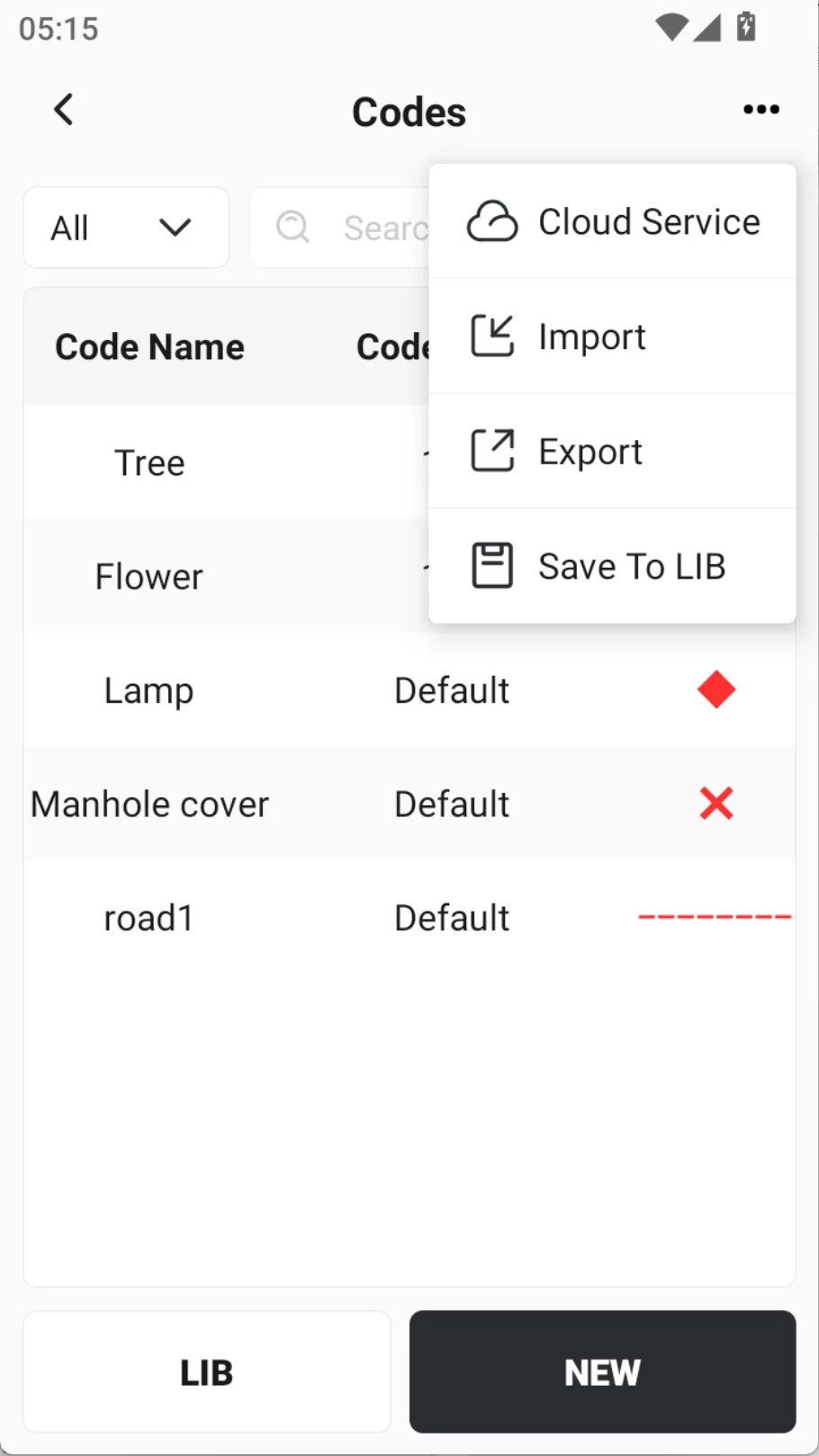
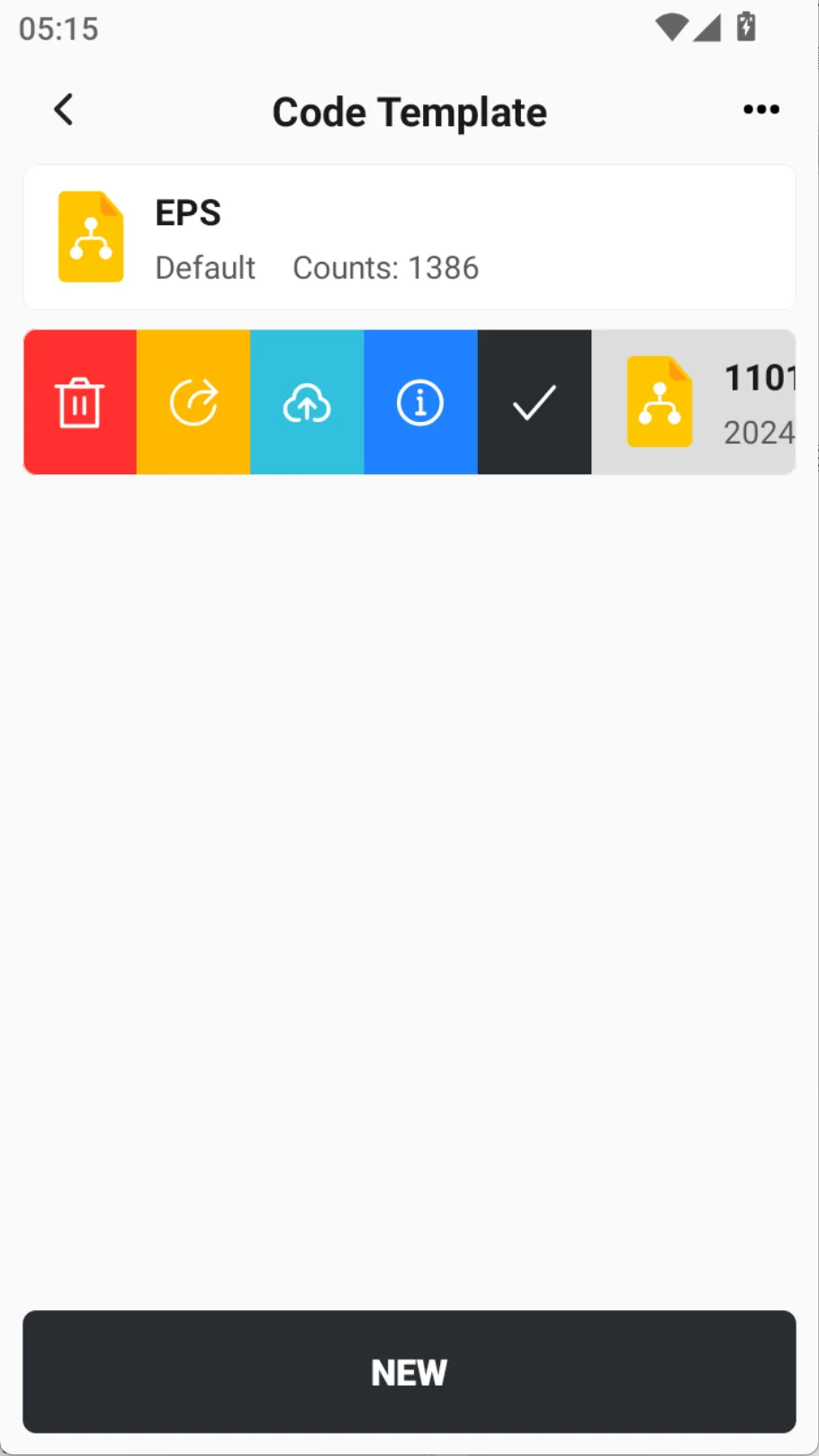
Go to [Codes] and click the [...] button in the upper right corner. You can import codes from the outside or from the code template, or save the current codes to the code list.
| Option | Description |
| Cloud Service | Download code files from cloud drive or sharing code. |
| Import | Import code files locally, or download them from cloud drive or share code. |
| Export | Export all the codes in the current list to local, or export to cloud drive or create a sharing code. |
| Save To LIB | Save all the codes in the current list to the code template. |
| Import Template | Download the code template, fill in according to the format, and then import custom codes in batches. See Chapter 9.4 for details. |
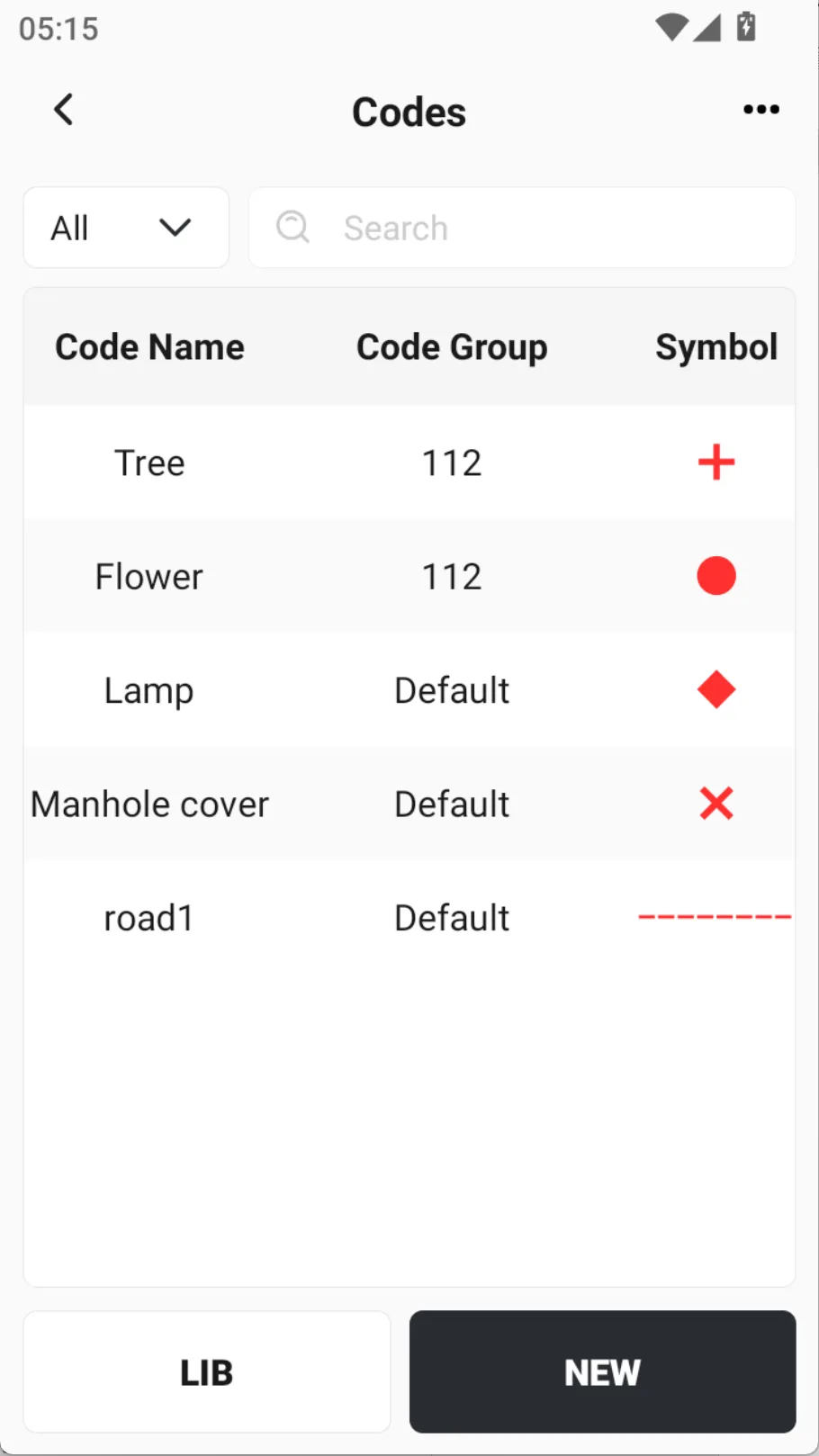 |  |  |
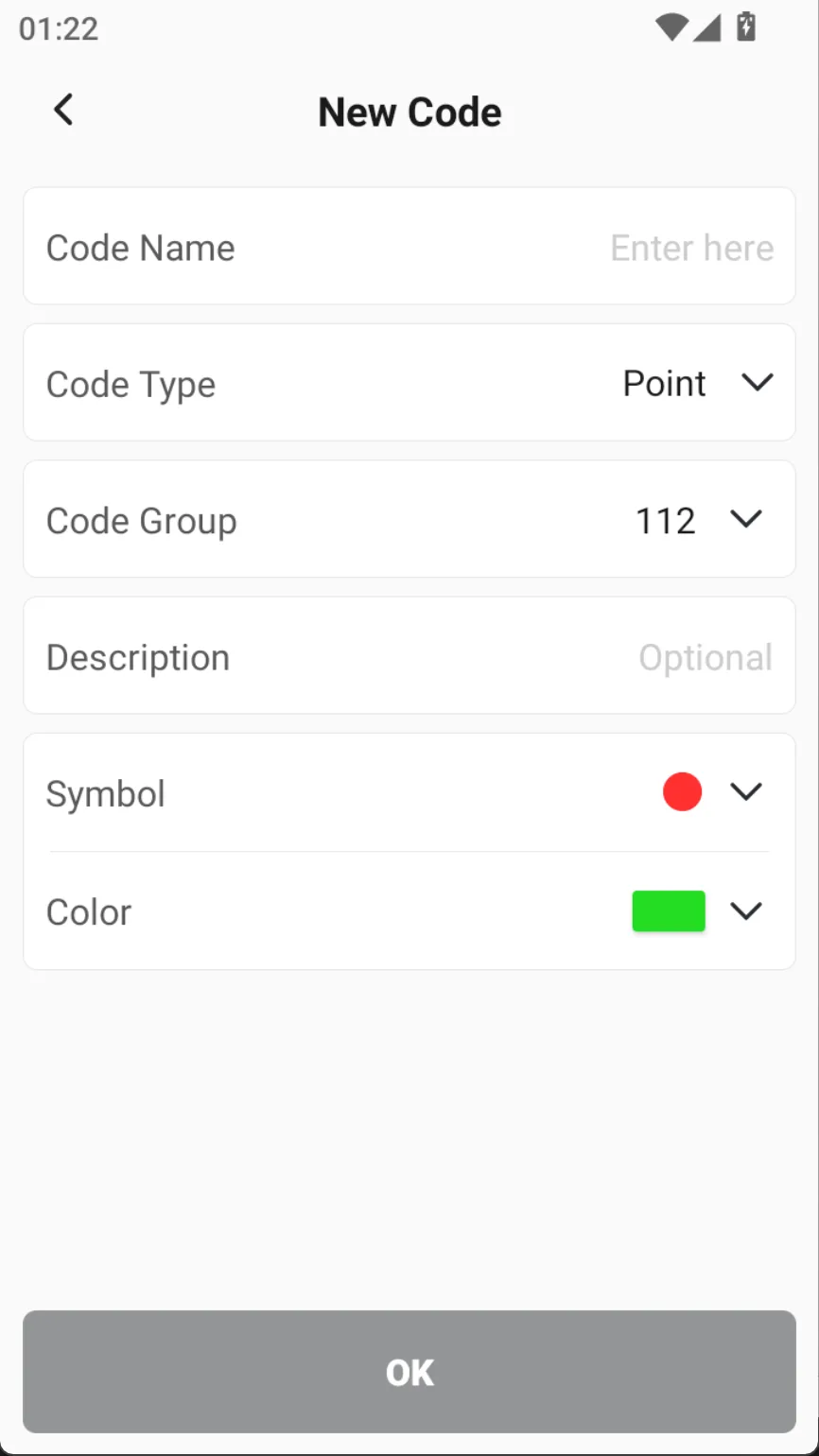
Click [NEW] button at the bottom to create a code. It supports three types: point, line and polygon. You can set rich properties for the code.
| Name | Description |
| Code name | Enter code name |
| Code type | Optional types include: point, line, surface |
| Code ID | Optional, supports letters and numbers, some industry software supports recognition |
| Code group | Group management can be performed on encoding |
| Description | Not required |
| Symbol | Node symbols, optional circle, cross, diamond, square, triangle, etc. |
| Color | Set the color of the node symbol |
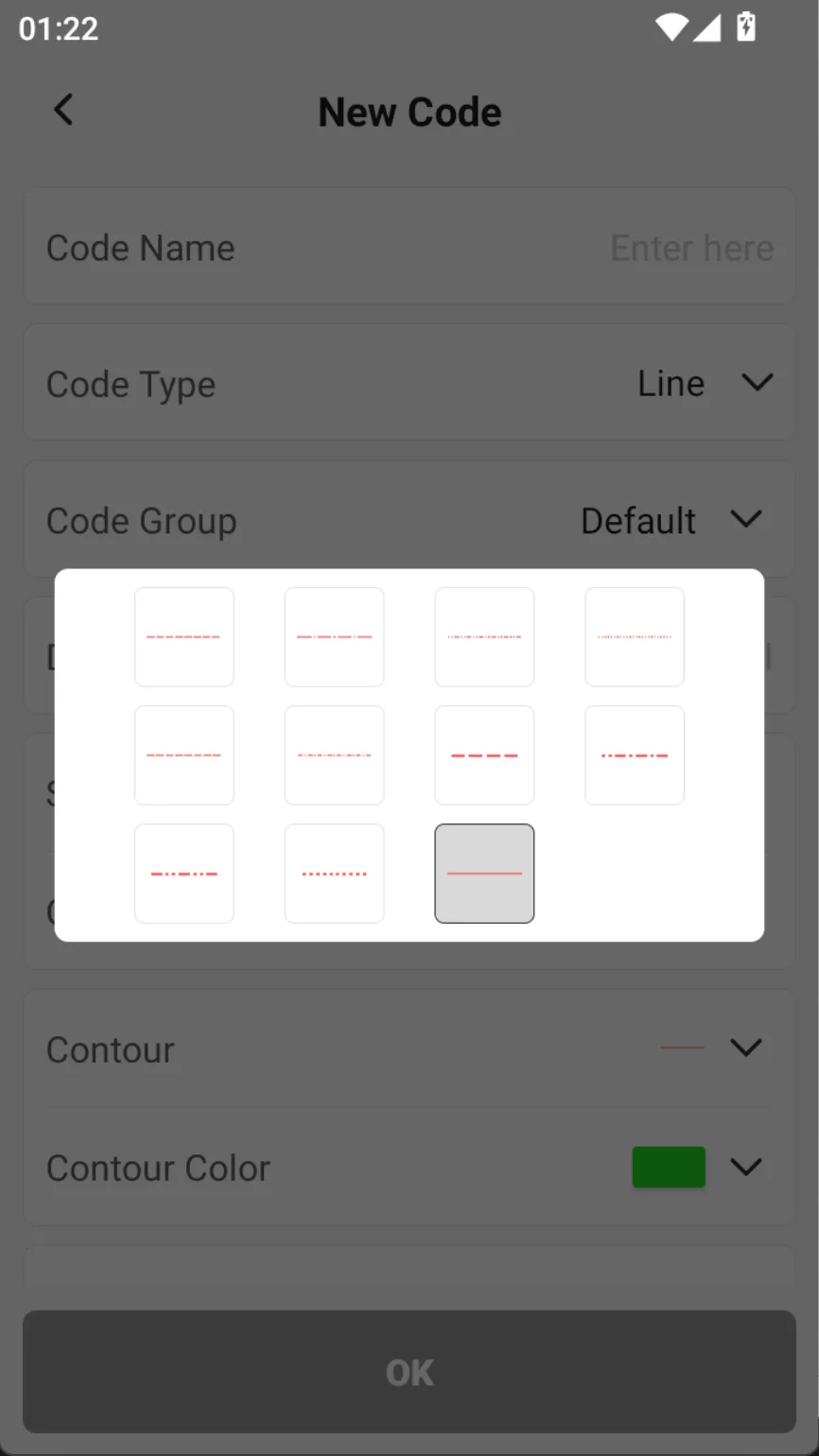
| Contour | The contour line type of line/polygon elements can choose different dotted lines, solid lines, etc. |
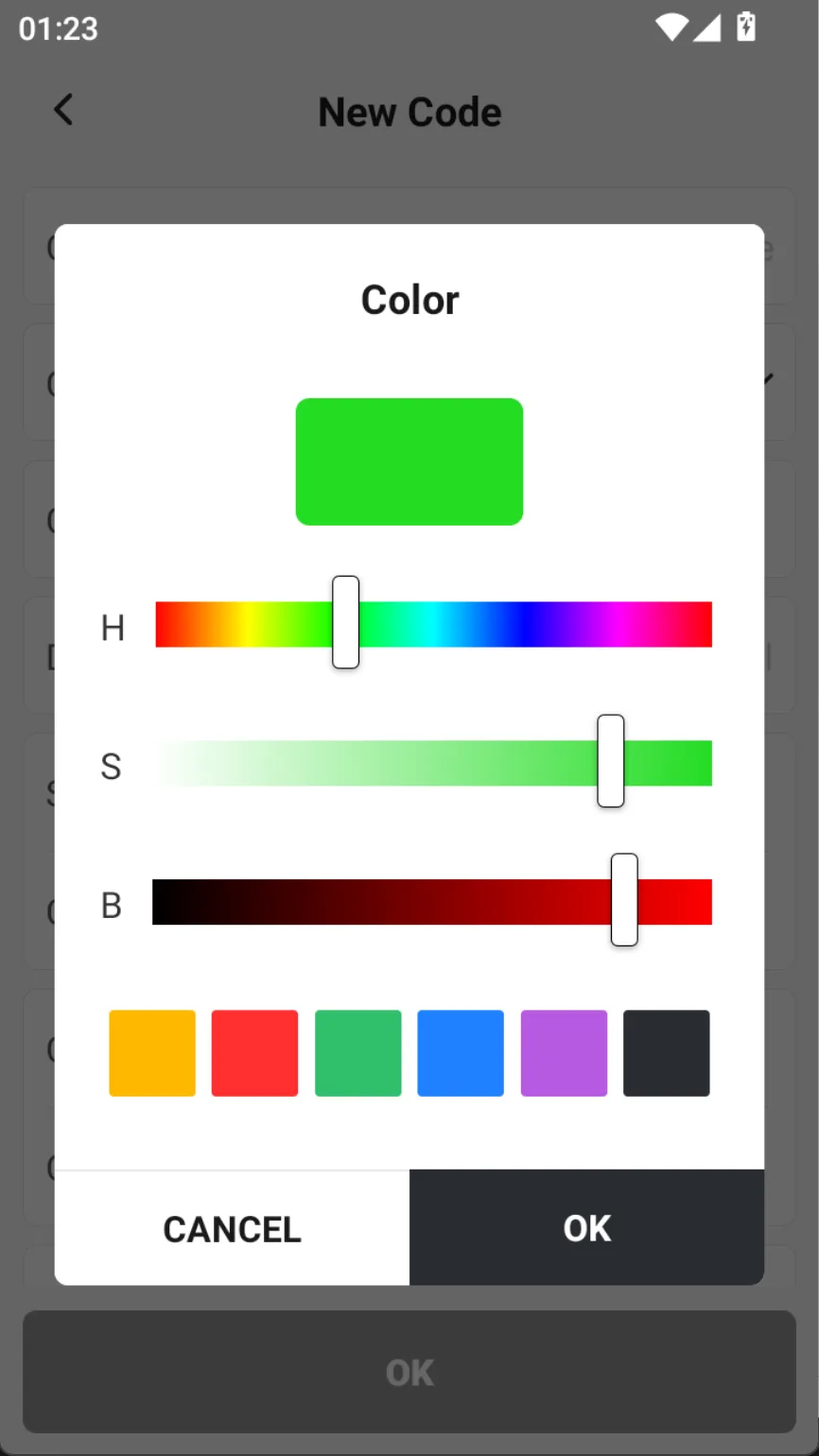
| Contour color | Set the color of the contour line |
| Fill style | When the target is a polygon element that is closed by a line or directly created, optional filling |
| Fill color | When the fill style is Fill, you can set the color of the fill. |
| Preview | Preview able contour and fill styles |
 |  |  |