
6.11 Track
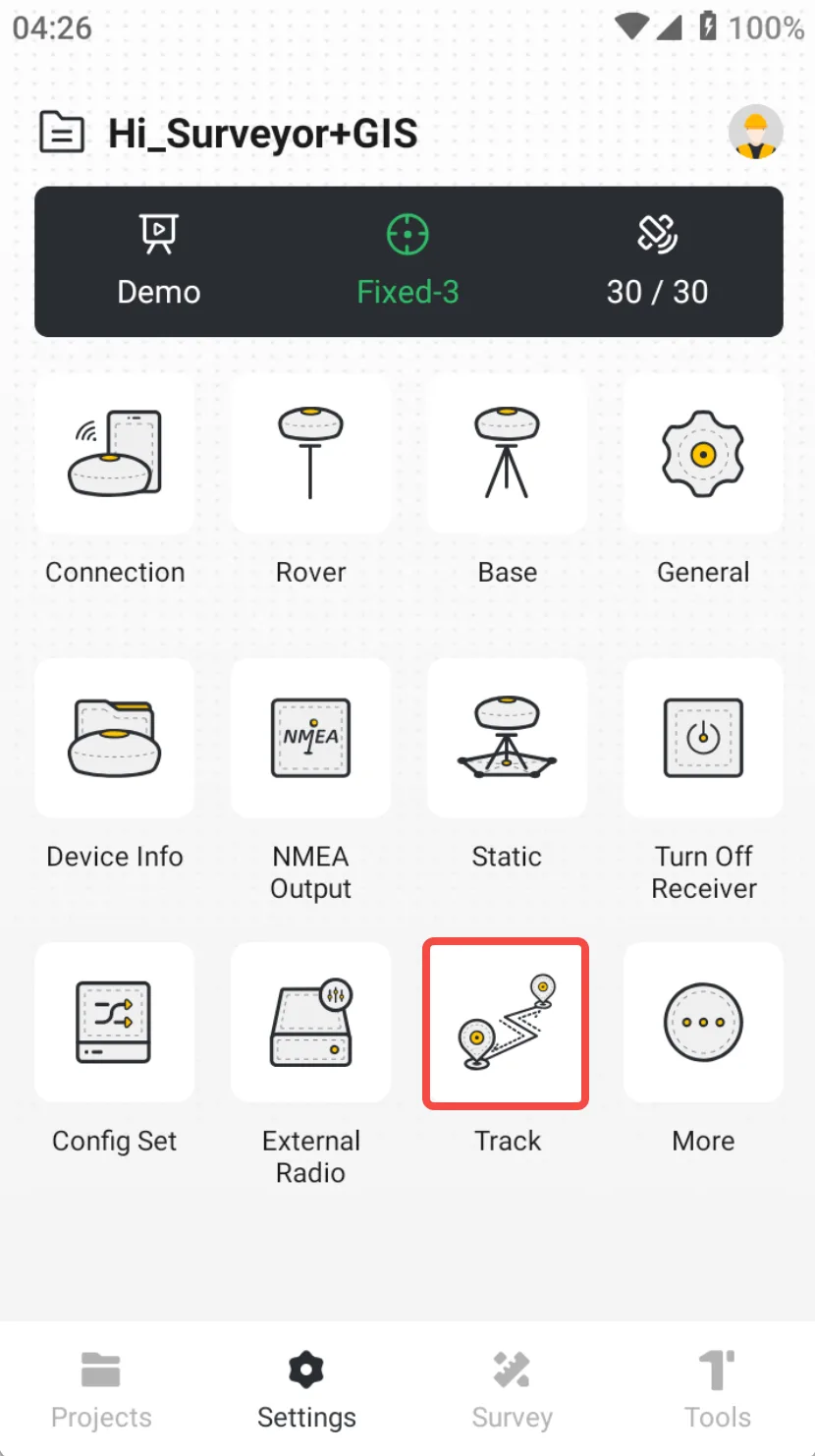
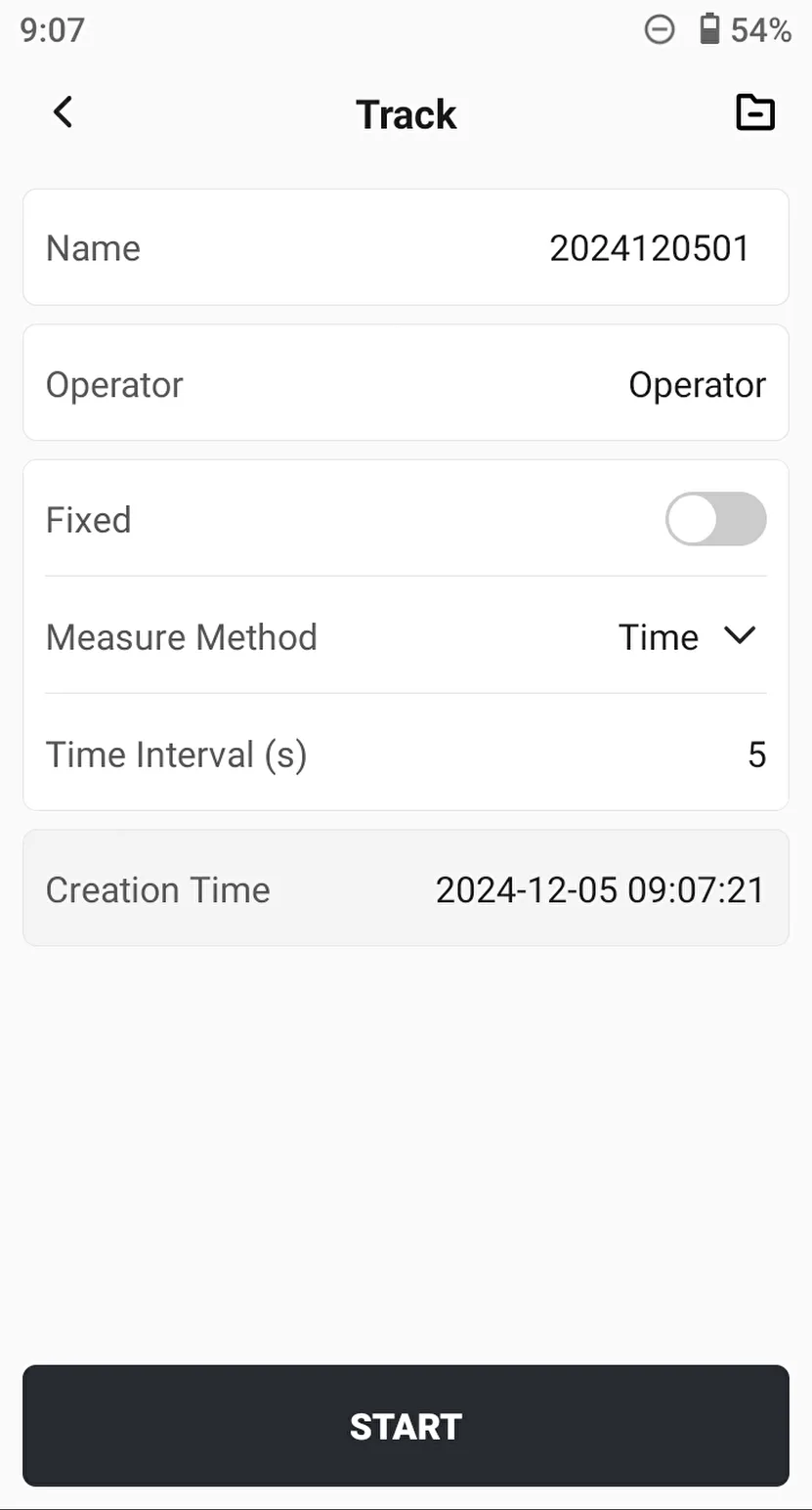
Real-time recording of RTK's motion track, and then exporting to the specified format. The [Track] function is easy to use, with rich recording methods and real-time preview. Click [Settings] → [Track], and directly click [START] button after setting is completed.
 |  | 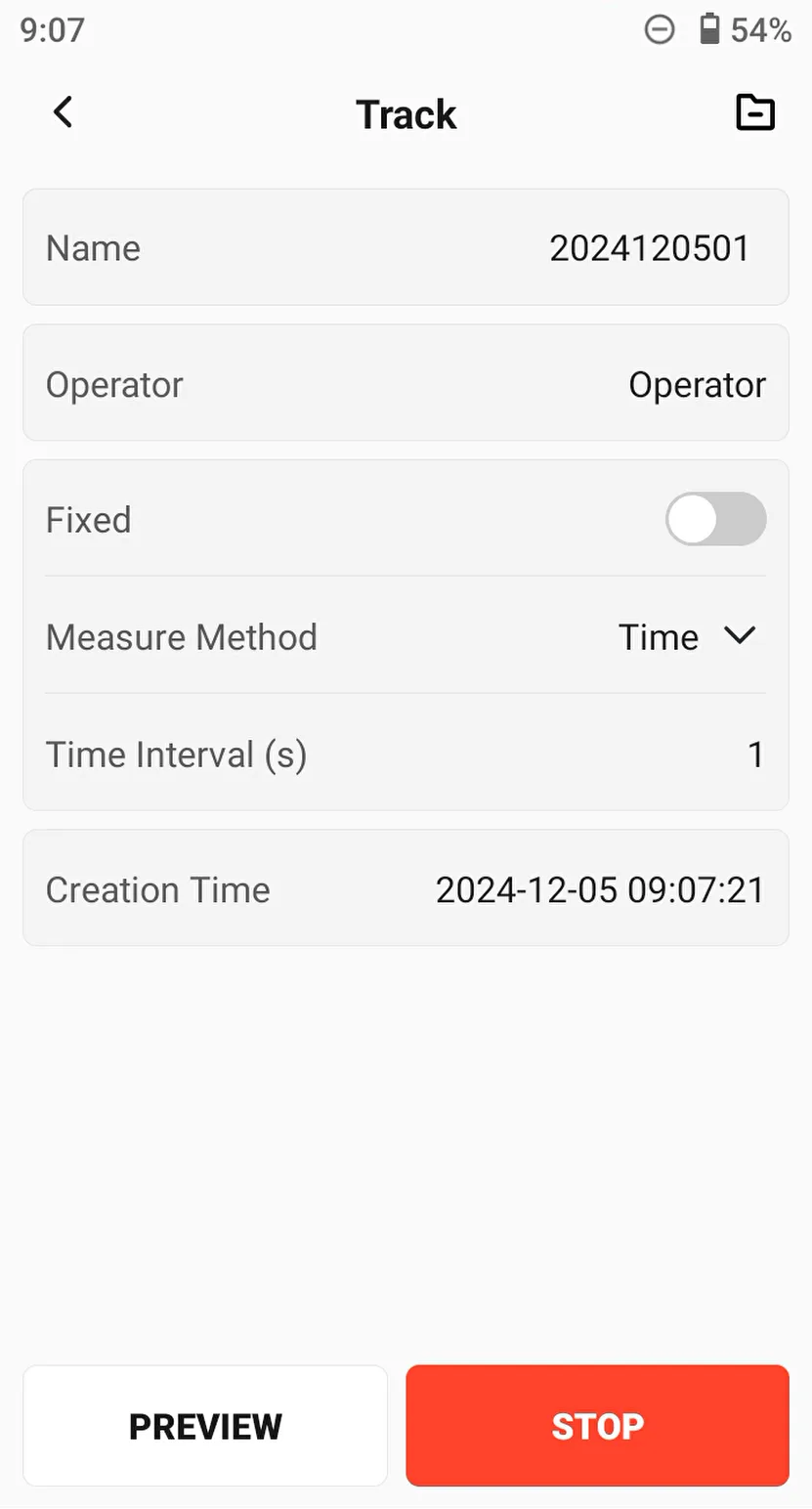 |
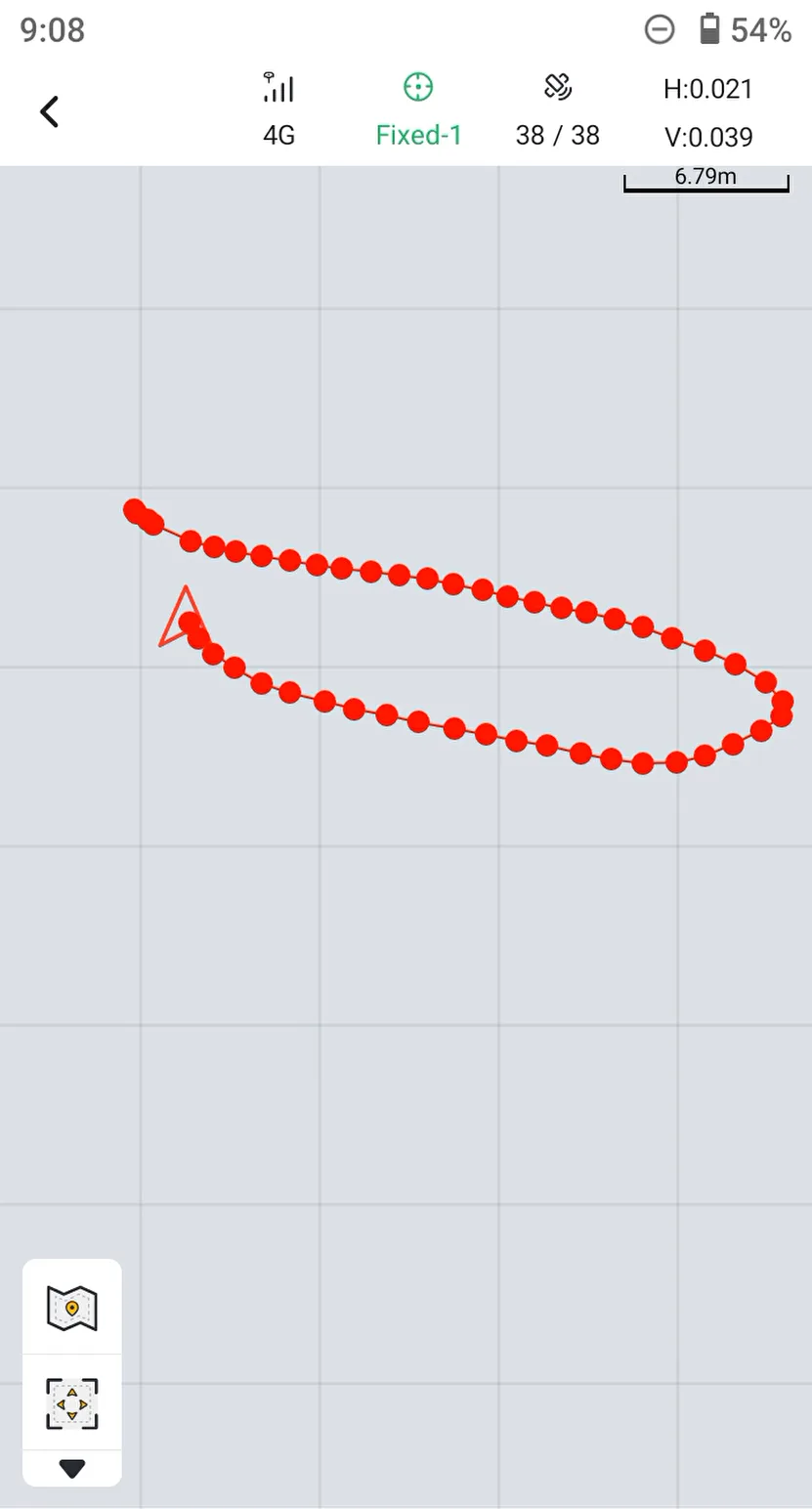
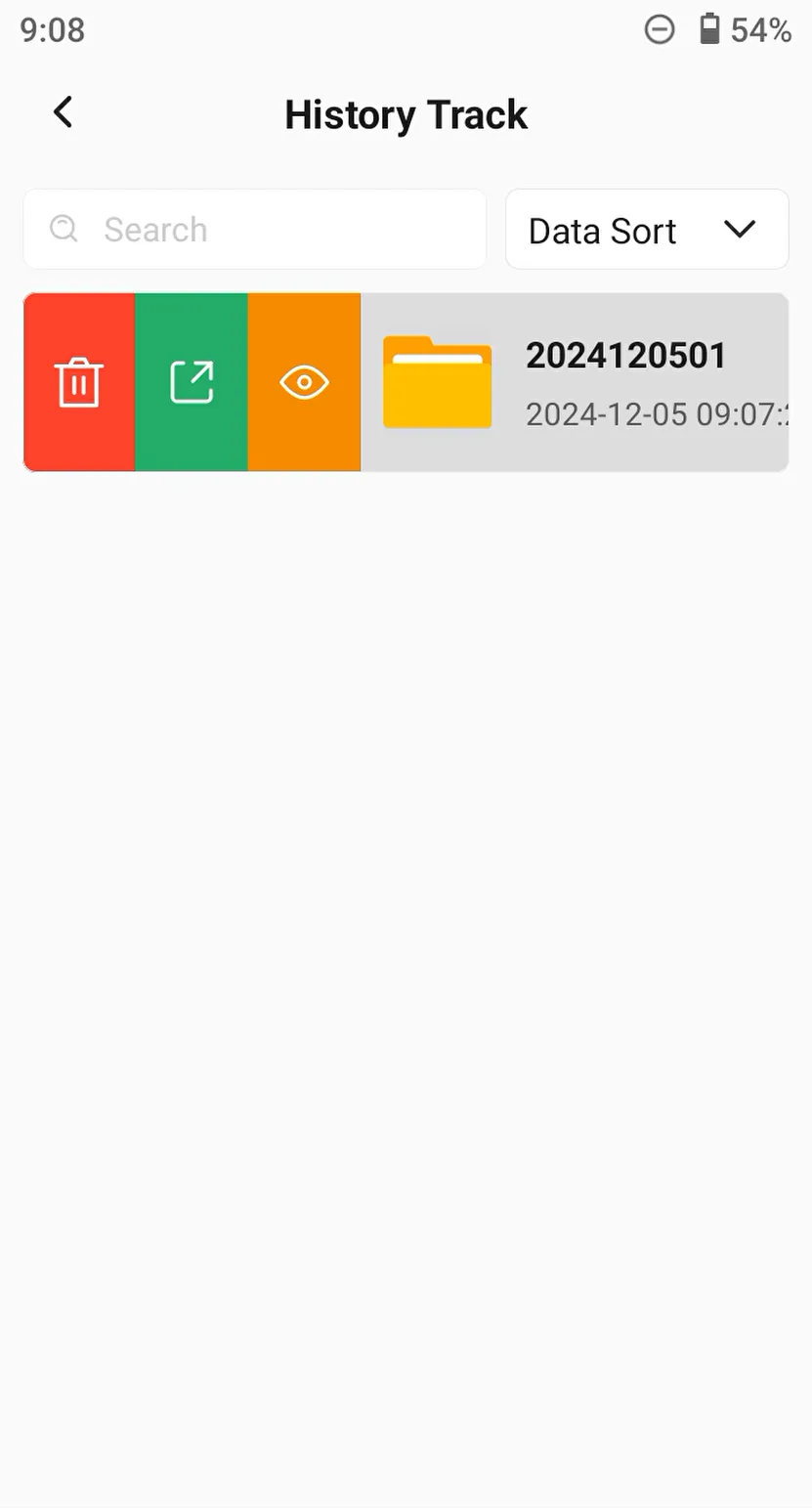
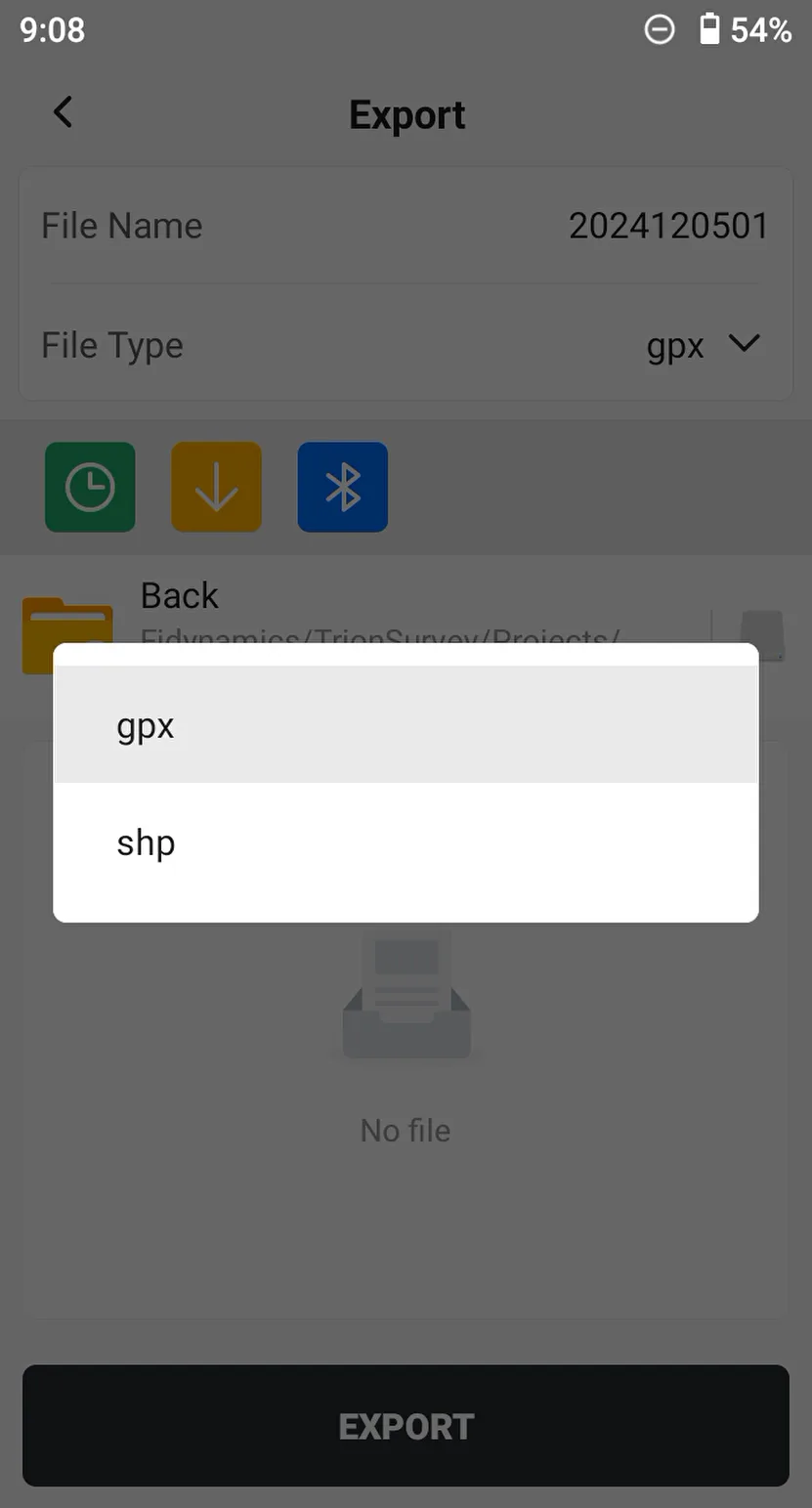
Click [PREVIEW] button to view the motion track, click the icon in the upper right corner to view the track list, click the [Export] icon to export gpx or shp format file.
 |  |  |