
8.2 Area
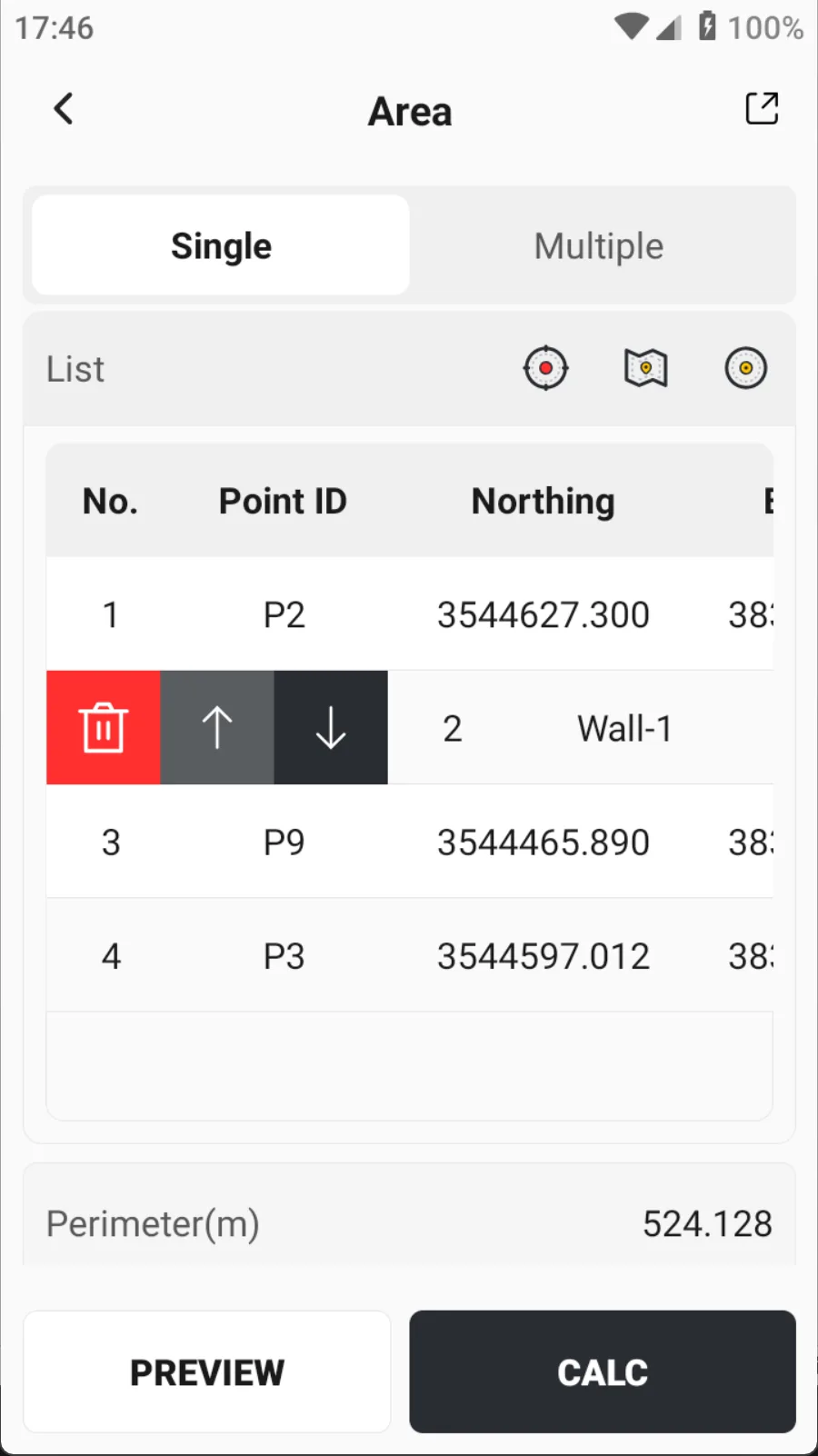
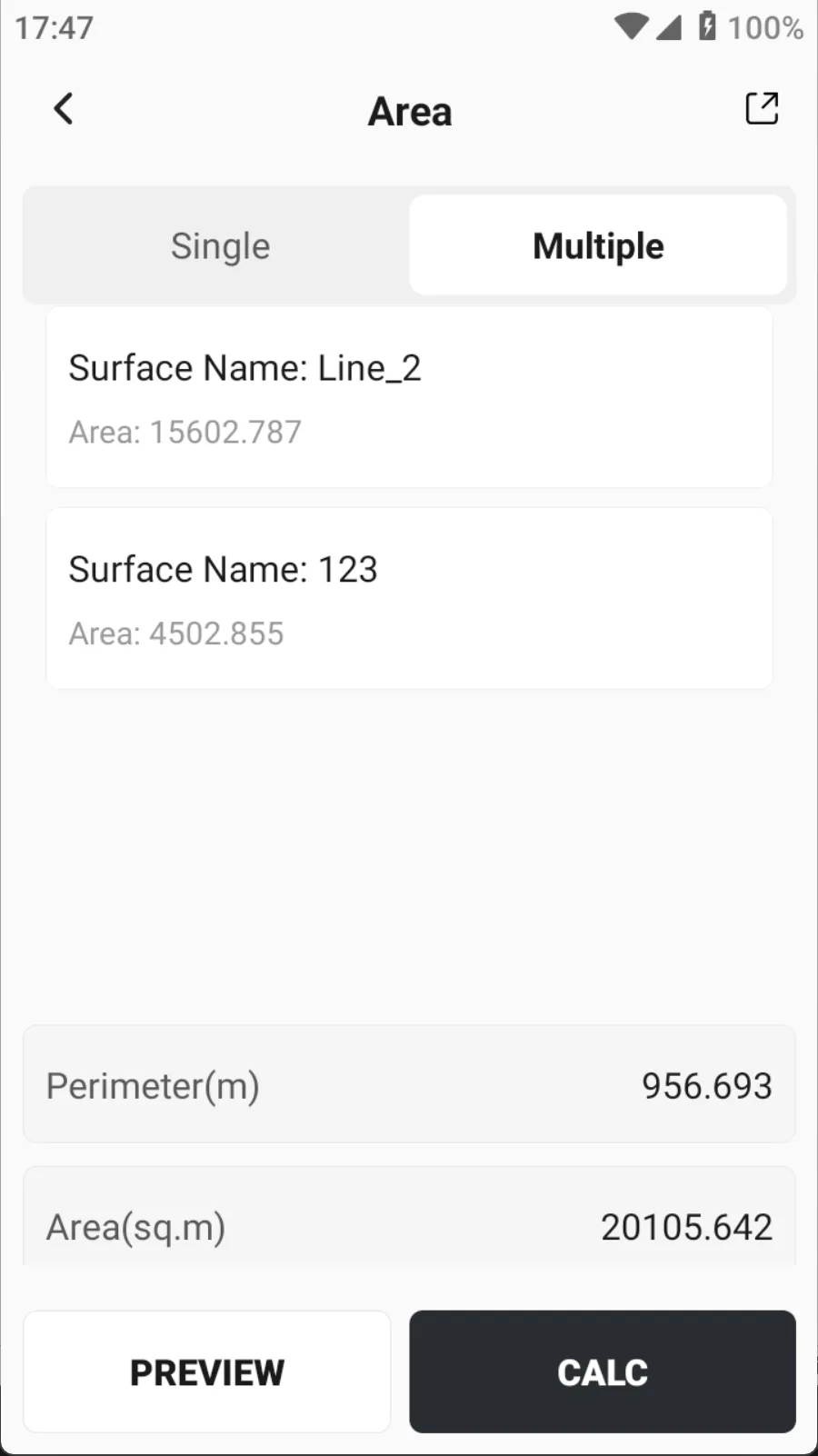
Click [Tools] → [Area] to calculate the perimeter and area of the figure. The coordinates involved in the calculation can be measured, selected from map or selected from point library. The perimeter unit switches globally with the system, and the area is displayed in five units simultaneously for easy user viewing. When calculating, you can select a single figure or multiple figures from the graph library for [Measure & Draw] to calculate the total perimeter and area of multiple figures.
Node list:
- Point selection method: Support measurement, map selection and point selection.
- List: Display the Point ID, northing, easting and elevation of the selected point.
- After selecting a point in the list, it supports deletion and sorting up and down, because the points calculated by area have a connection order, and the calculation results are different with different orders.
 |  |  |
Calculation results:
- Perimeter: Display the perimeter of the calculated area.
- Area: Five units are listed on one page, including: square meters, acres, square feet, acres and hectares.
Preview and export:
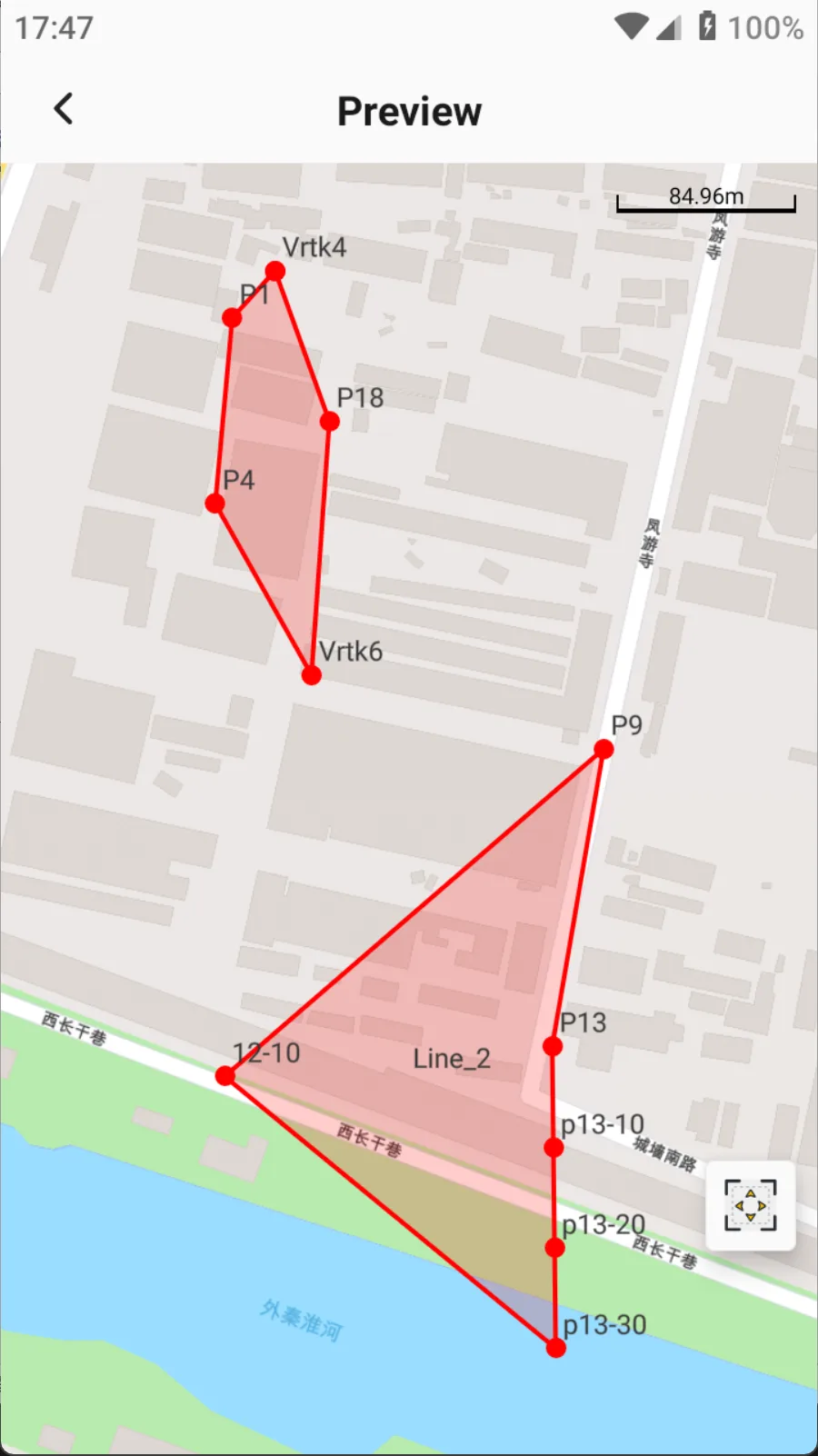
- Preview: After the calculation results are out, you can click the [Preview] button to view the plane view of the area calculation, which also displays the length of each side.
- Export: You can save the file in * .html/* .pdf format, including node information, graphic information and result information.