
5.4 Edit Road
During road engineering construction, in order to ensure that the structures of each part of the line meet the design and specification requirements, and to better grasp and control the construction quality of the project, technical personnel need to constantly inspect and monitor the centerline and excavation (filling) edge of the line. The main work of Stake Road is to calibrate the plane position and excavation height of each pile point on the line.
Before performing road field survey, the road must first be edited or imported.
5.4.1 Glossary
| Glossary | Explanation |
|---|---|
| Intersection | Currently, the commonly used road design method only requires users to input the coordinates of the intersection points of the line curves and the corresponding information such as the length, radius, and mileage of the line to obtain the coordinates of the element points, pile points, and line points, as well as intuitive graphic display, making it easy to carry out measurement work such as line stakeout. |
| Element | The line element method, also known as the element method or building block method, divides the road according to the properties of straight lines, gentle curves, and circular curves. With each section of input, the shape of the line can be arbitrarily combined. For complex curves such as oval lines, multi-intersection curves, and virtual intersection points, the line element method can be used to define them. |
| Coordinate | Coordinate method is a new road input method developed on the basis of traditional element method and intersection method, which is simpler and easier to popularize. Due to the fact that some roads are composed of straight lines and circular curves, and the connection between these straight lines and circular curves is not absolutely tangent, in simple terms, the azimuth angle of the straight line is 130 °, and the starting azimuth angle of the circular curve it connects to is 140 °. This kind of road is more troublesome to handle with the element method and the intersection method, so a special and relatively simple flat curve design method - coordinate method has been extended. |
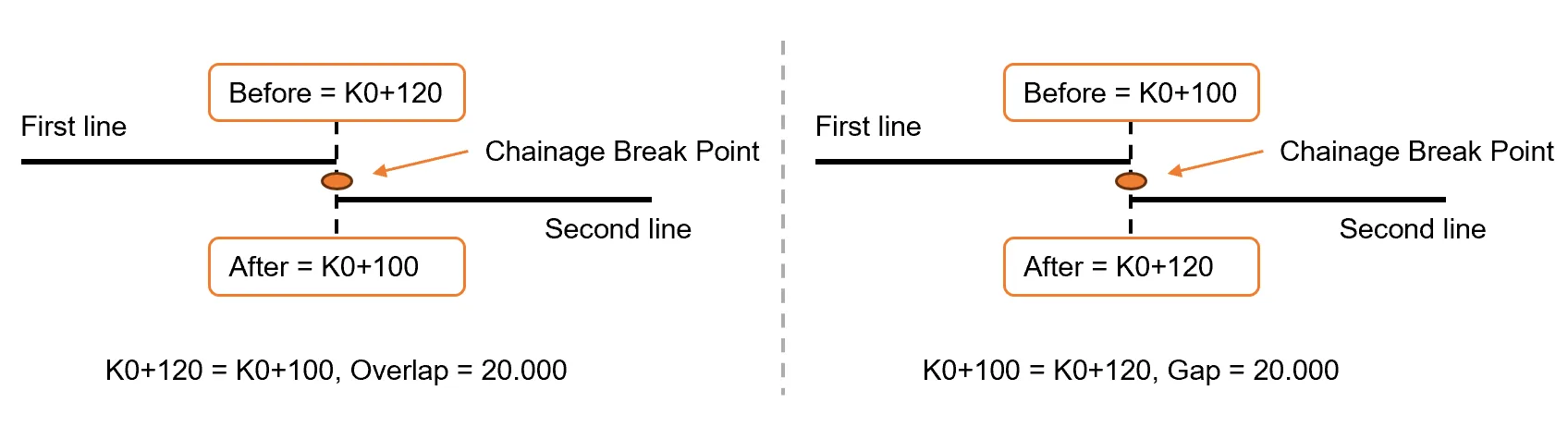
| Broken chain | The phenomenon of discontinuous pile numbers caused by local line changes or segmented measurements. There are mainly two situations: 1. Long chain: Front mileage > Back mileage, the connection time is longer. 2. Short URL: Front mileage < Back mileage, the connection is shorter. Breaking pointThe point where the new and old pile numbers are not continuous. Generally set at: 1. The position where the new line meets the old line exactly. 2. On a straight line or at points HZ/YZ, it is basically not set on a curve.
|
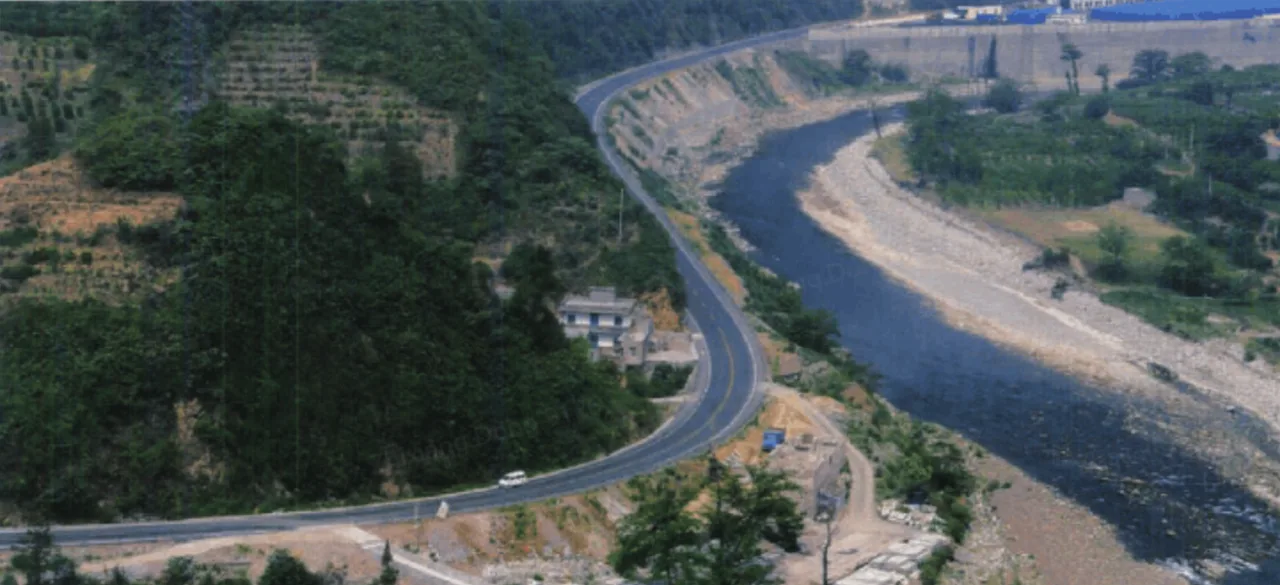
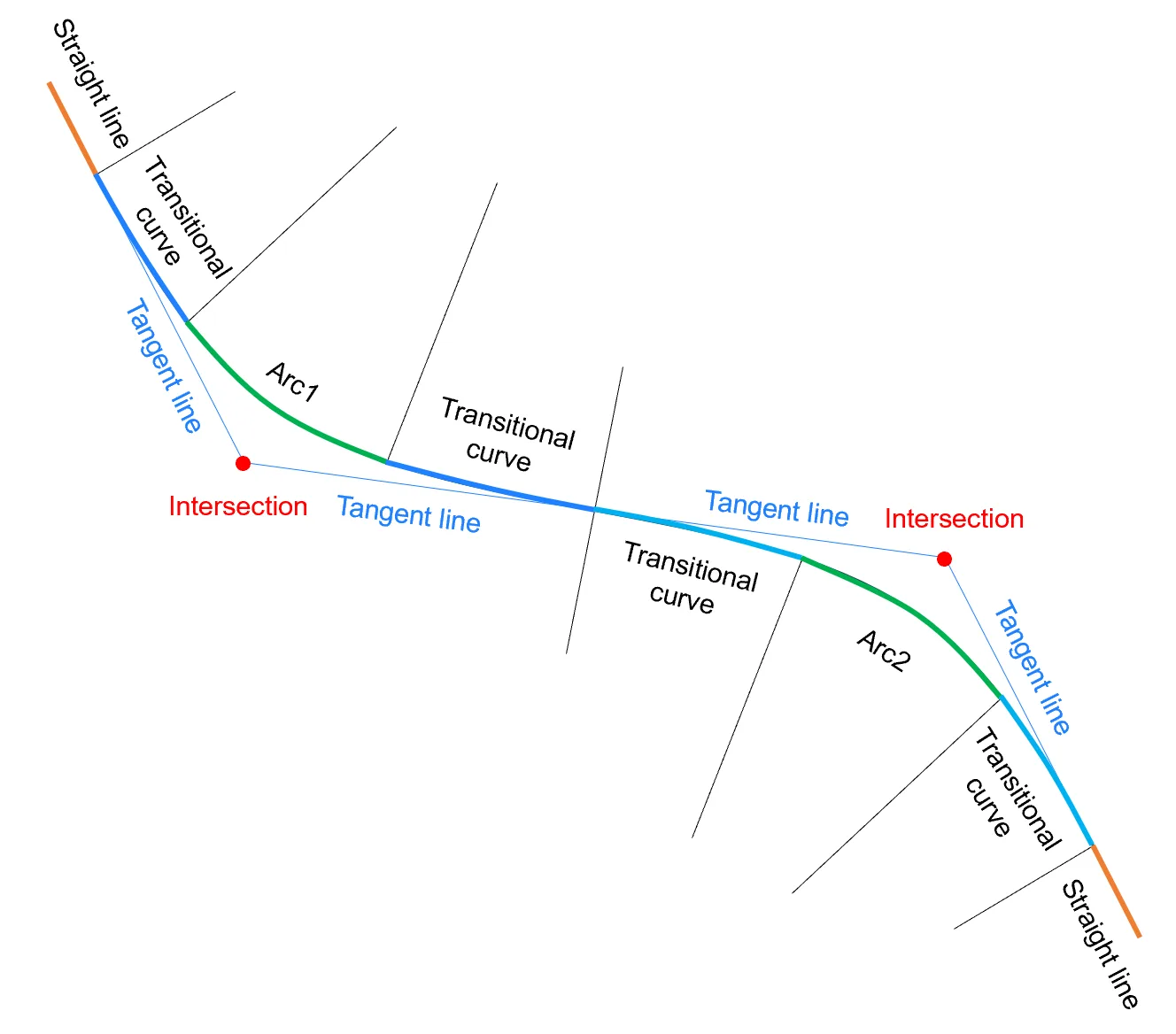
| Horizontal Alignment | During road construction alignment, due to the influence of terrain factors, the direction of the route on the plane inevitably needs to be changed. Therefore, the route determined by directional measurement is generally composed of broken lines. In order to meet the requirements of driving, curves must be used to connect adjacent straight line segments.
A flat curve consists of straight lines, gentle curves, and arcs.
|
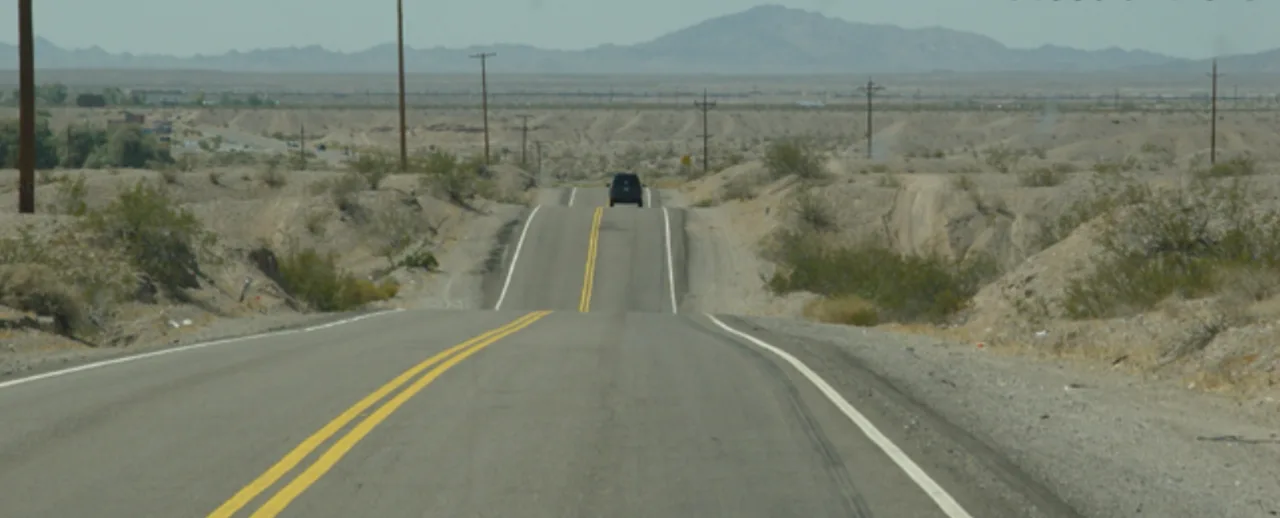
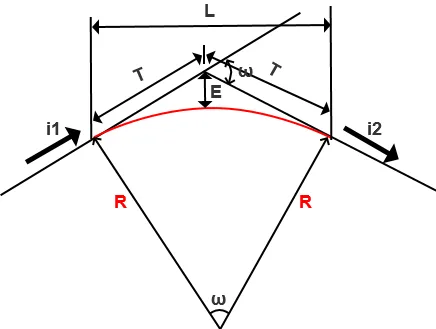
| Vertical Alignment | The intersection of two adjacent longitudinal slope lines on the longitudinal section of the road is called the slope change point. In order to ensure driving safety, comfort, and visual distance, a vertical curve is set at the slope change point. The main function of the vertical curve is to alleviate the impact caused by the change in driving momentum at the longitudinal slope change point, ensuring the longitudinal driving visual distance of the road; appropriately combining the vertical curve with the flat curve is conducive to road drainage and improving the visual guidance and comfort of driving.
R: Vertical curve radius; L: Vertical curve length; T: Vertical curve tangent length; E: Vertical curve outer distance
|
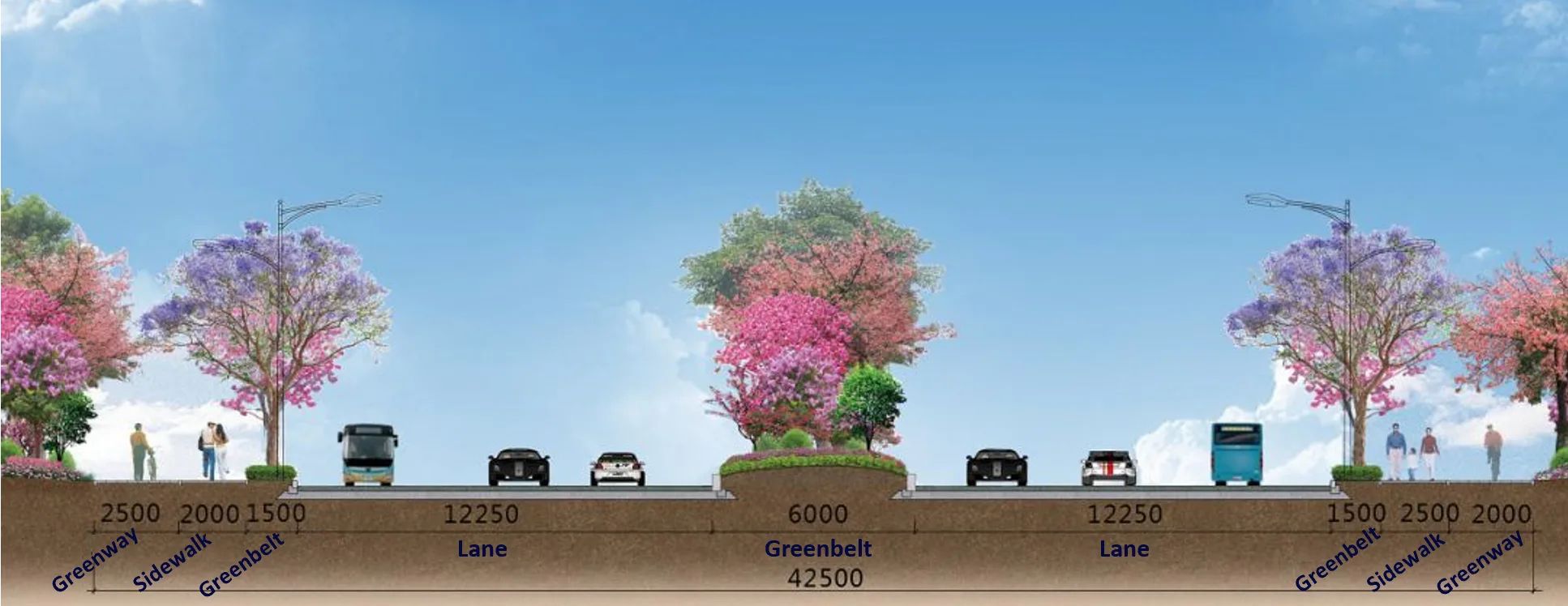
| Cross section | Section perpendicular to the centerline of the road. The main components of the highway cross-section include: roadway (road surface), shoulder, ditch, slope, greenbelt, partition, retaining wall, etc.
|
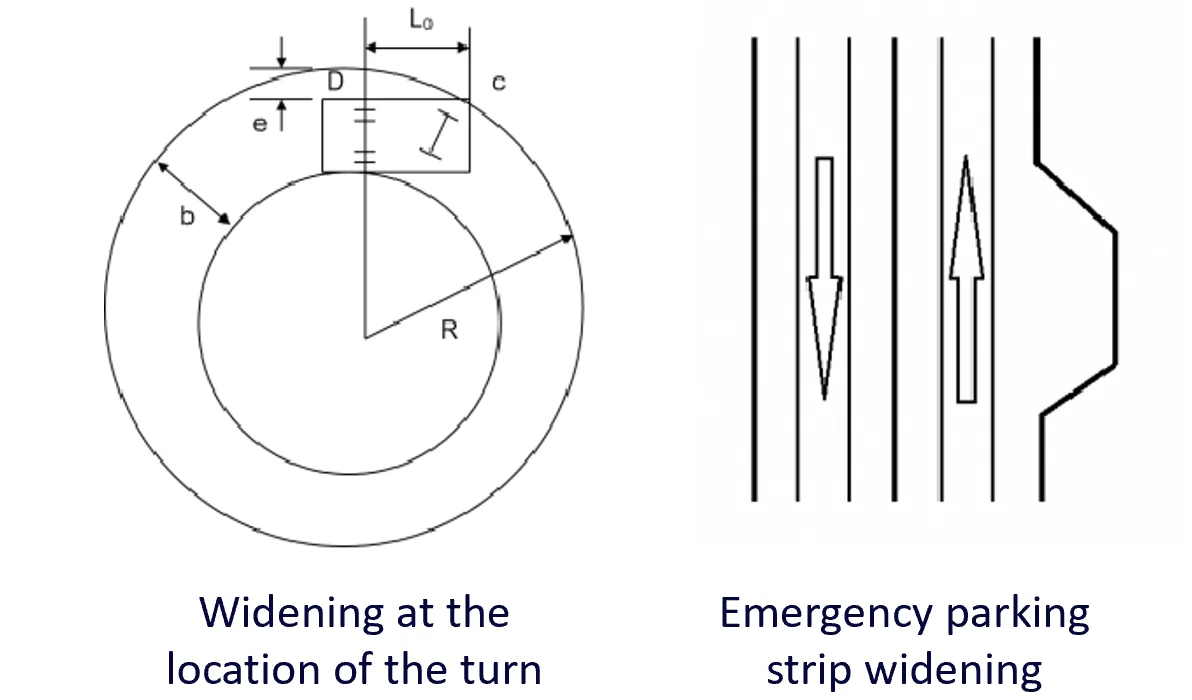
| Widths | When a car is driving on a bend, the driving trajectories of each wheel are different. The radius of the driving trajectory of the rear wheel on the inside of the bend is the smallest, while the radius of the driving trajectory of the front wheel near the outside of the bend is the largest. In order to ensure that the car does not occupy adjacent lanes when turning, all curve sections with a radius of less than 250 meters need to be widened. Widening includes the following types: turning widening, emergency parking strip widening, and line separation widening.
|
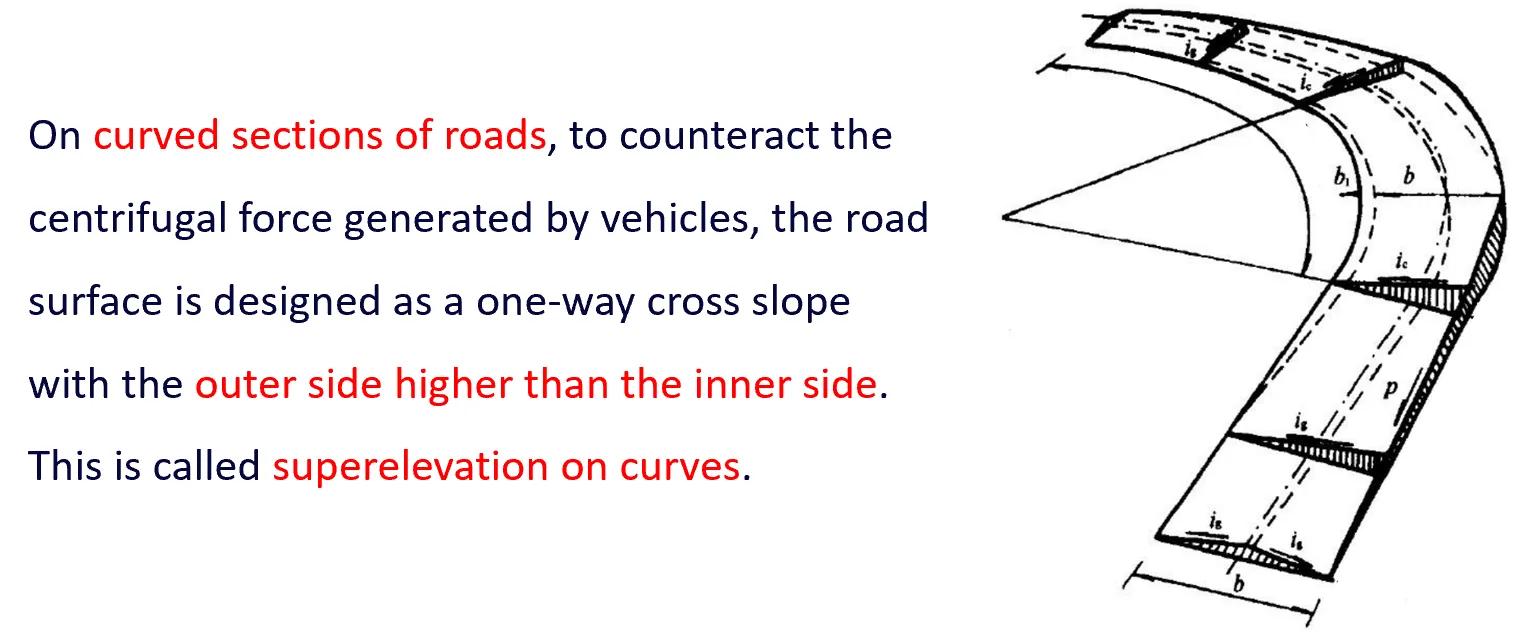
| Superele -vations | When driving on a circular curve, sliding will occur due to lateral or centrifugal forces. In order to counteract the centrifugal force generated by the vehicle when driving on a circular curve section and ensure that the vehicle can pass through the circular curve safely, stably, meet the design speed, economically, and comfortably, a one-way horizontal slope with the outer side higher than the inner side is set on the cross section of the section. Simply put, when the line turns, one side is raised or the other side is lowered to overcome the centrifugal force. This is reflected in the software as changes in the plate slope.
|
5.4.2 New road
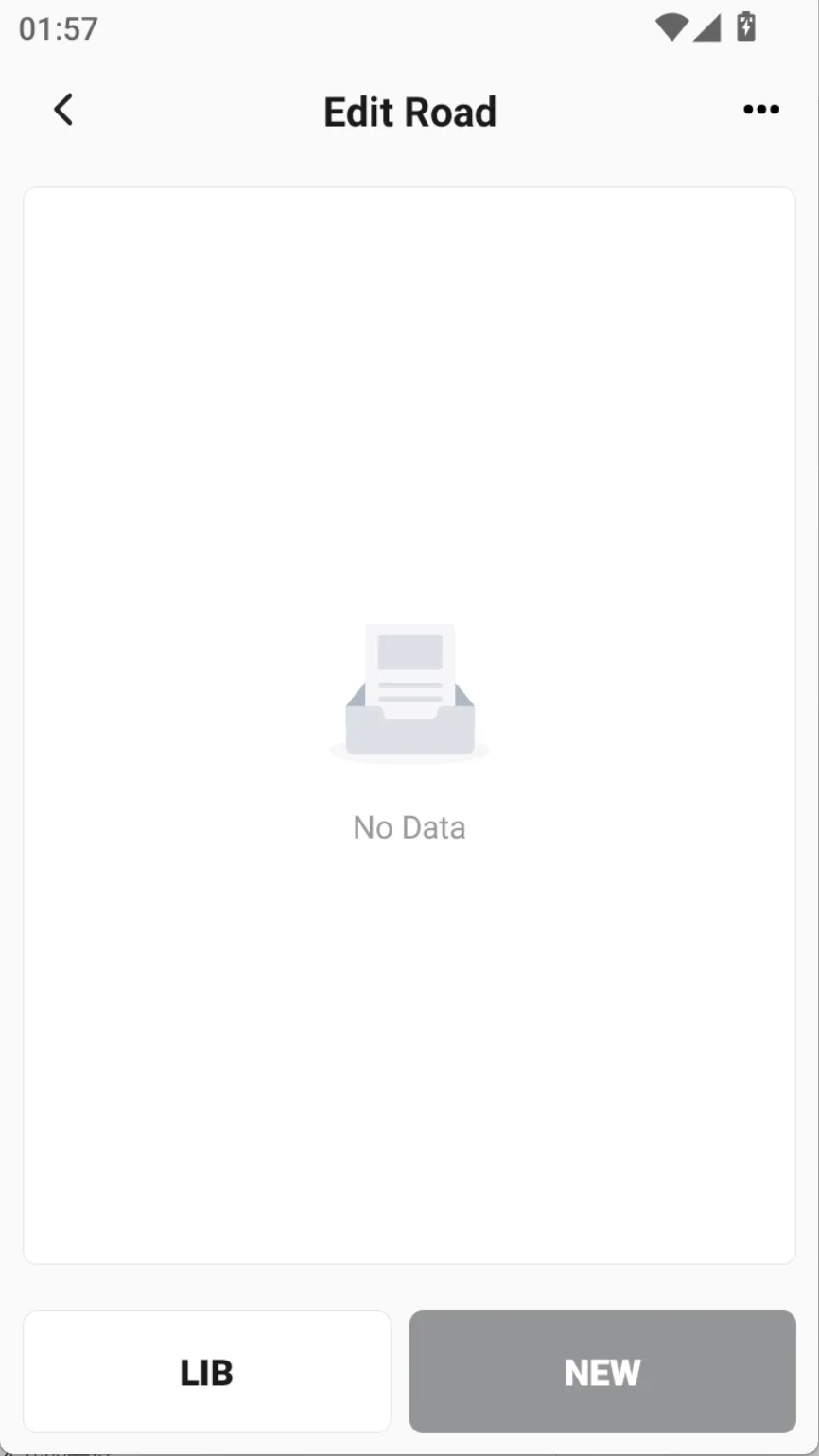
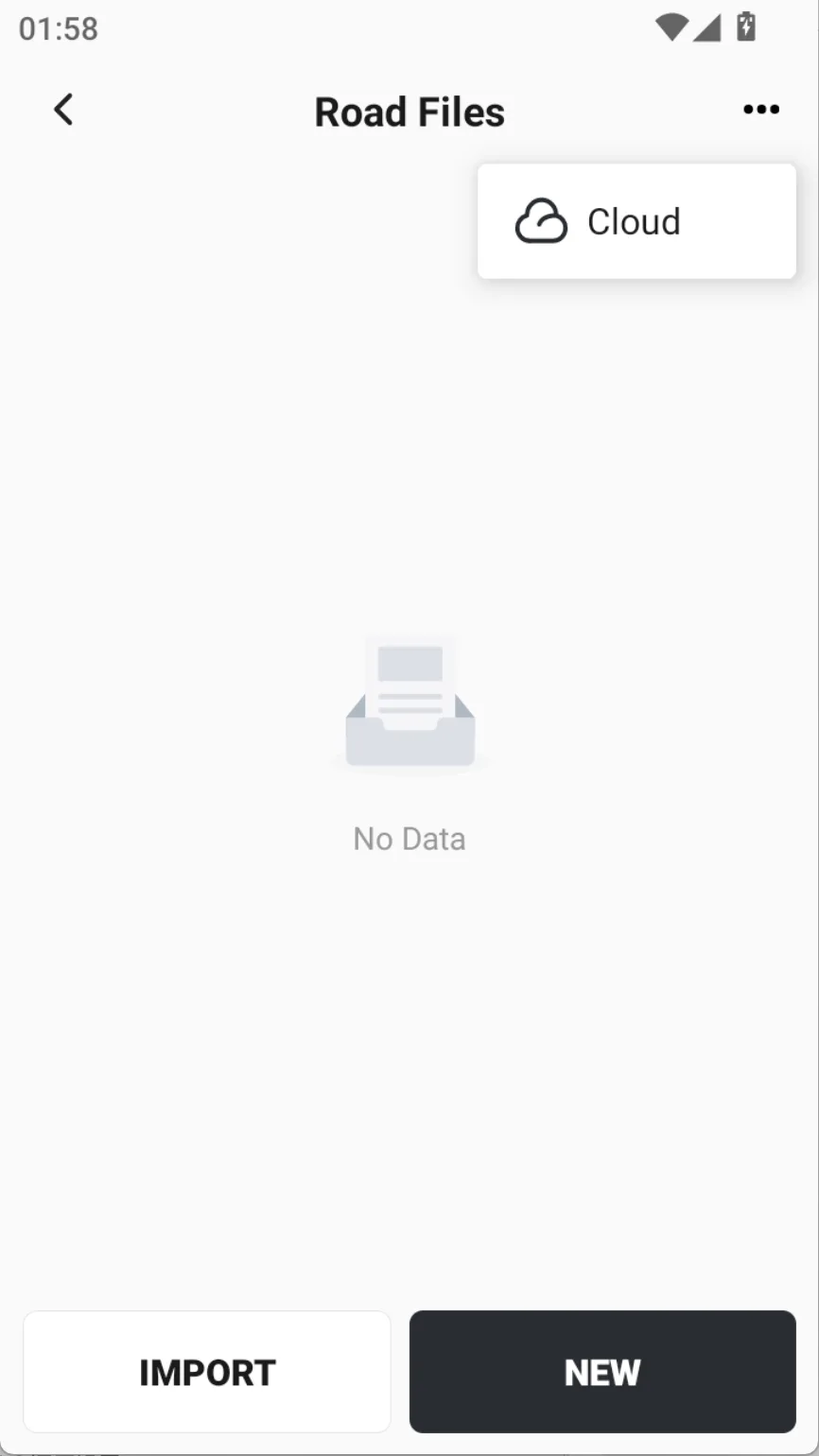
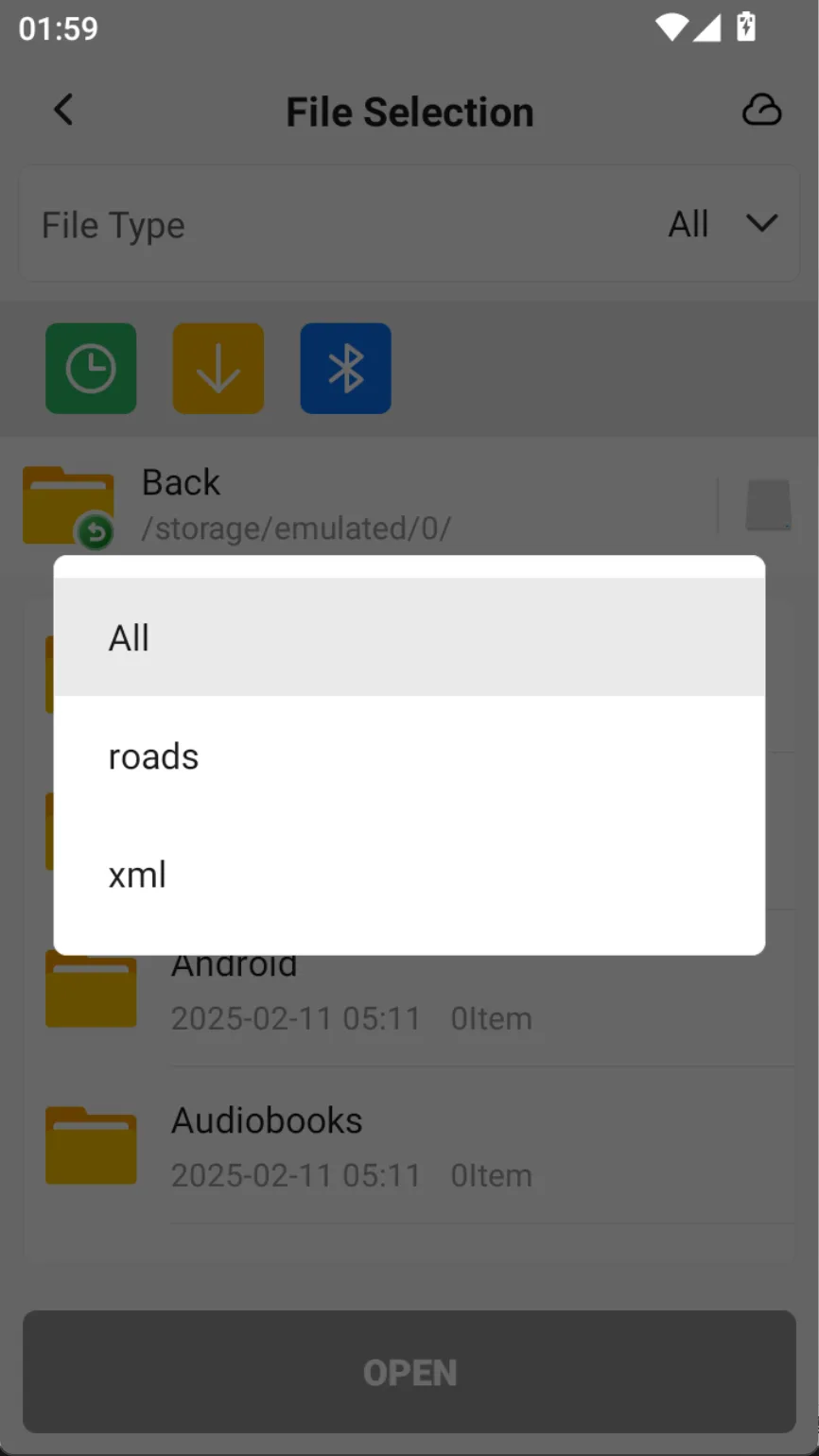
A project can only display one road file. Go to [Edit Road], click [NEW] to create a new road file, or click [Import Road File] in the upper right corner. Currently, LandXML road files are supported and can recognize station Equations, horizontal alignment, vertical alignment, and cross-sections.
 |  |  |
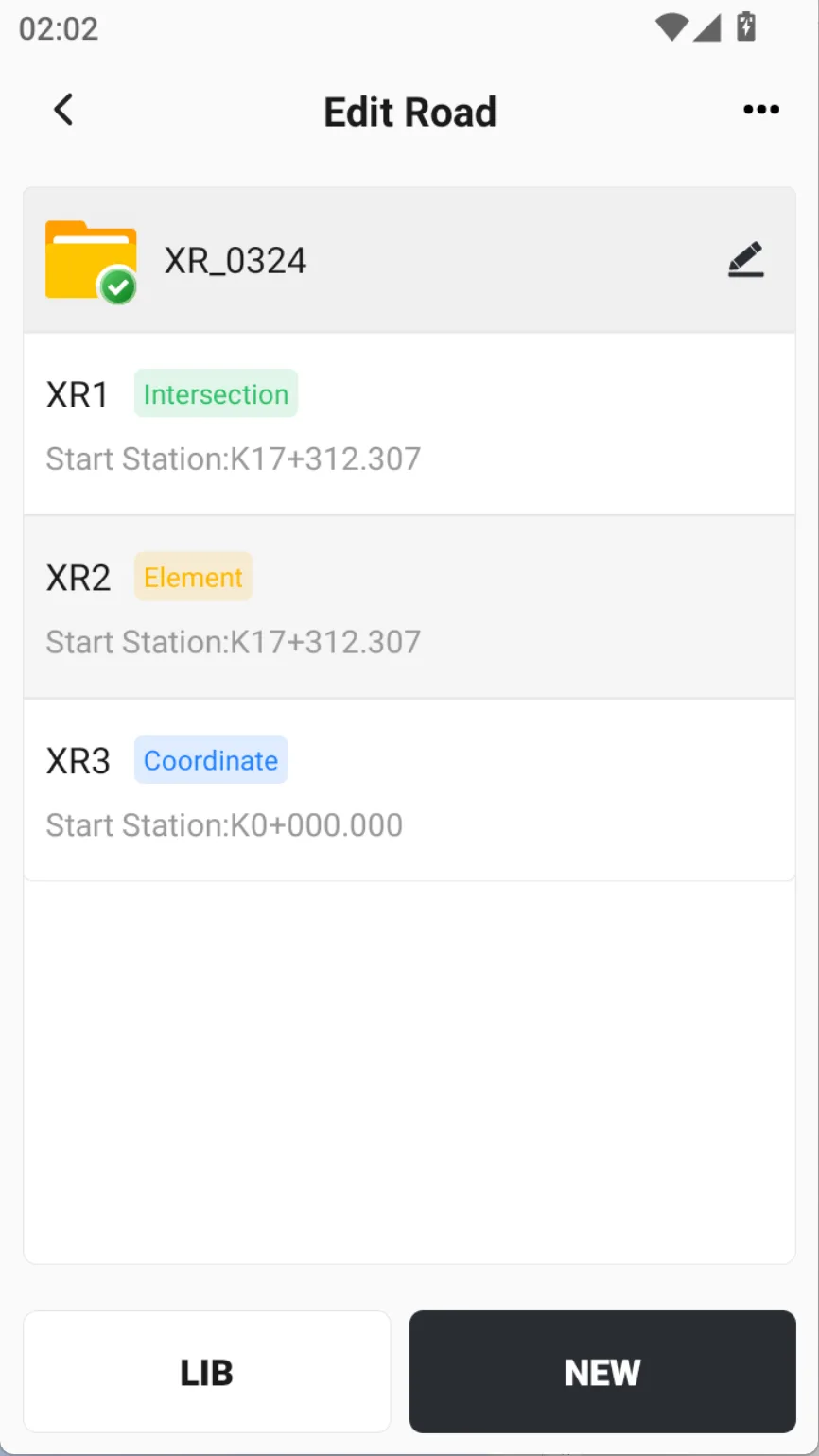
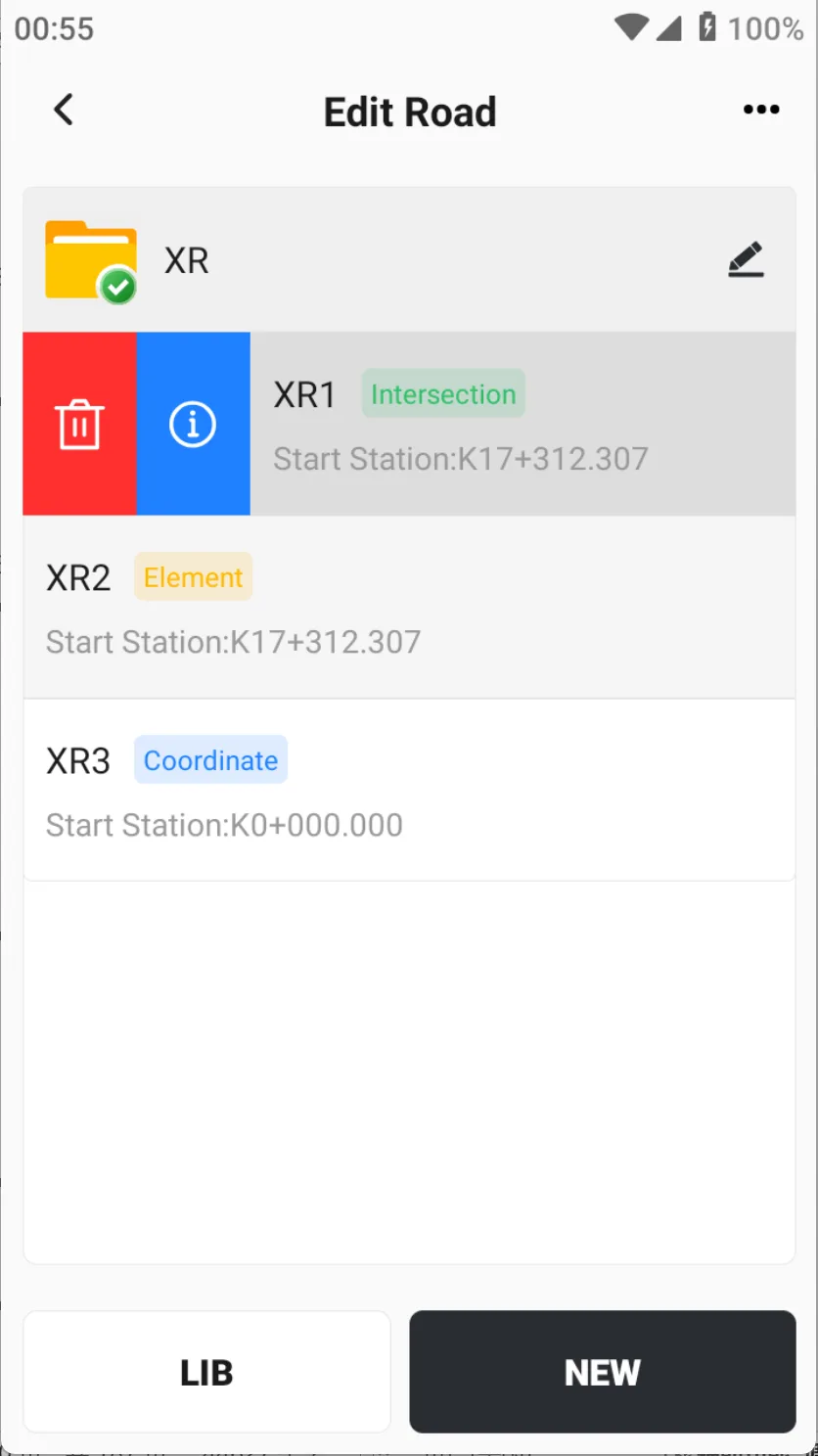
A road usually consists of many lines. Click the [NEW] button at the bottom to add a new road. The newly added road will be displayed in the list.
 | 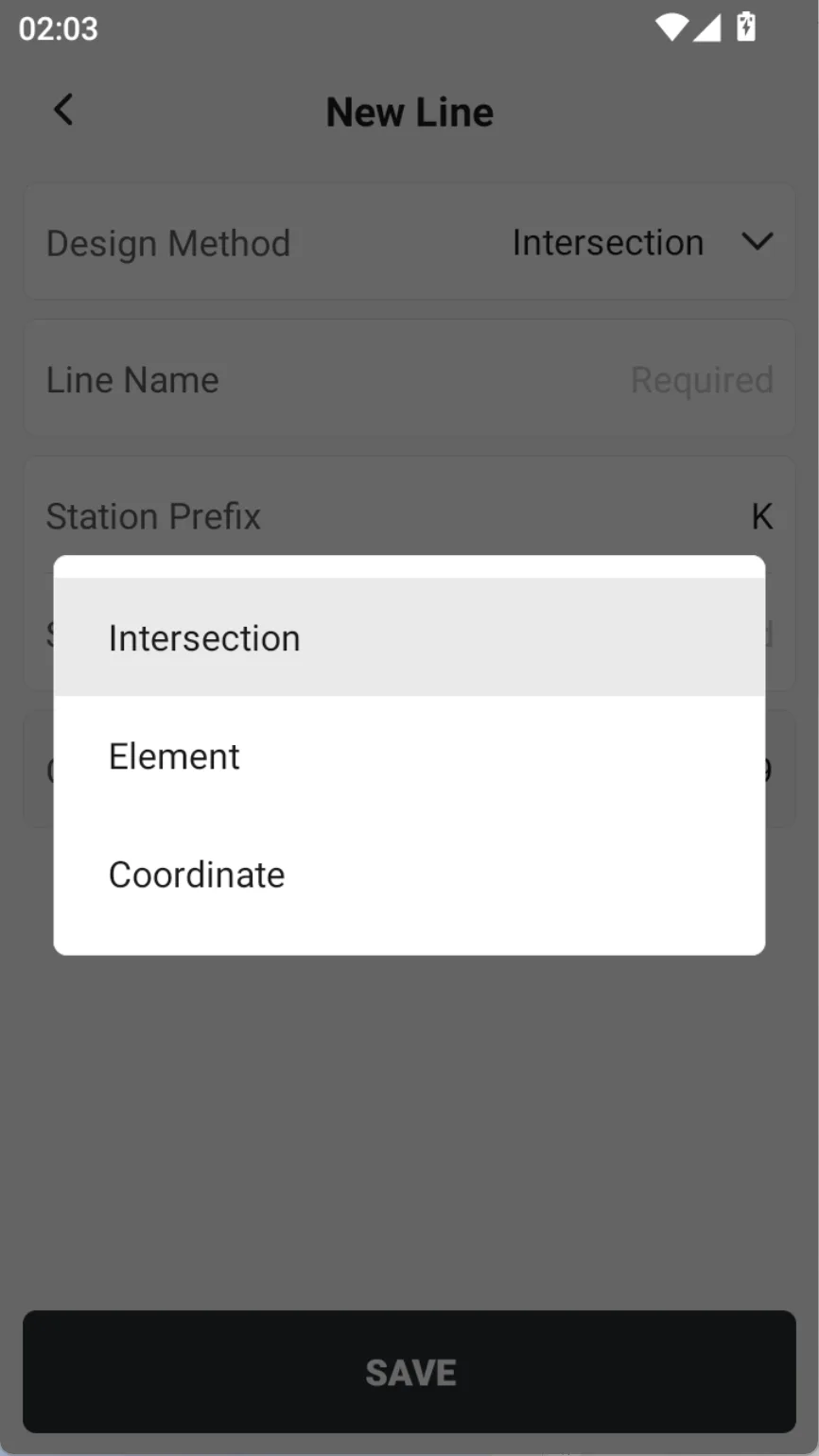 | 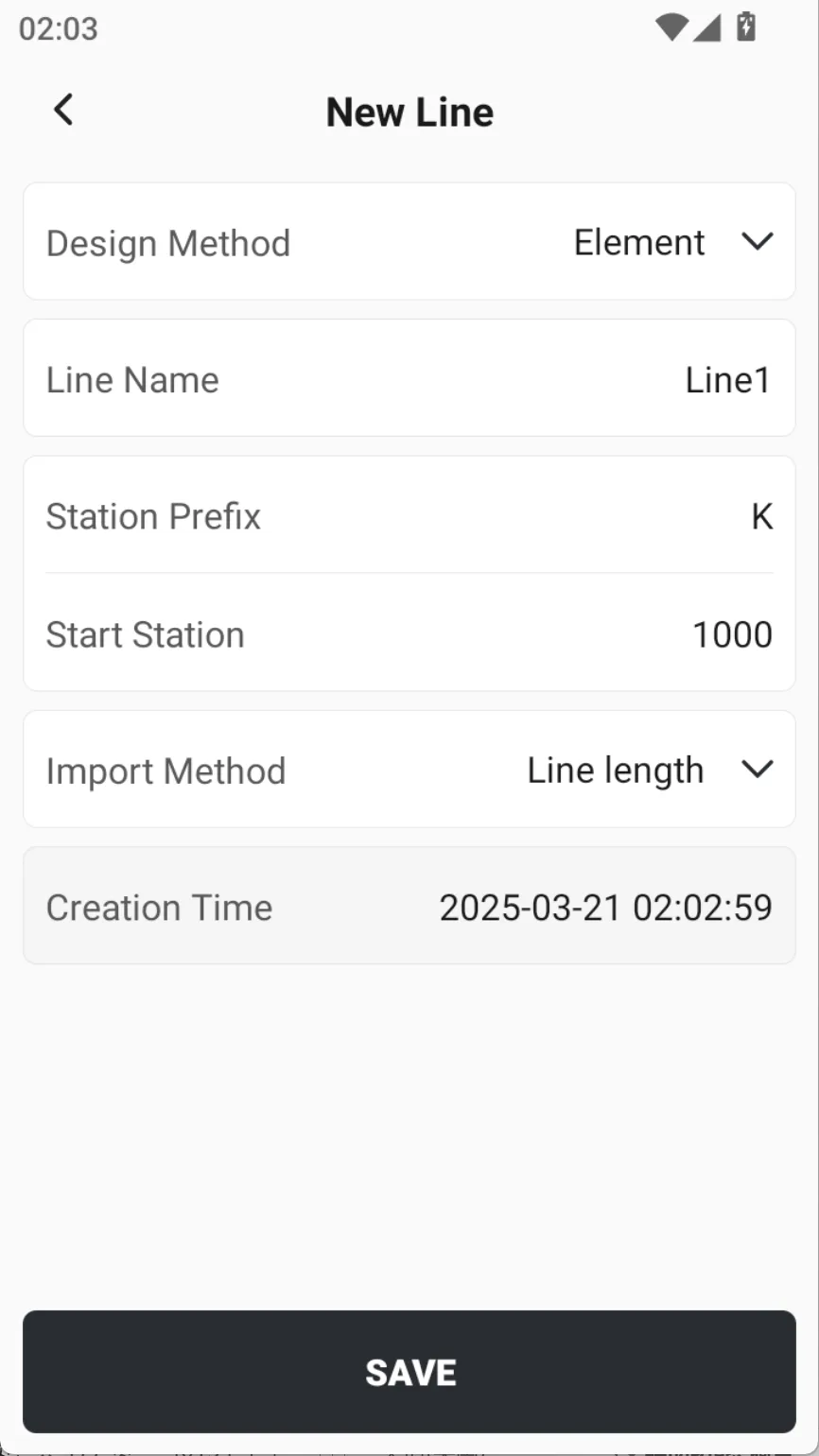 |
The information to be filled in for adding a new line is as follows:
| Name | Description |
| Design method | Optional Intersection, Element and Coordinate method |
| Line name | Enter the name of the line |
| Station prefix | Fill in up to two letters |
| Start station | Input line start station |
| Input method | When using the element method for design, the line length and end station can be selected |
| Creation time | The time when the line is added cannot be modified. |
5.4.3 New line - intersection
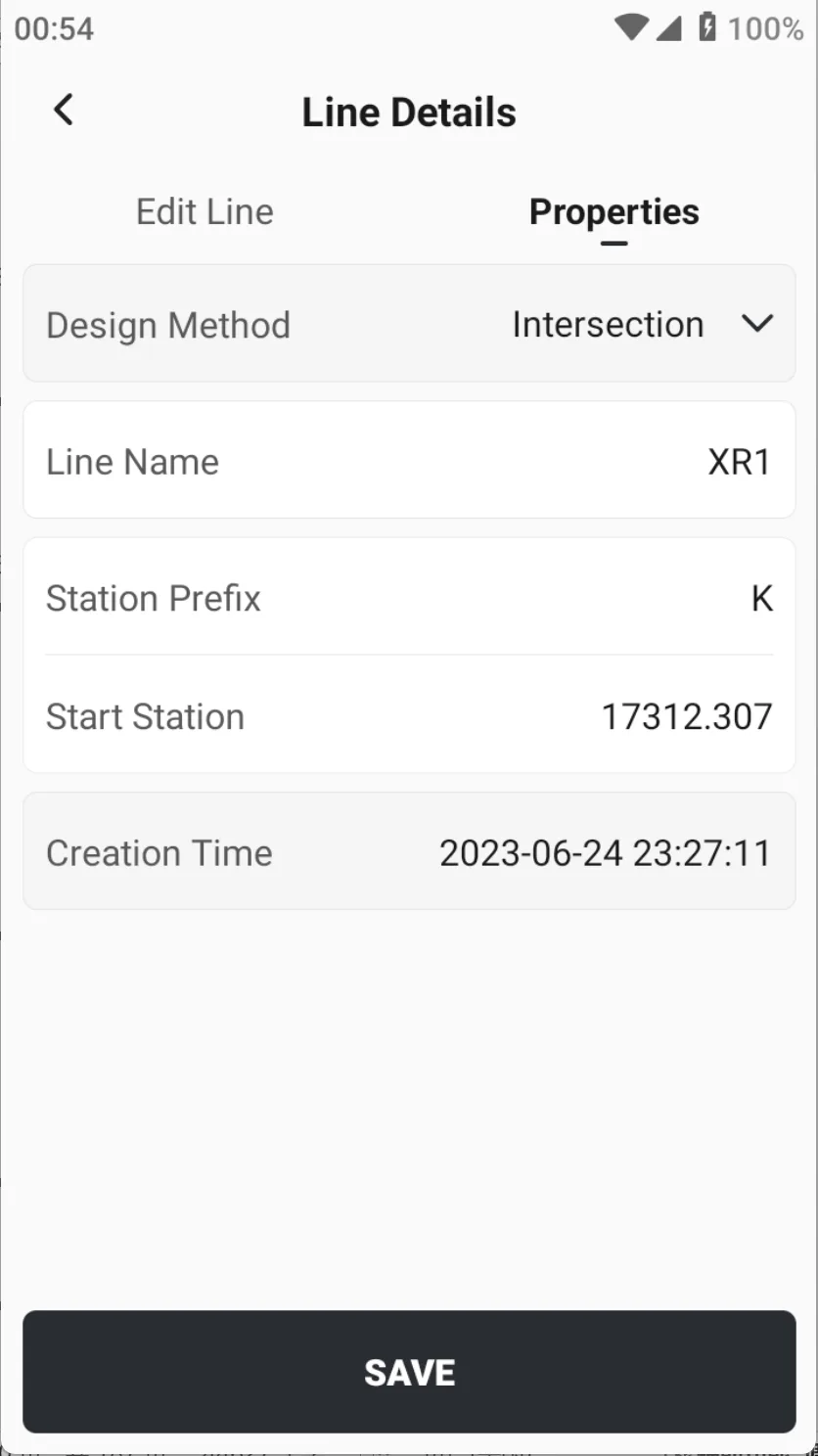
Select [Intersection] for the design method. After entering the information, click [SAVE] to enter the page [Line Details], where you can edit the line or modify the line properties. Click on a line on the main page, select the details button, and you can also open the line details.
Note: once the line is newly built, the design method cannot be changed.
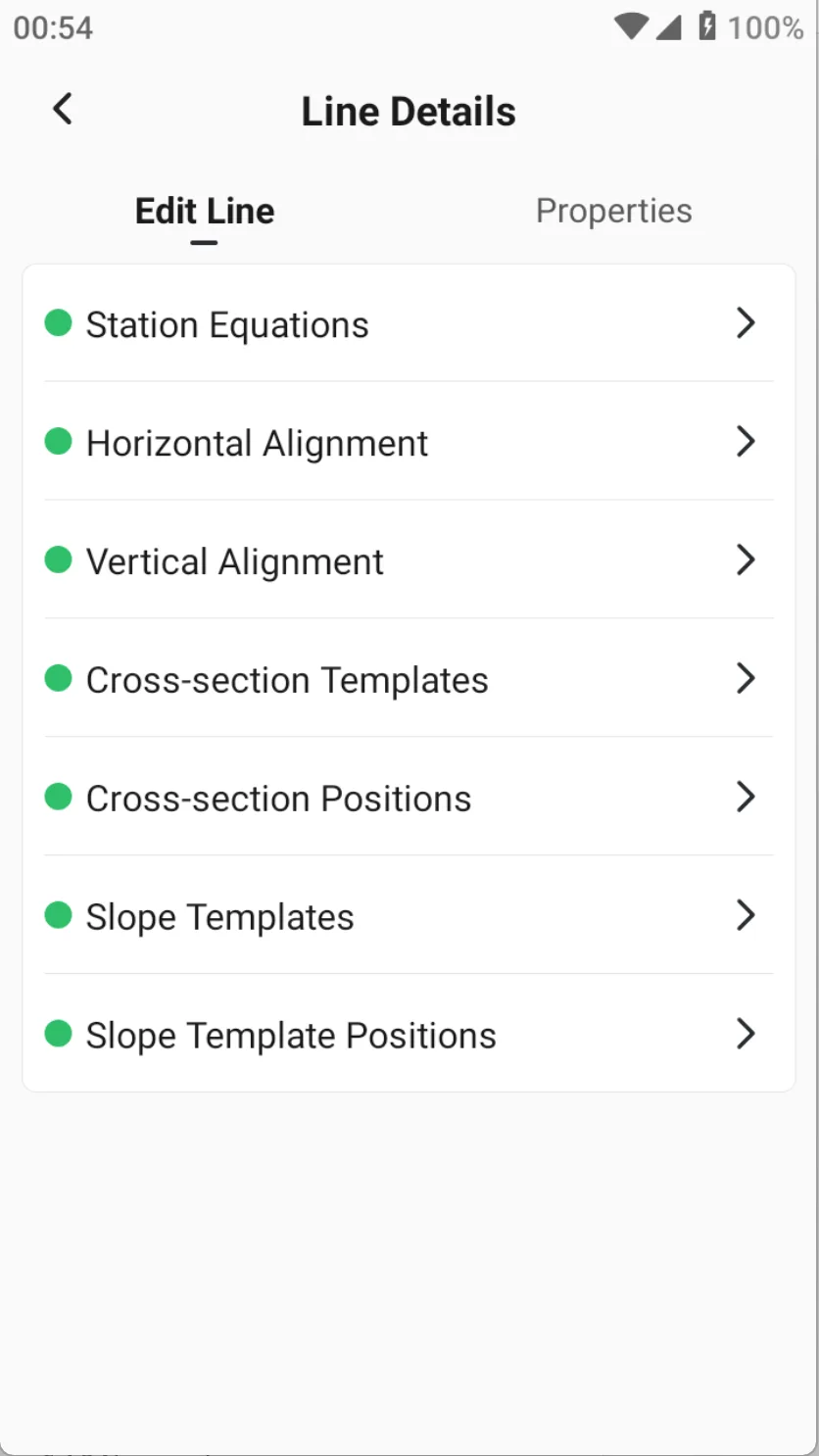 |  |  |
Currently supports editing station equations, horizontal alignment, vertical alignment, cross-sections, and slope.
1) Station equations
Click [Station equations] on the page [Edit Line] to enter the broken chain editing page.
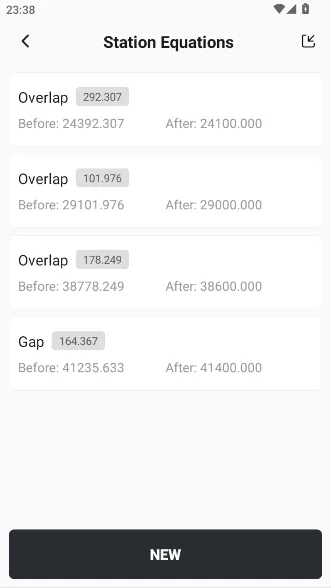
1. Station equation list
Display the overlap and gap, indicating the length, before and after station.
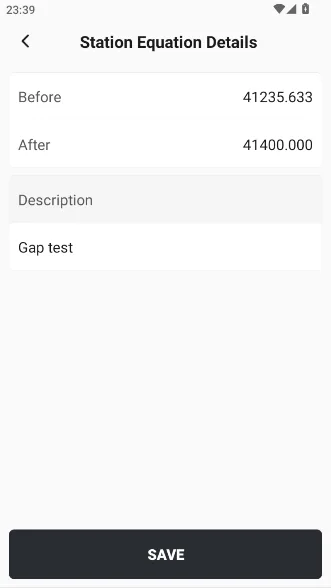
2. Create a new one
Click [NEW] to directly enter the before and after station values. The software will automatically determine whether it is an overlap or a gap based on the input values.
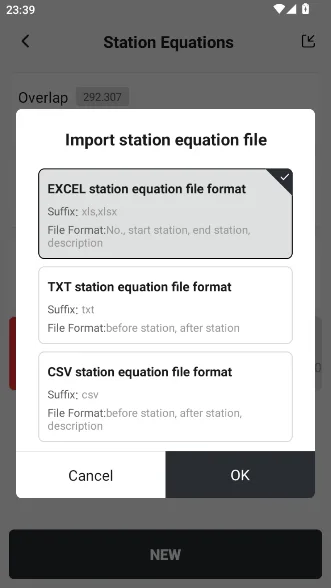
3. Import
You can export them from some industry software, and then import them directly by clicking the import button in the upper right corner.
Note: If there are already station equations in the list, it will prompt that the original data will be cleared.
 |  |  |
2) Horizontal alignment
The horizontal alignment is the most important design line in road design, and the three design methods are also distinguished. The advantage of the intersection method is that the input conditions are simple, generally centered on the intersection point, and the intersection method is the most convenient for defining symmetrical lines.
If the line is relatively complex, such as including C-shaped curves, oval curves, convex curves, composite curves, etc., it is recommended to use the element method for definition. In addition, the intersection method is generally used for highway mainlines, and the element method is generally used for interchange ramps.
Click on [Horizontal Alignment] on the page [Edit Line] to enter the editing page.
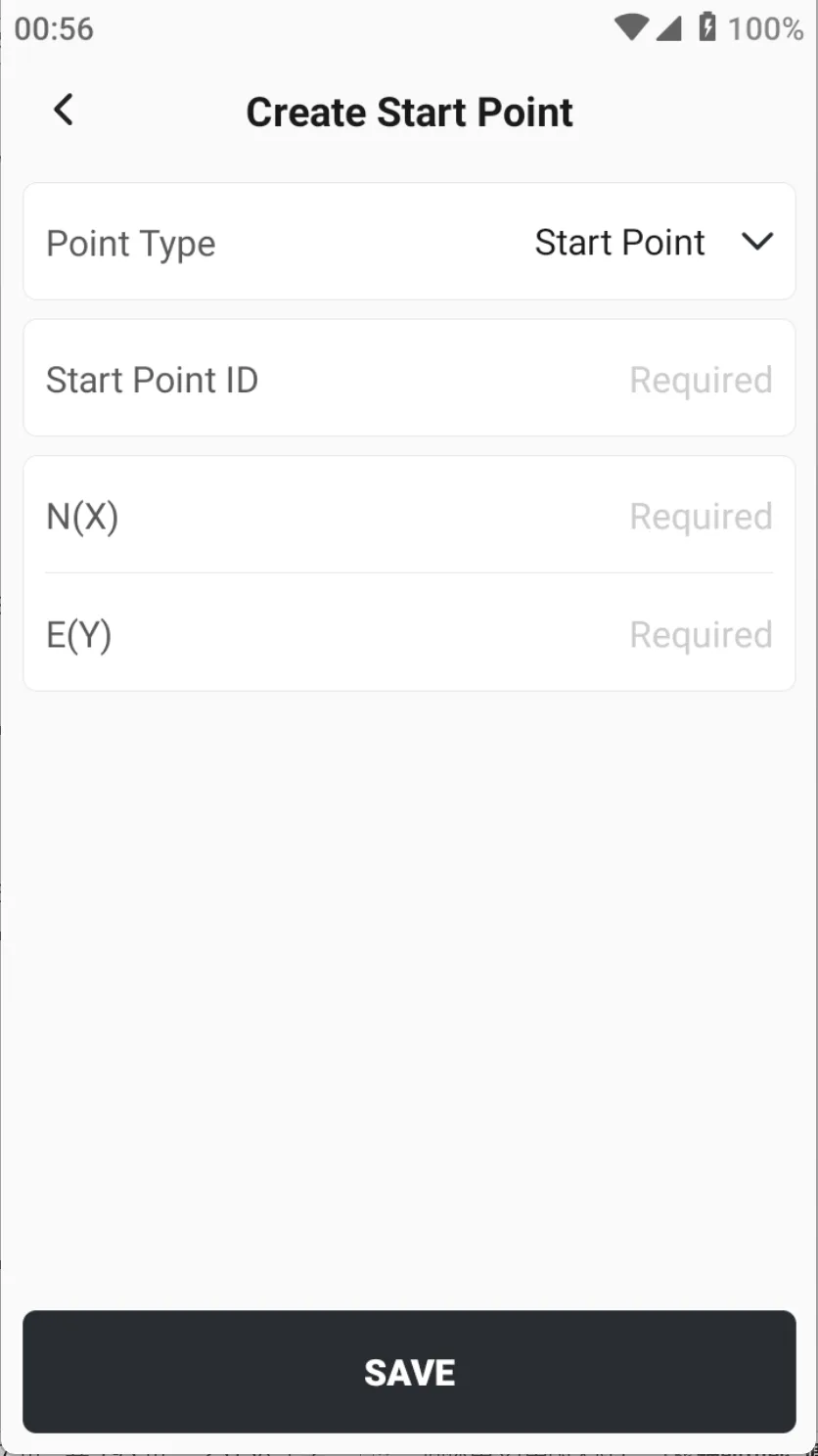
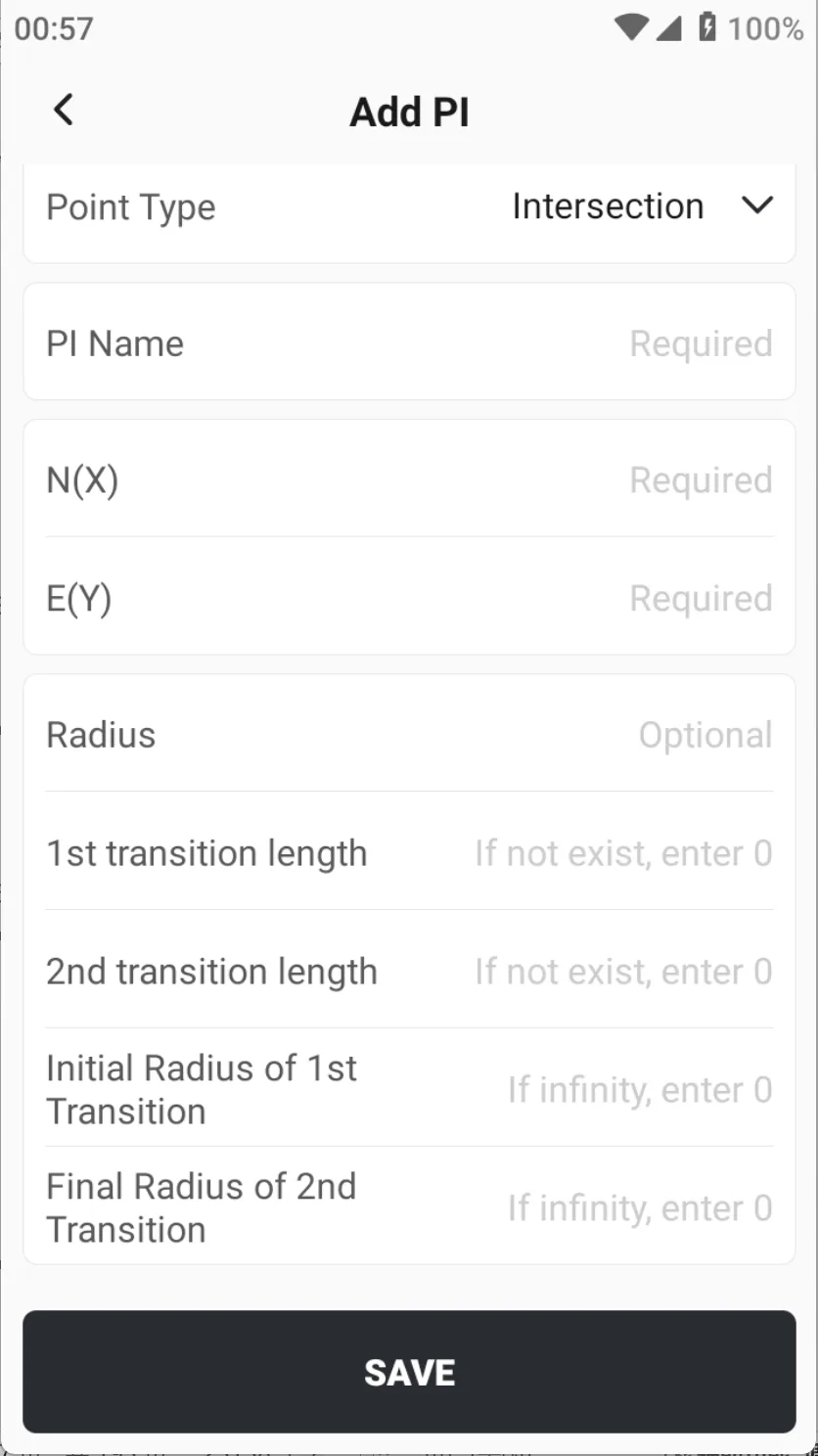
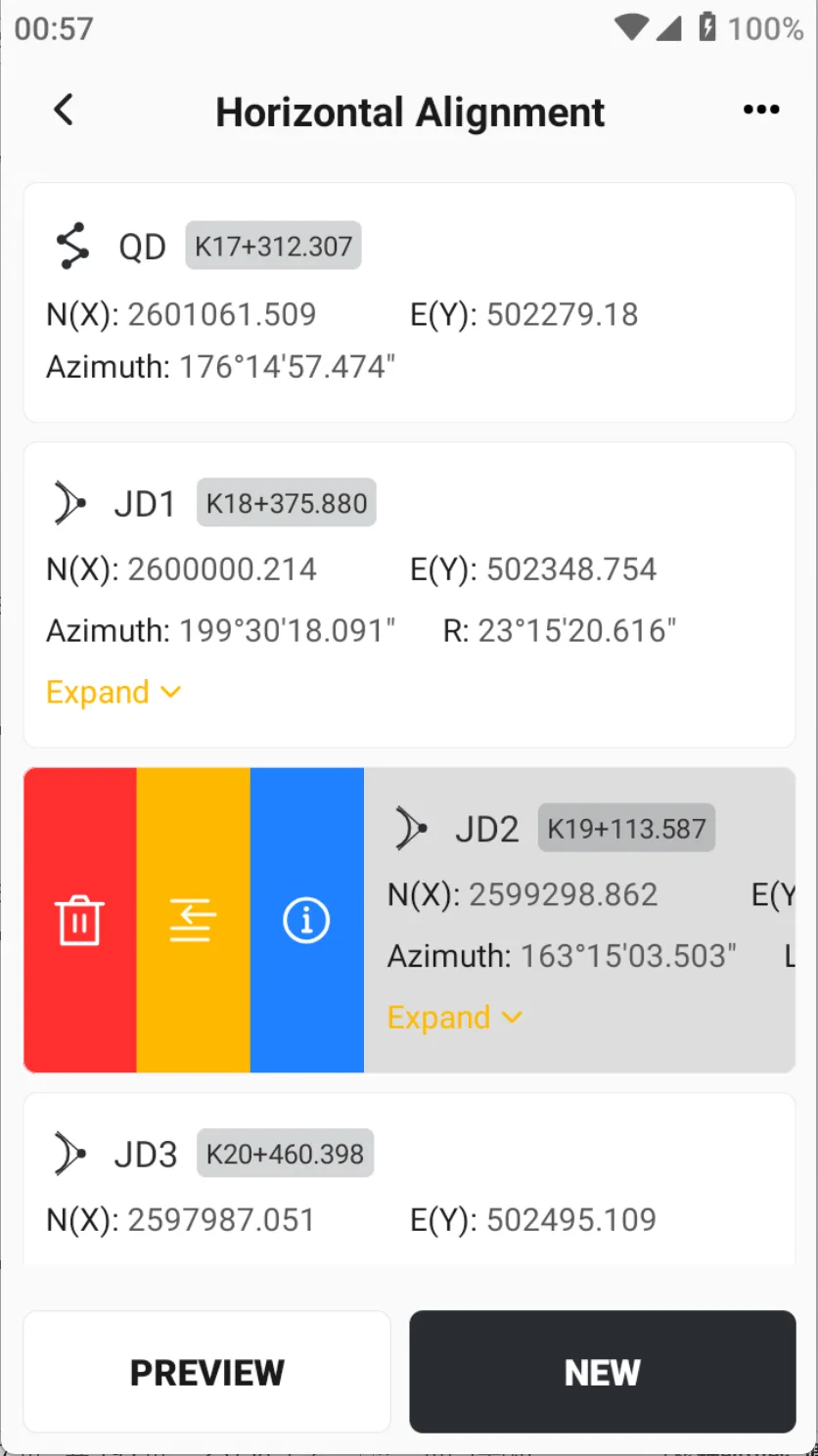
1. Create
Click [NEW] to choose from three-point types: start point, intersection and end point. Different point types correspond to different input elements, and intersection points have the most input information. During the adding process, you can also click the card and select the Insert Row button to insert a new row before the current element.
 |  |  |
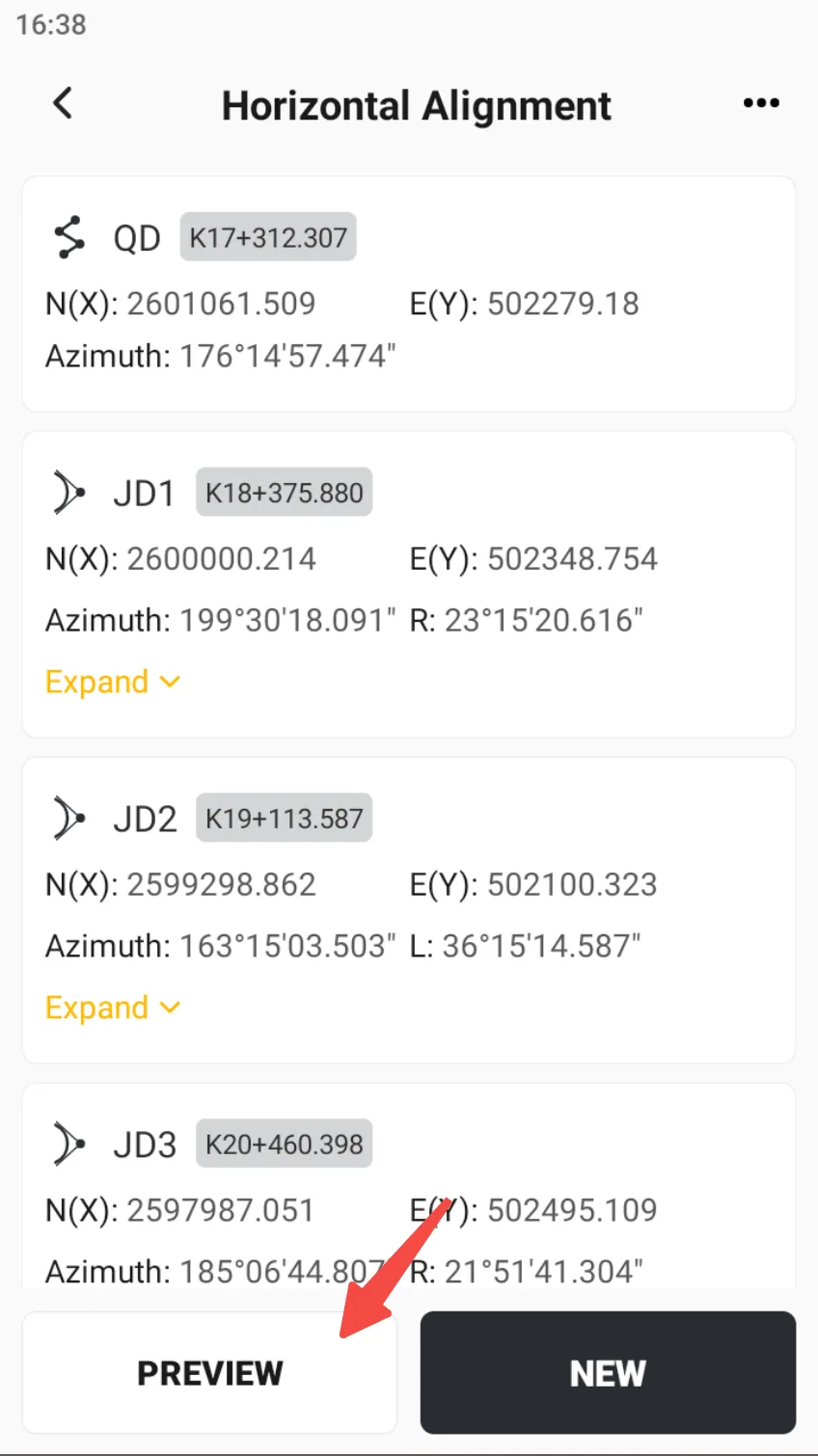
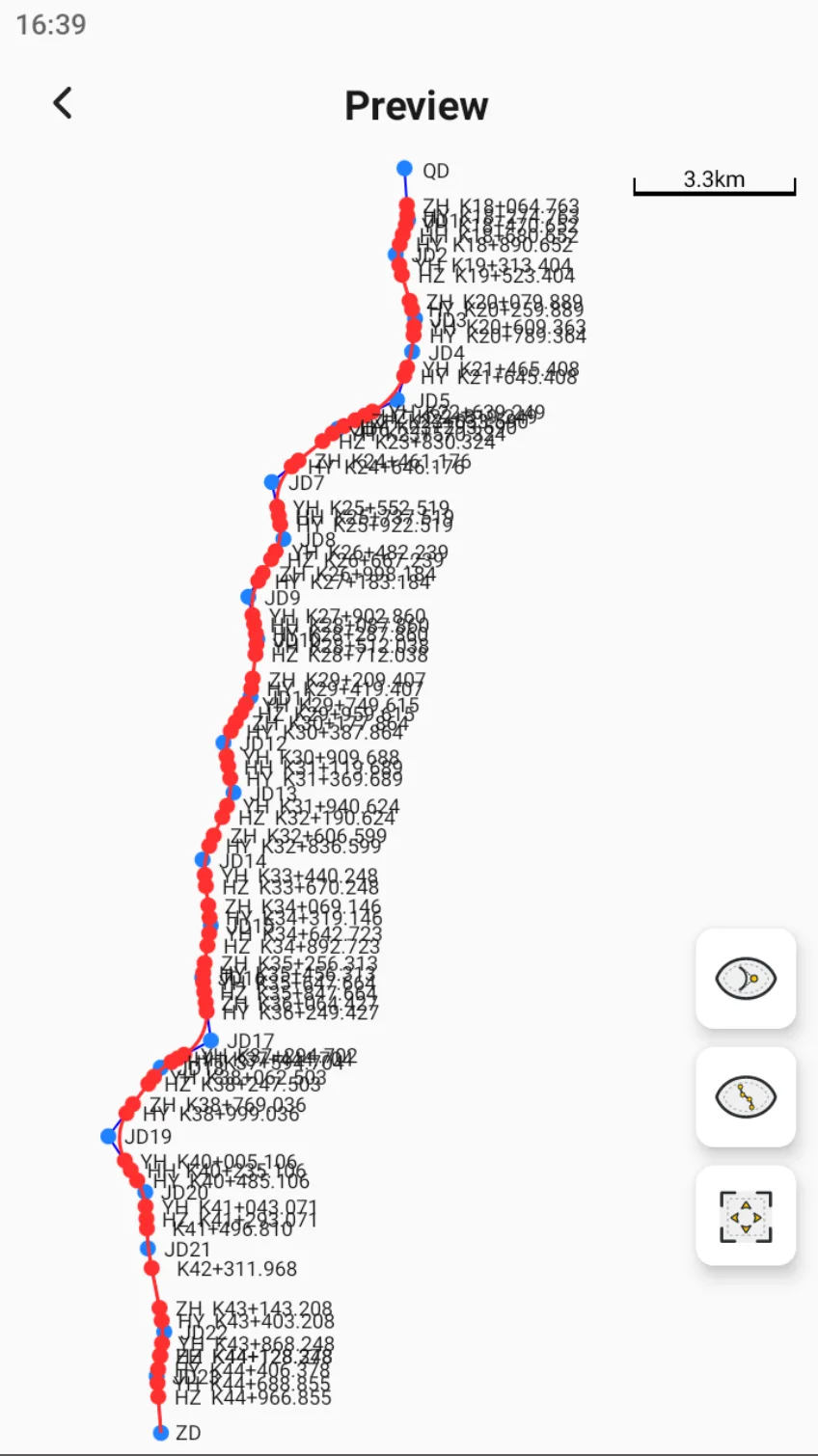
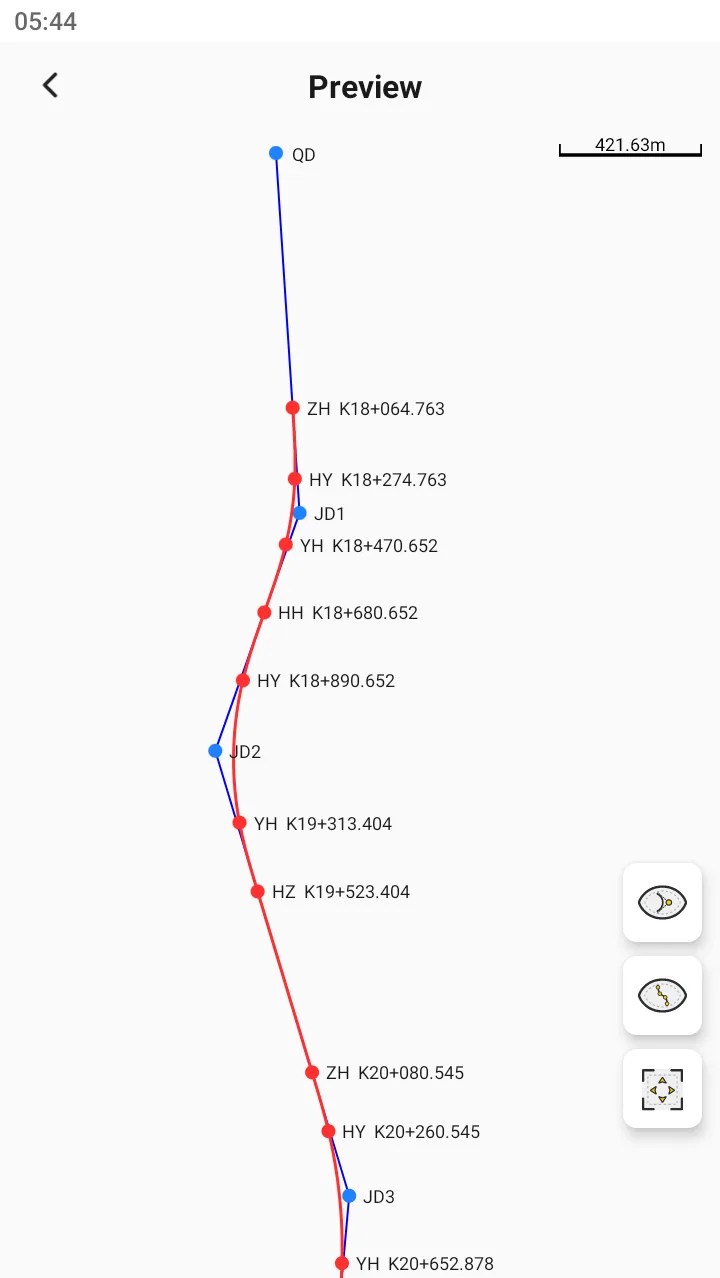
2. Preview
During the input process, you can preview the line and check its direction at any time. During the preview, both the intersection and the main point information can be displayed / hidden.
 |  |  |
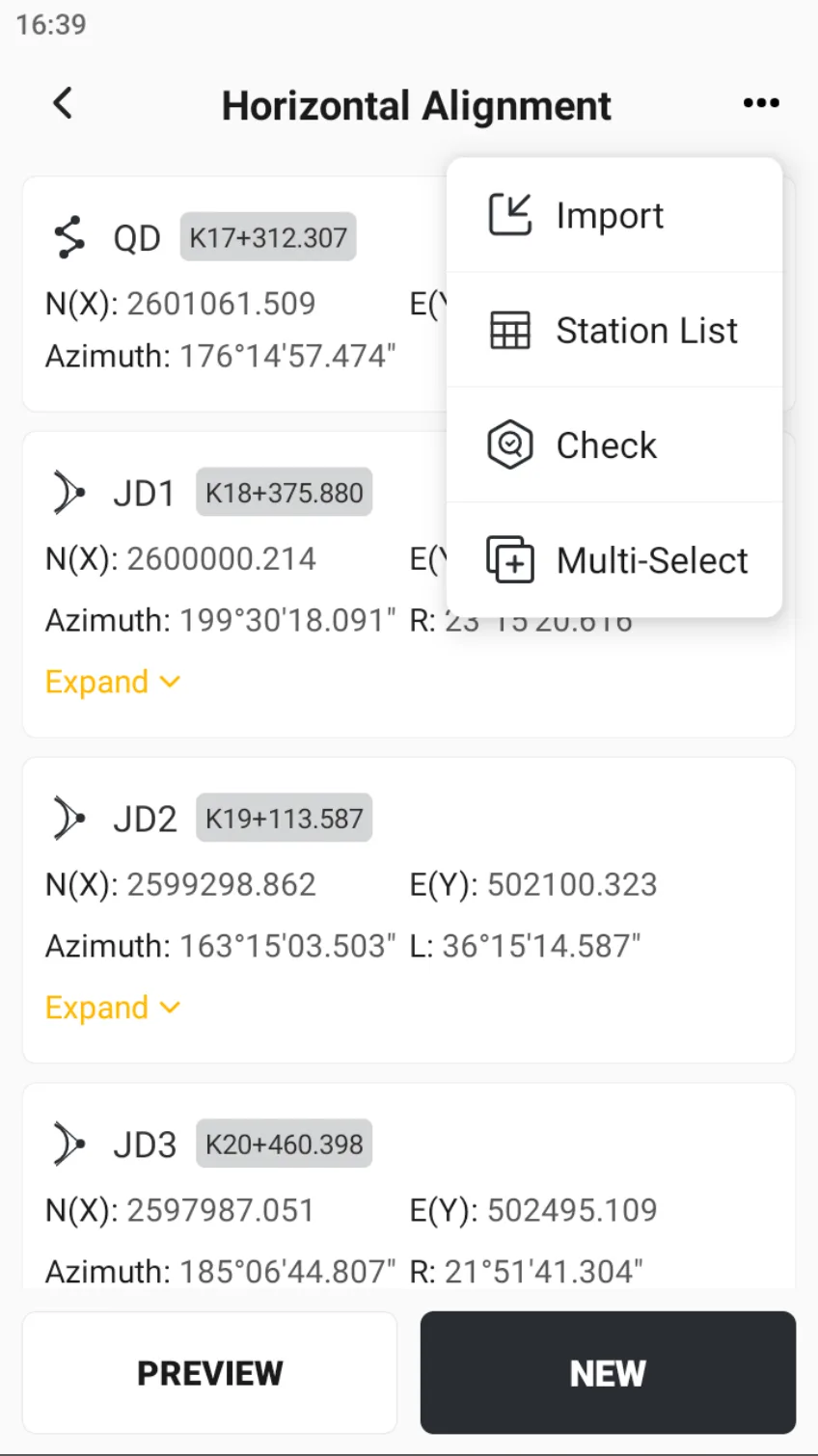
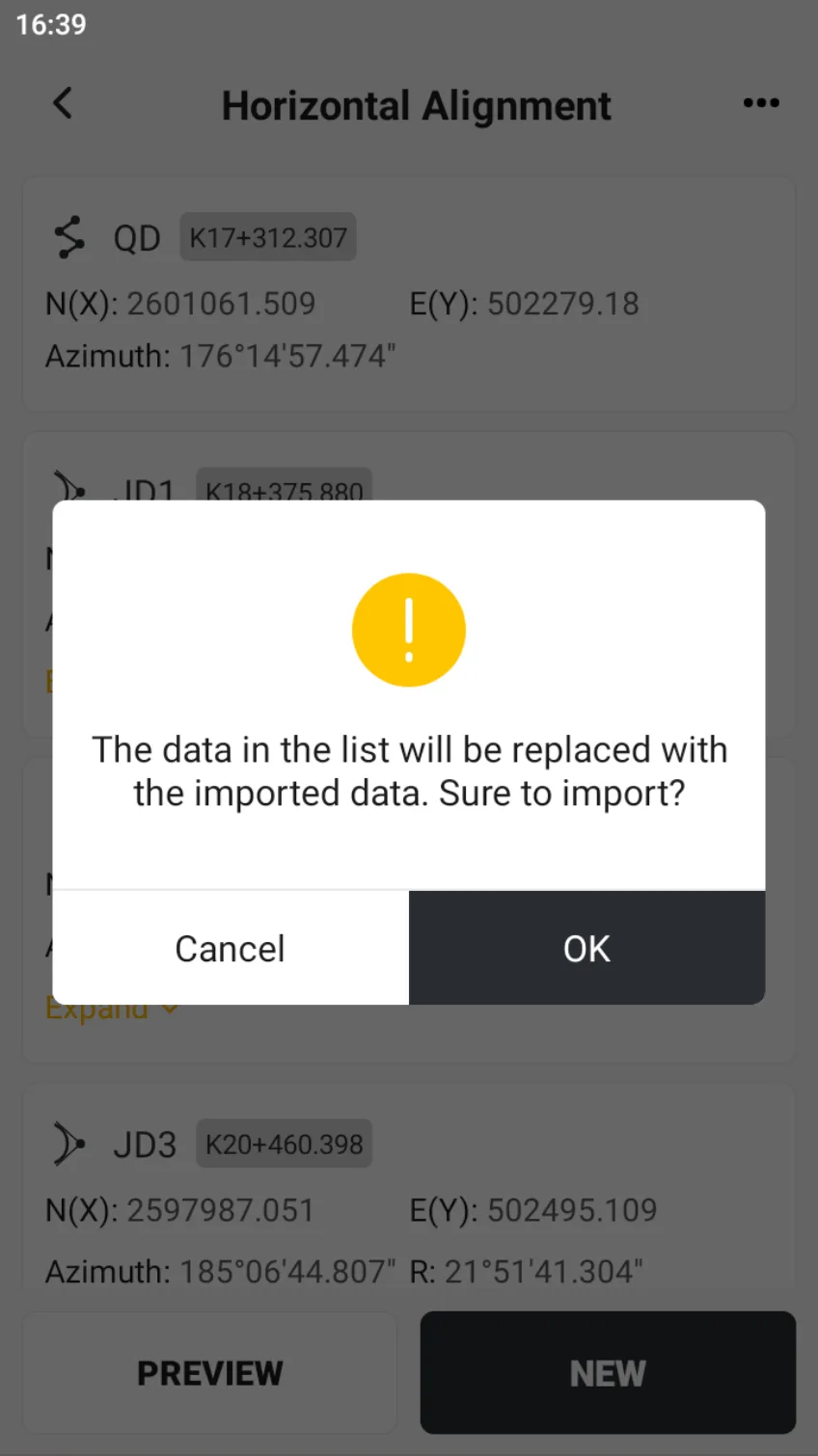
3. Import
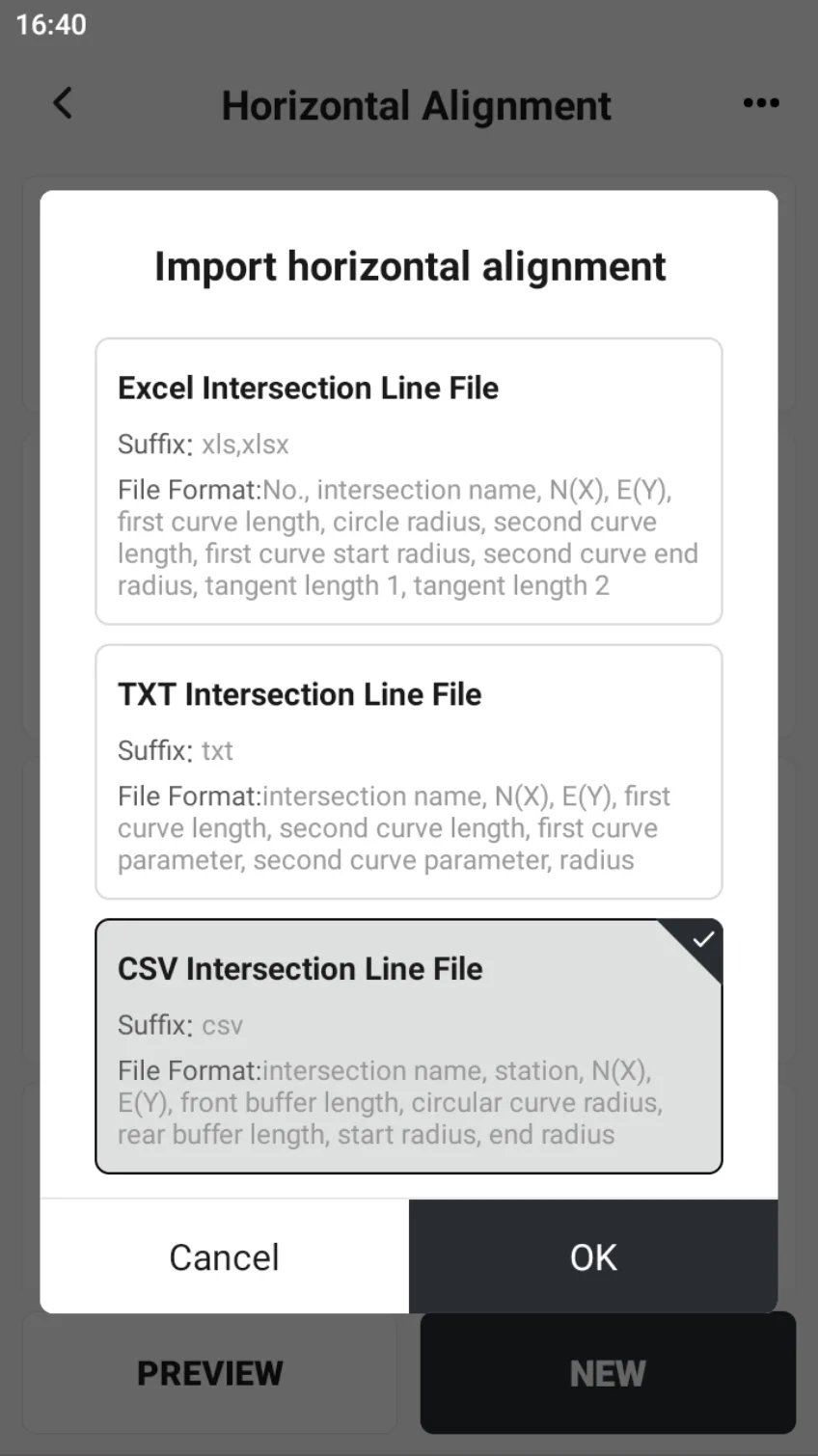
Click on the top right corner [...] → [Import], you can import the horizontal alignment directly. The APP has already adapted some formats.
Note: If there is already horizontal alignment data in the list, it will prompt that the original data will be cleared.
 |  |  |
4. Station List
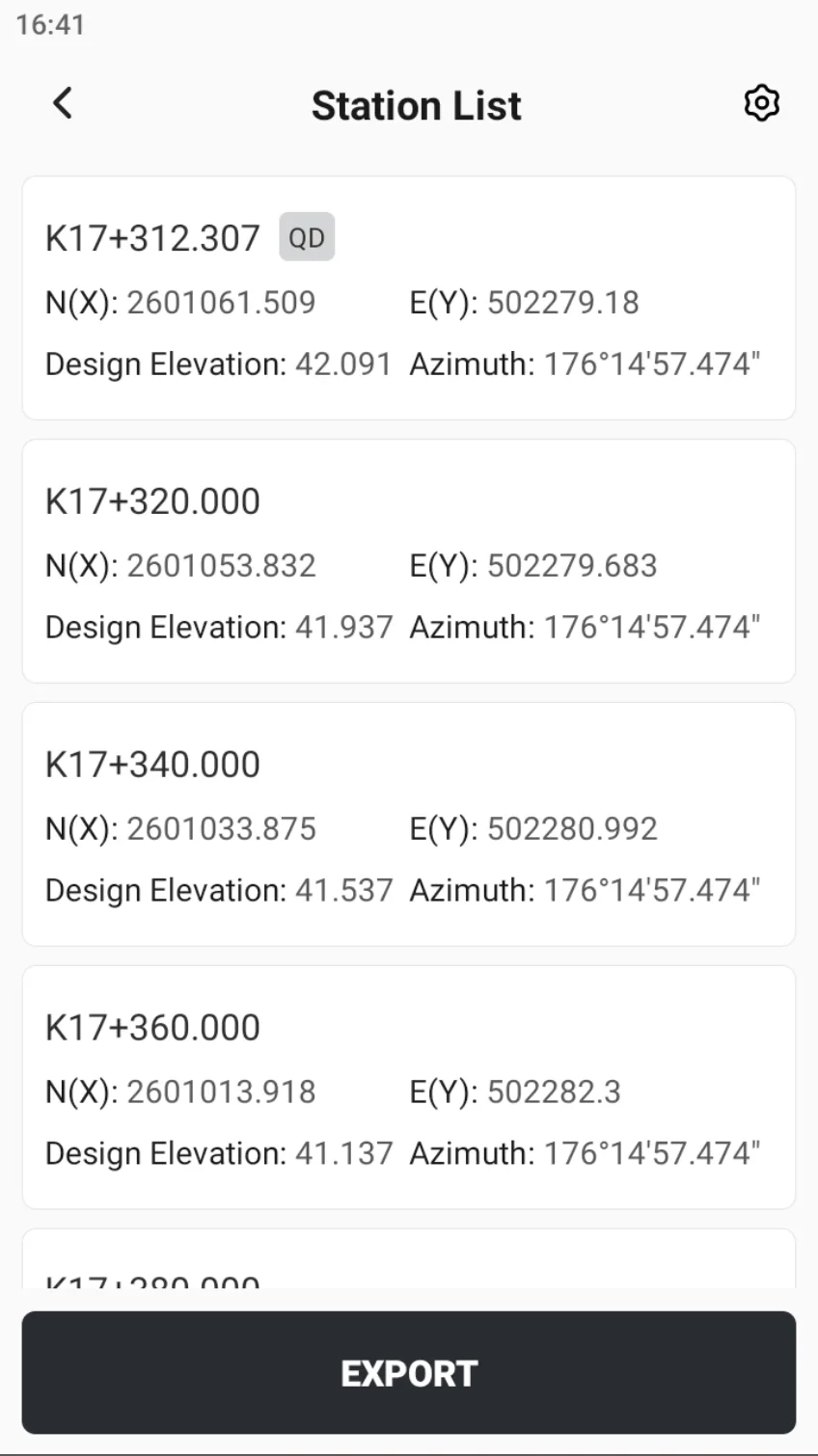
The station List is an indispensable part of the design and construction of roads, railways, or other linear projects. This list details the precise coordinate information of each station position, which is used to guide the construction team to accurately calibrate the station position and ensure that the project is carried out according to the design requirements.
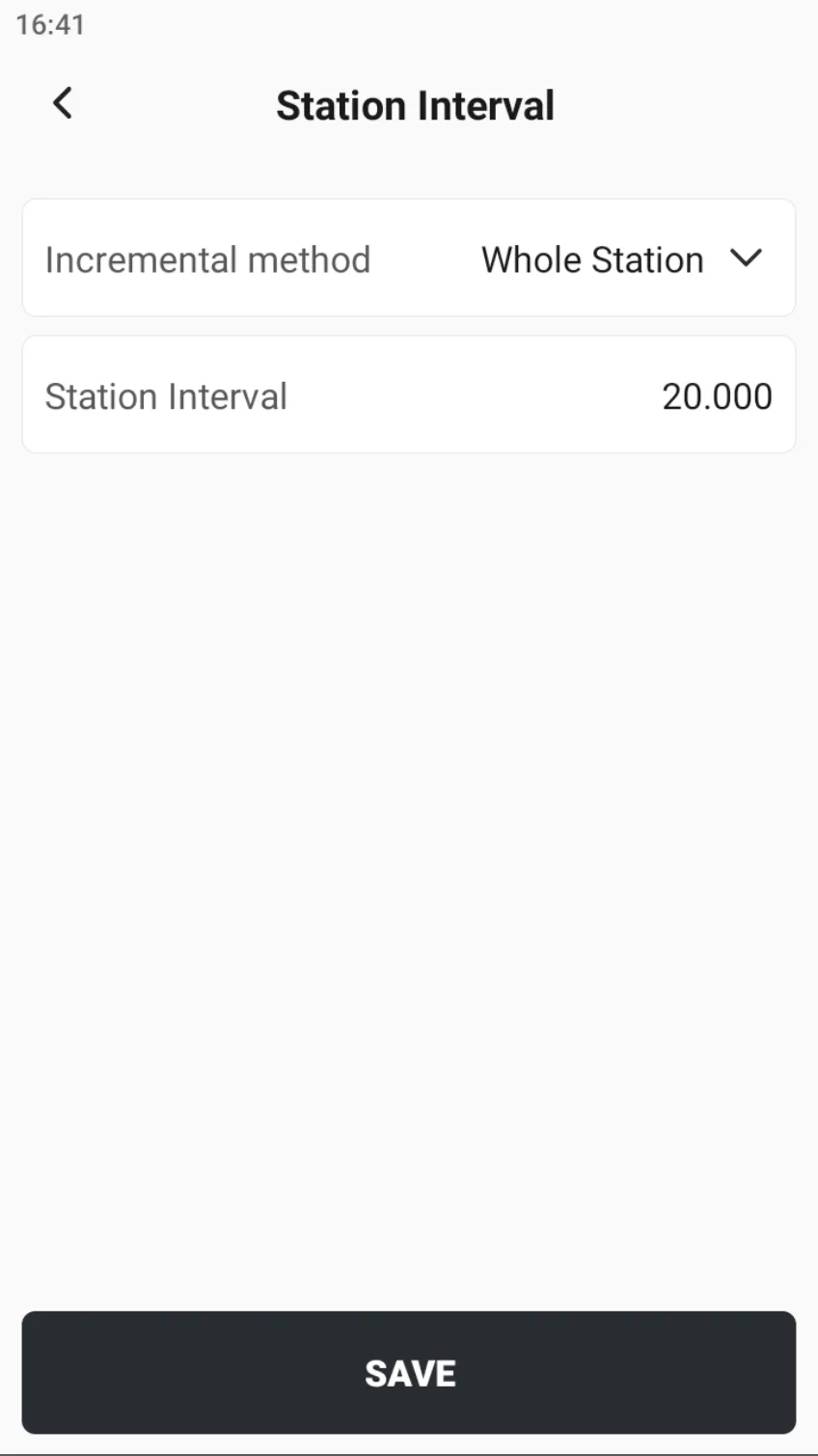
After entering the station list page, click the configuration button in the upper right corner to set the station interval. There are two incremental methods to choose from: whole station and start point increment, and the station interval is set to 20 meters by default.
If the vertical alignment has been defined, the corresponding station design elevation will be displayed. If it has not been defined, the design elevation will be displayed as N/A.
 |  |
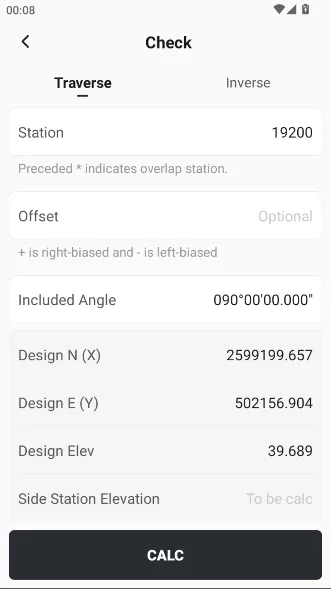
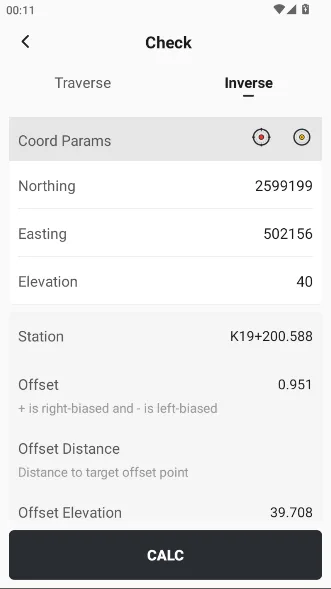
5. Check
The design coordinates can be calculated by the station, offset, and angle, or the relative relationship between the position and the line can be calculated by backtracking the coordinates.
 |  |
3) Vertical alignment
The definition of a vertical alignment is much simpler than that of a horizontal alignment. When adding a vertical alignment, the point type can be selected from the start point, bend point, grade break point and end point.
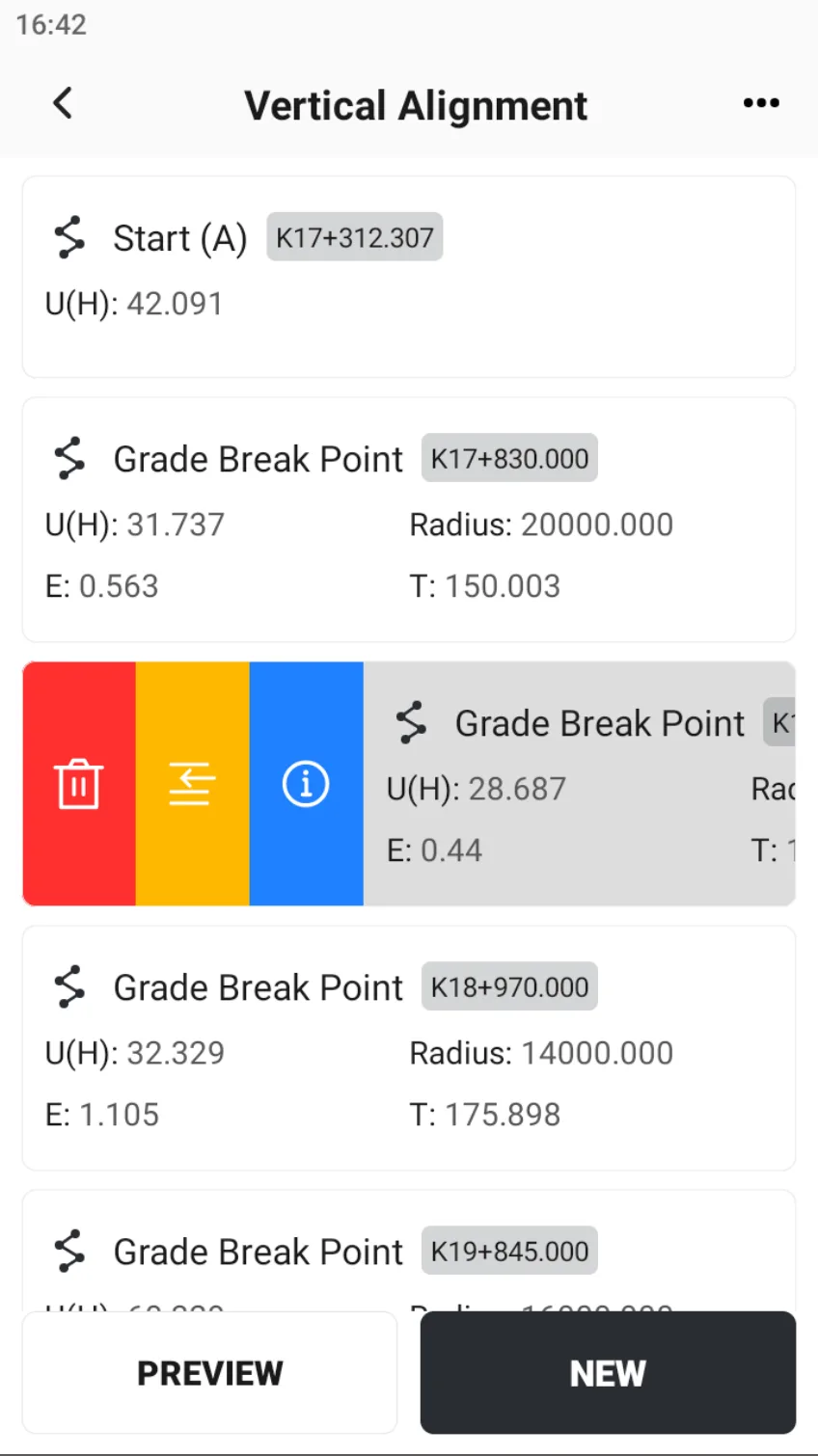 | 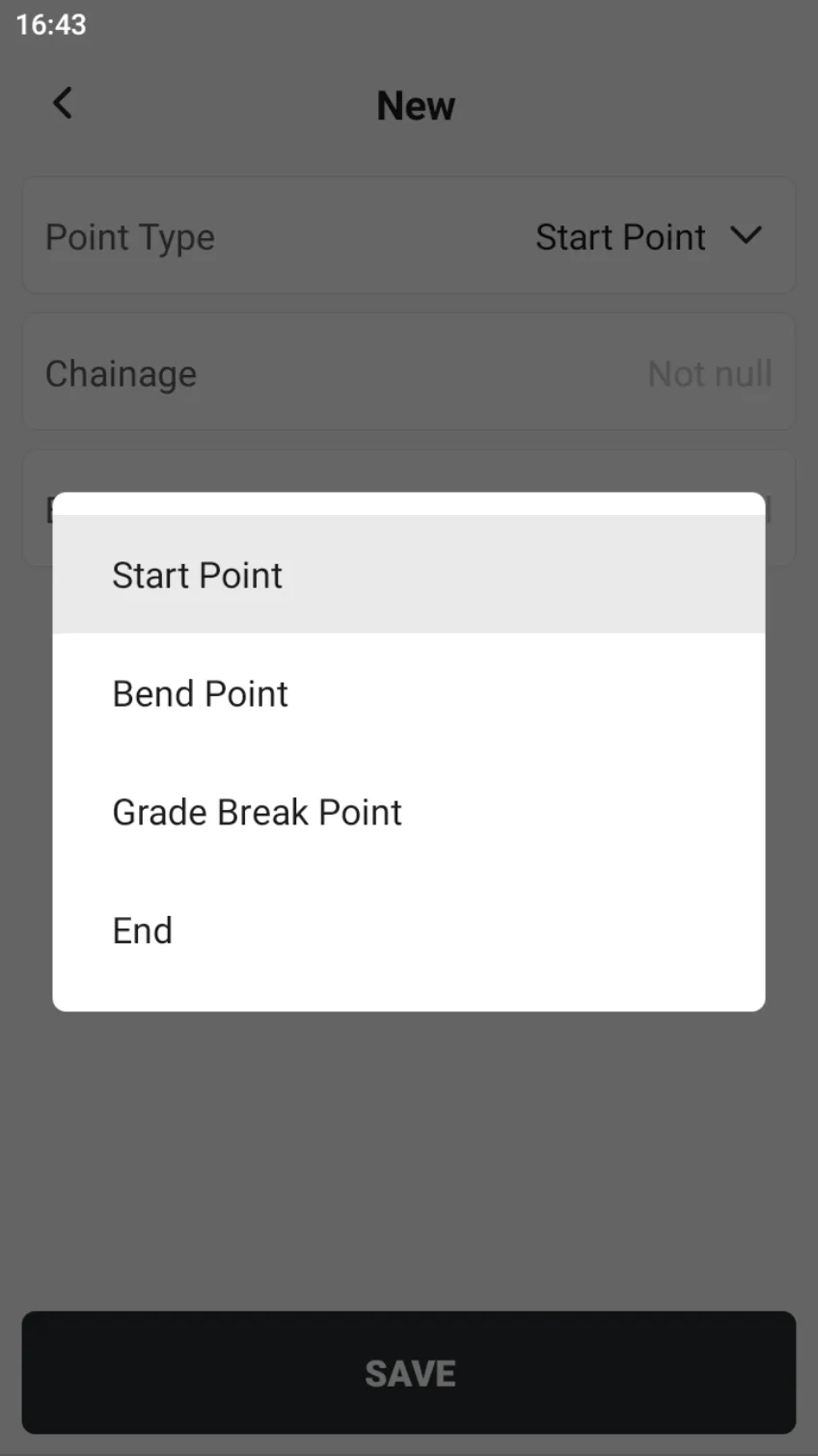 | 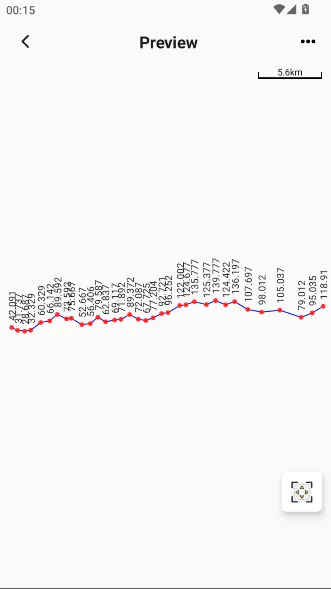 |
Vertical alignment can also be loaded from files exported by some industry software. The station list function is consistent with the horizontal alignment.
4) Cross-section Templates
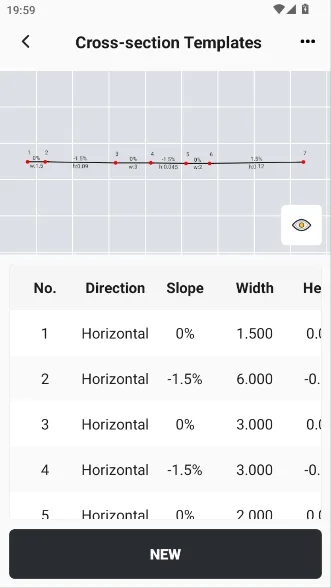
Road cross-section design usually includes multiple different plates or components, which together constitute the three-dimensional structure, ensuring the traffic capacity, safety, and drainage functions of the road.
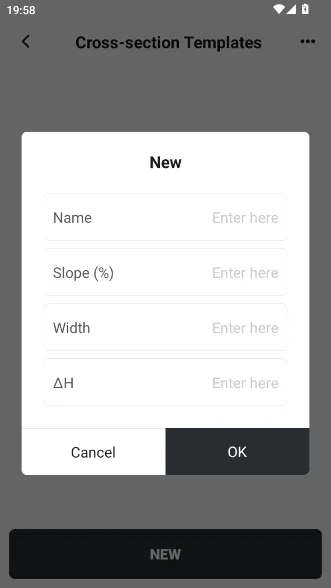
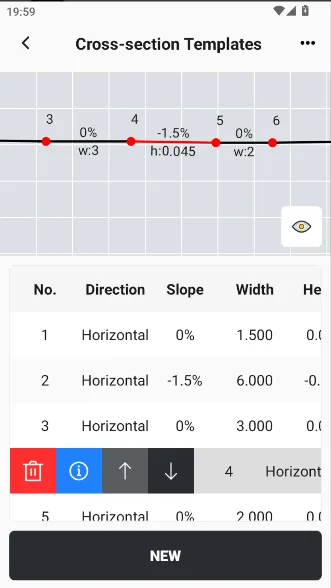
Enter the [Cross-section Templates] and click [NEW]. After entering the template name, enter the cross-section panels in order in the [NEW] window. Consecutive cross-section panels support preview and display/hide parameter information during preview. Note that when creating a cross-section template, always define it from the center to both sides.
Note that when creating cross-section templates, always define from the center of the cross-section to the sides.
 |  |  |
5) Cross-section Positions
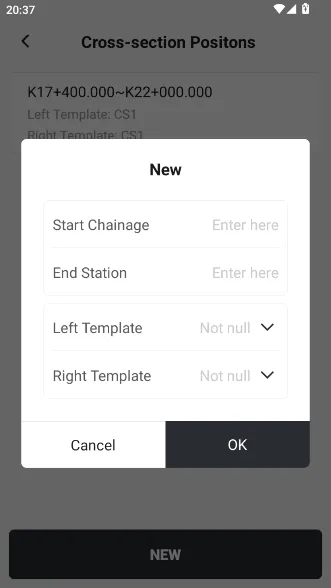
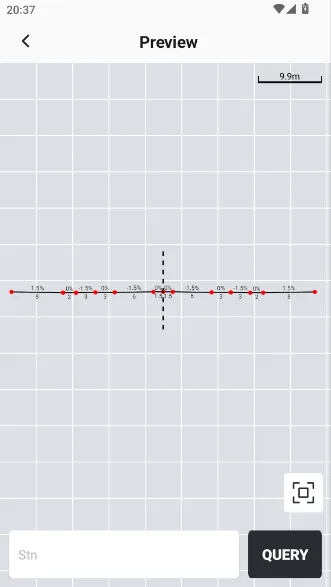
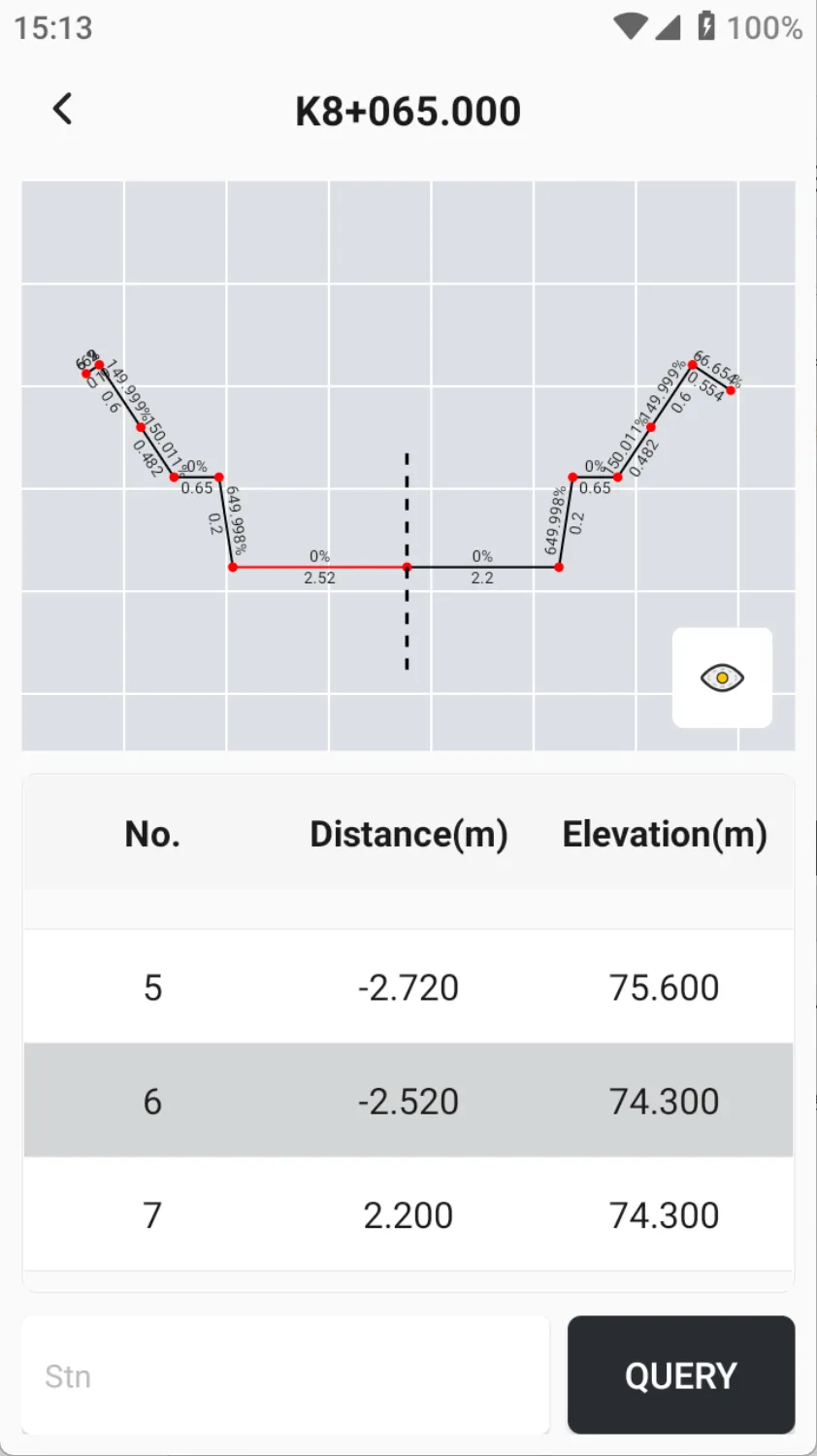
Support different cross-sections corresponding to different station of a line, and also support setting different cross-section templates on the left and right sides of the road. Enter [Cross-section Positions], click [NEW], and enter the start station, end station, left template, and right template corresponding to the cross-section.
After the station is matched, click to preview. If it is an imported XML road file, the file only supports preview and does not support editing. You can directly browse the cross-section list.
 |  |  |
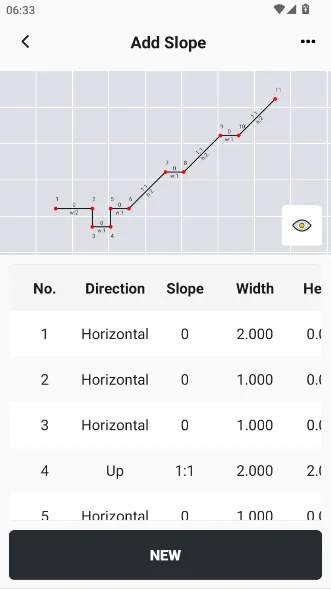
6) Slope Templates
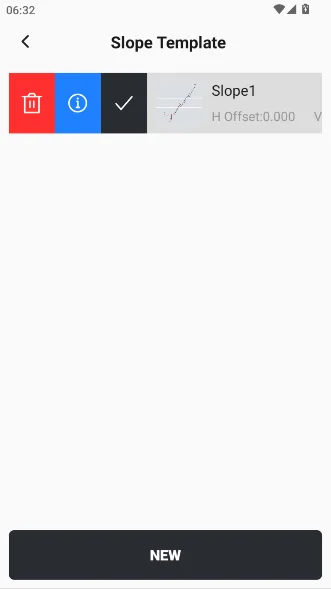
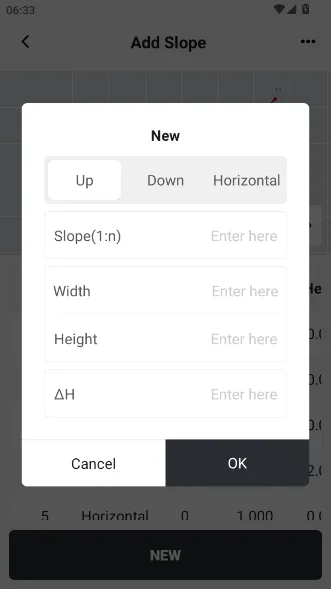
When there are slope designs on both sides of the road, you can add slope design files in the road editing. After adding the slope template correctly, the thumbnail of the slope will be displayed in front of the template list.
 |  |  |
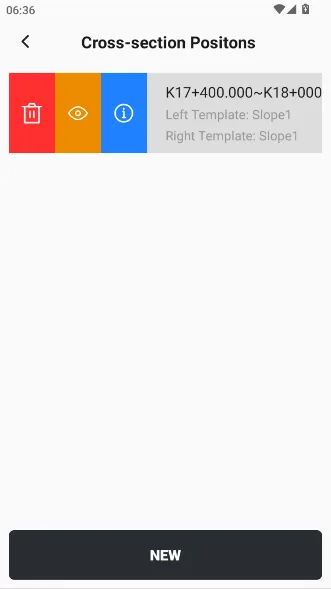
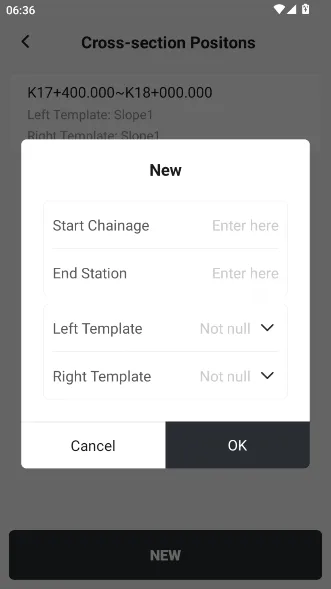
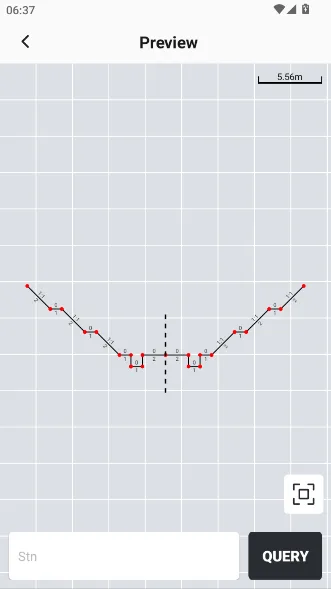
7) Slope Template Positions
The defined slope template can be assigned to the left or right side of the road. In the slope template positions, it can be associated with the actual construction station. When previewing, you can enter a specific station to query the corresponding slope information.
 |  |  |
5.4.4 New line - element
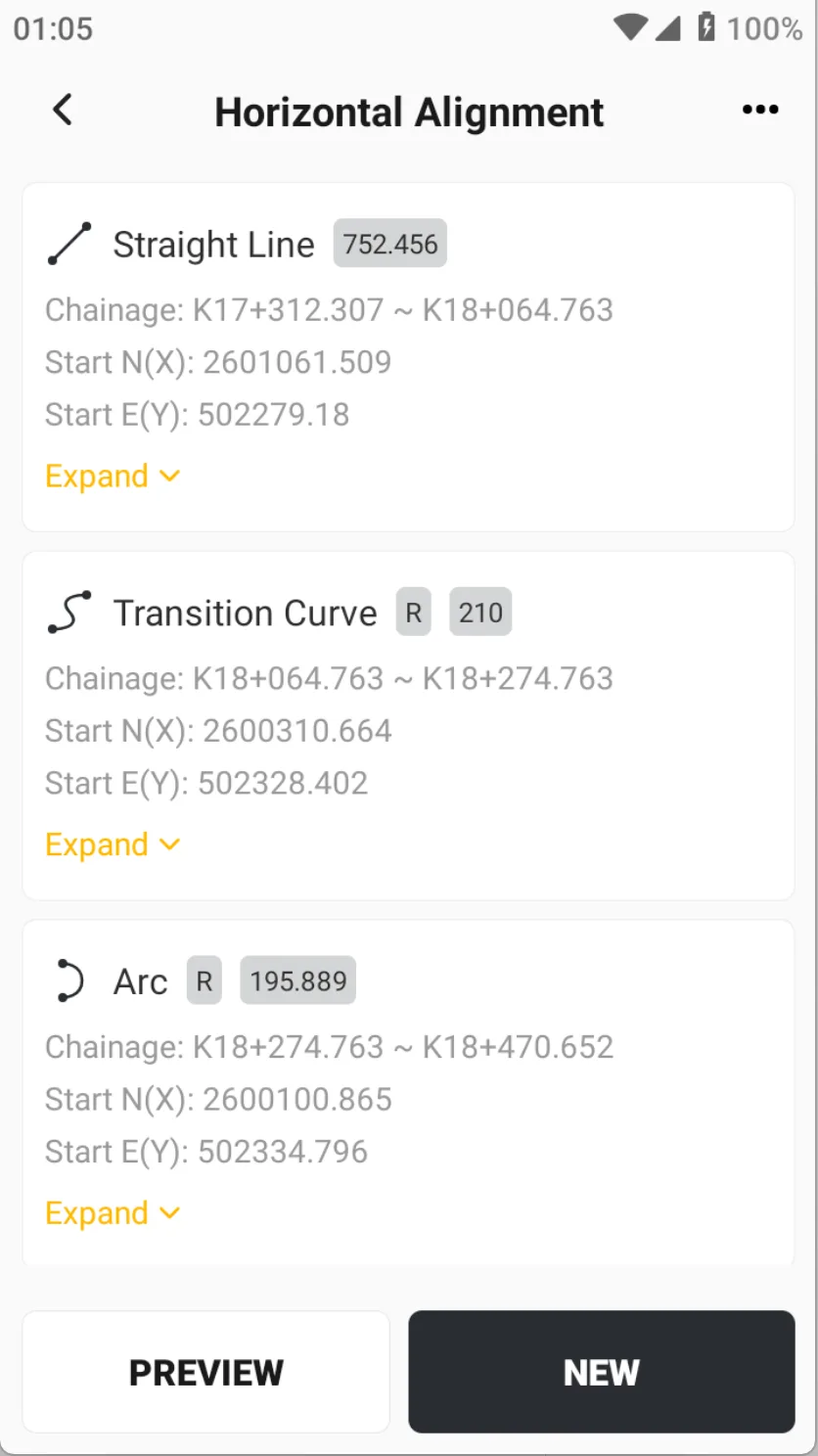
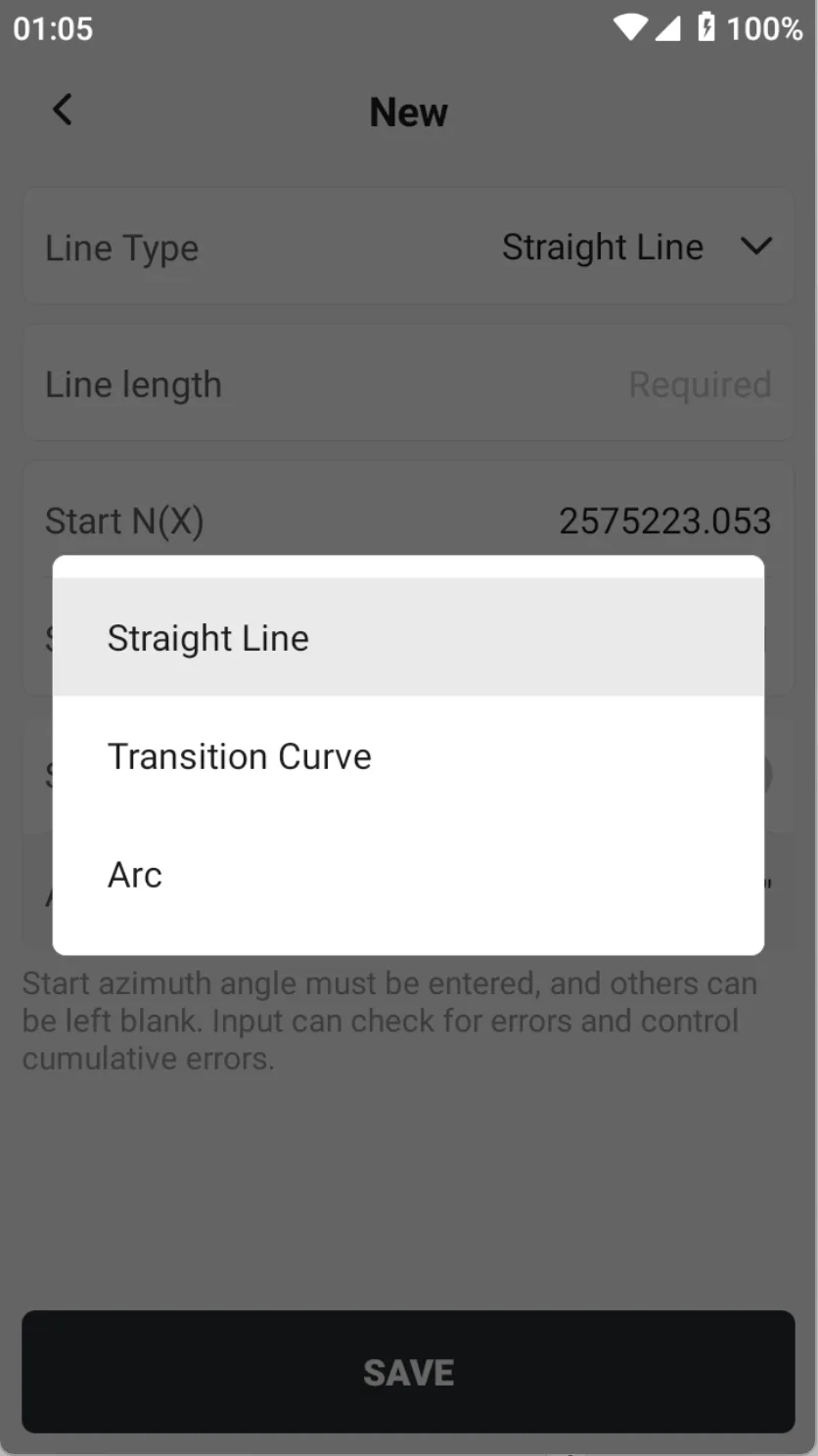
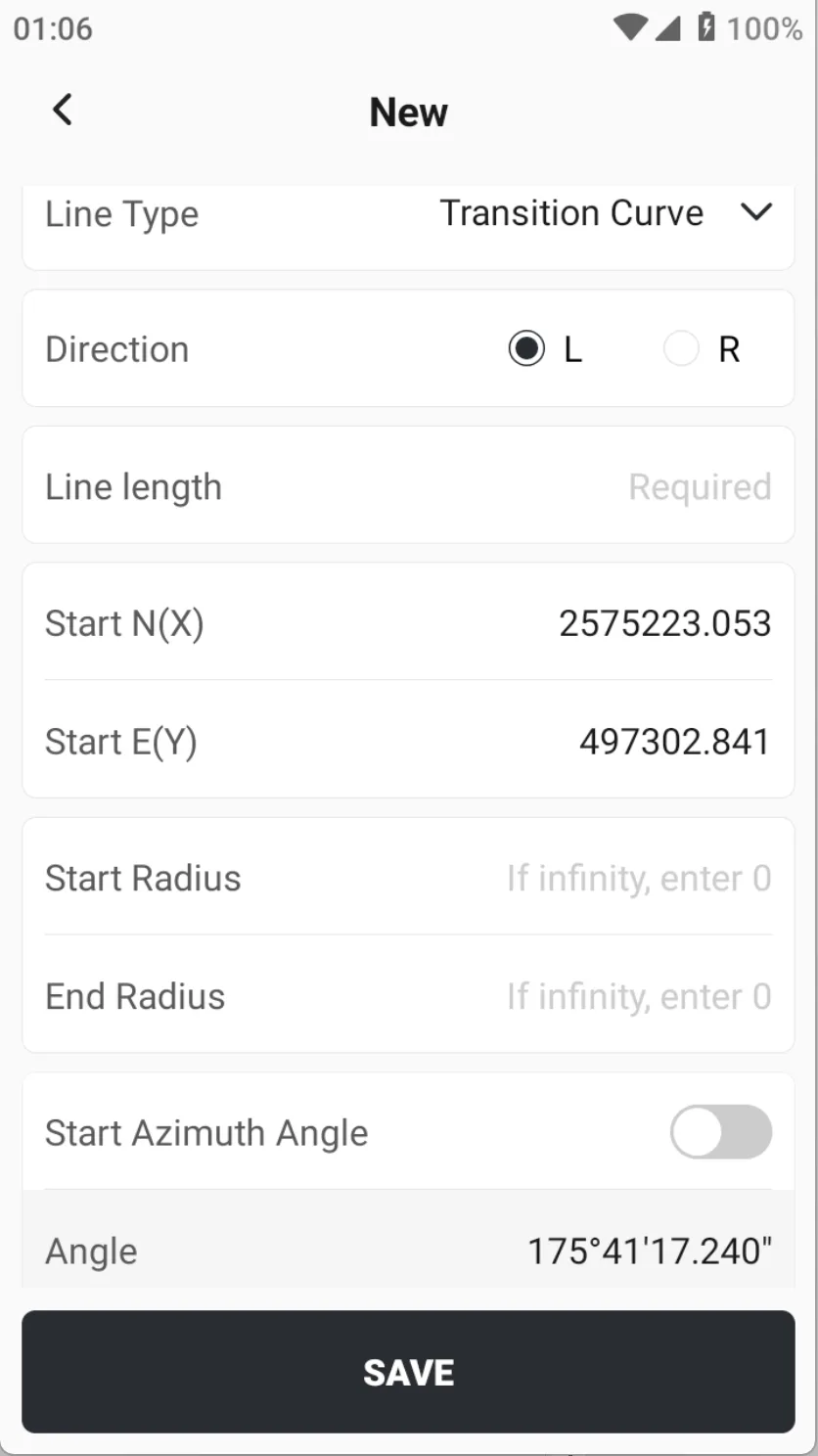
The element method is the most commonly used way to define complex circuits. When using the element method to define circuits, the definition of broken chain and vertical alignment is consistent with the intersection method, which will not be repeated here. The only difference is the definition of horizontal alignment. When clicking [NEW], the line types can be selected as straight line, transition curve and arc.
 |  |  |
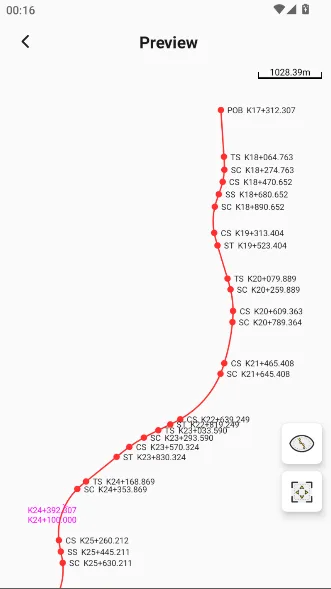
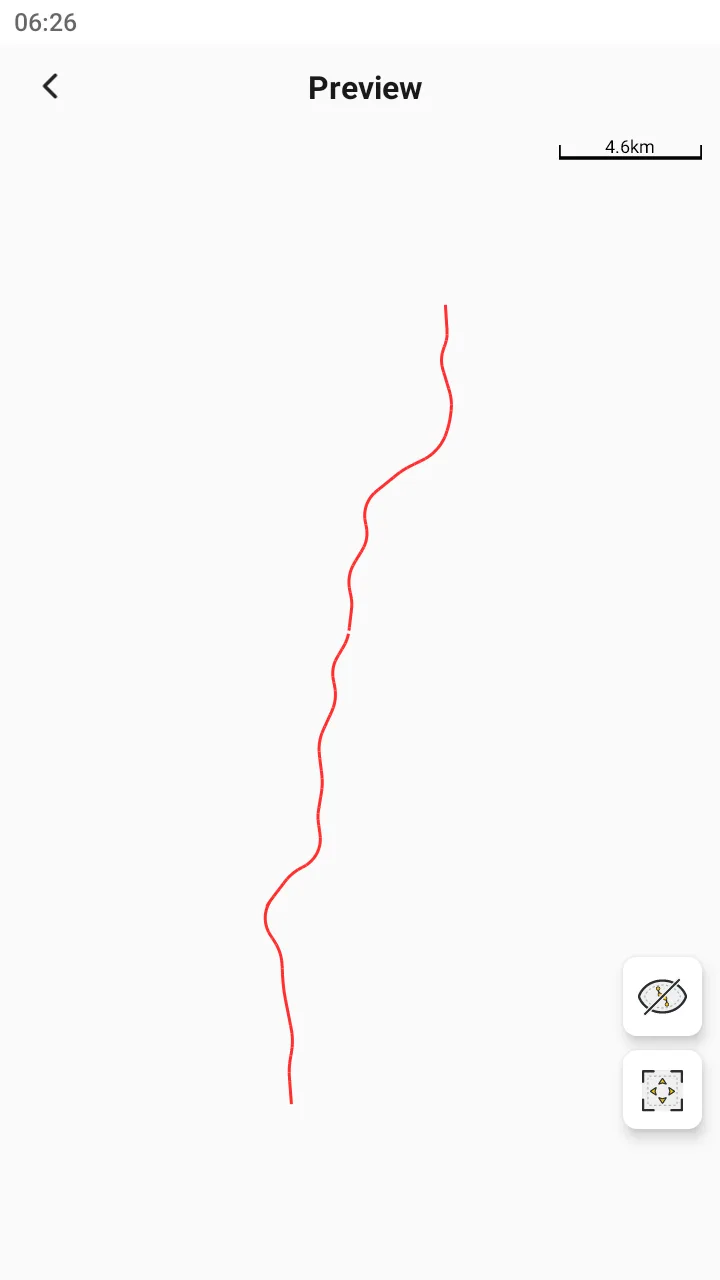
During the input process, you can click [PREVIEW] to view the graphics, and the main point station information can be displayed / hidden.
 |  |
5.4.5 New line - coordinate
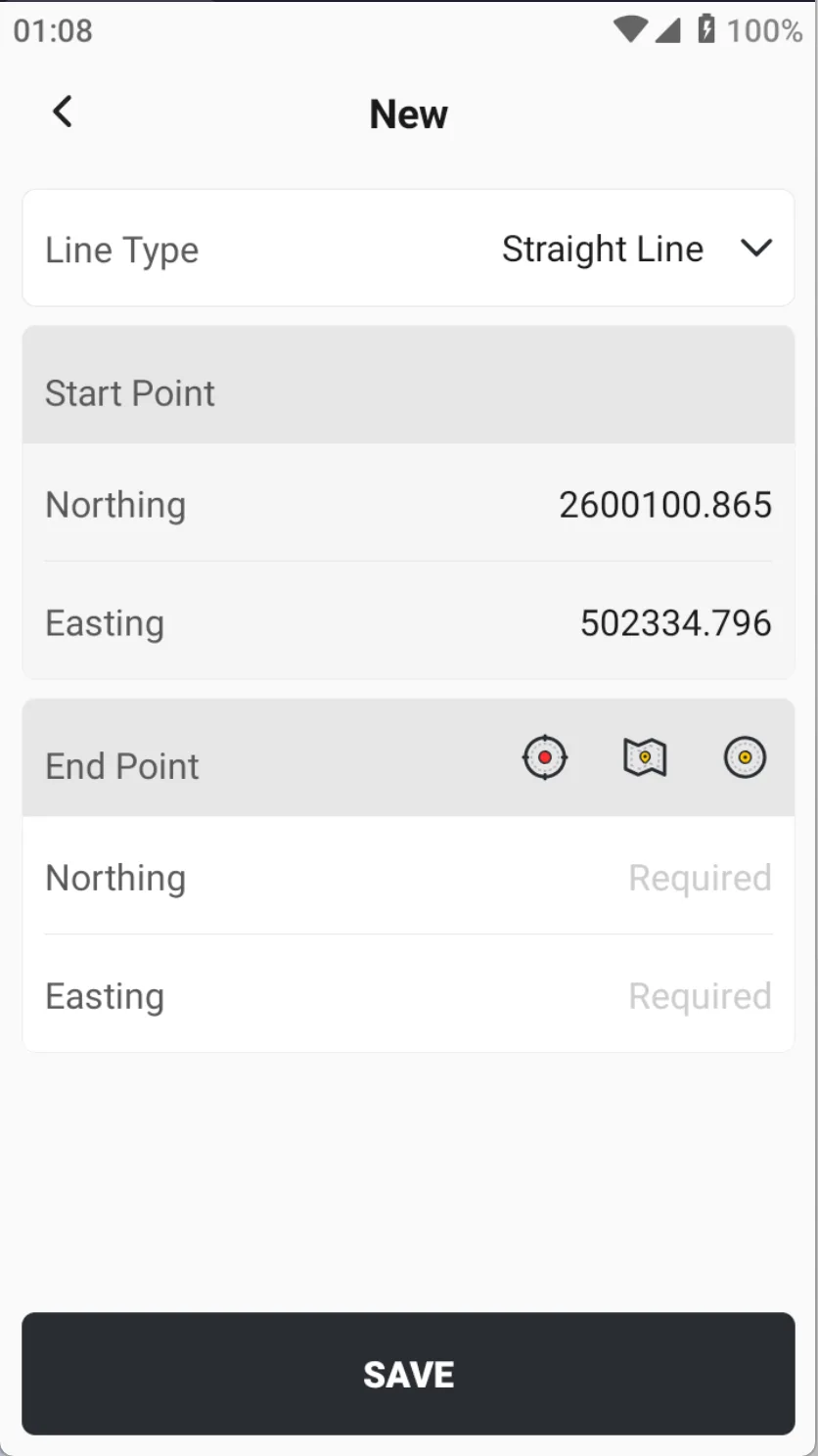
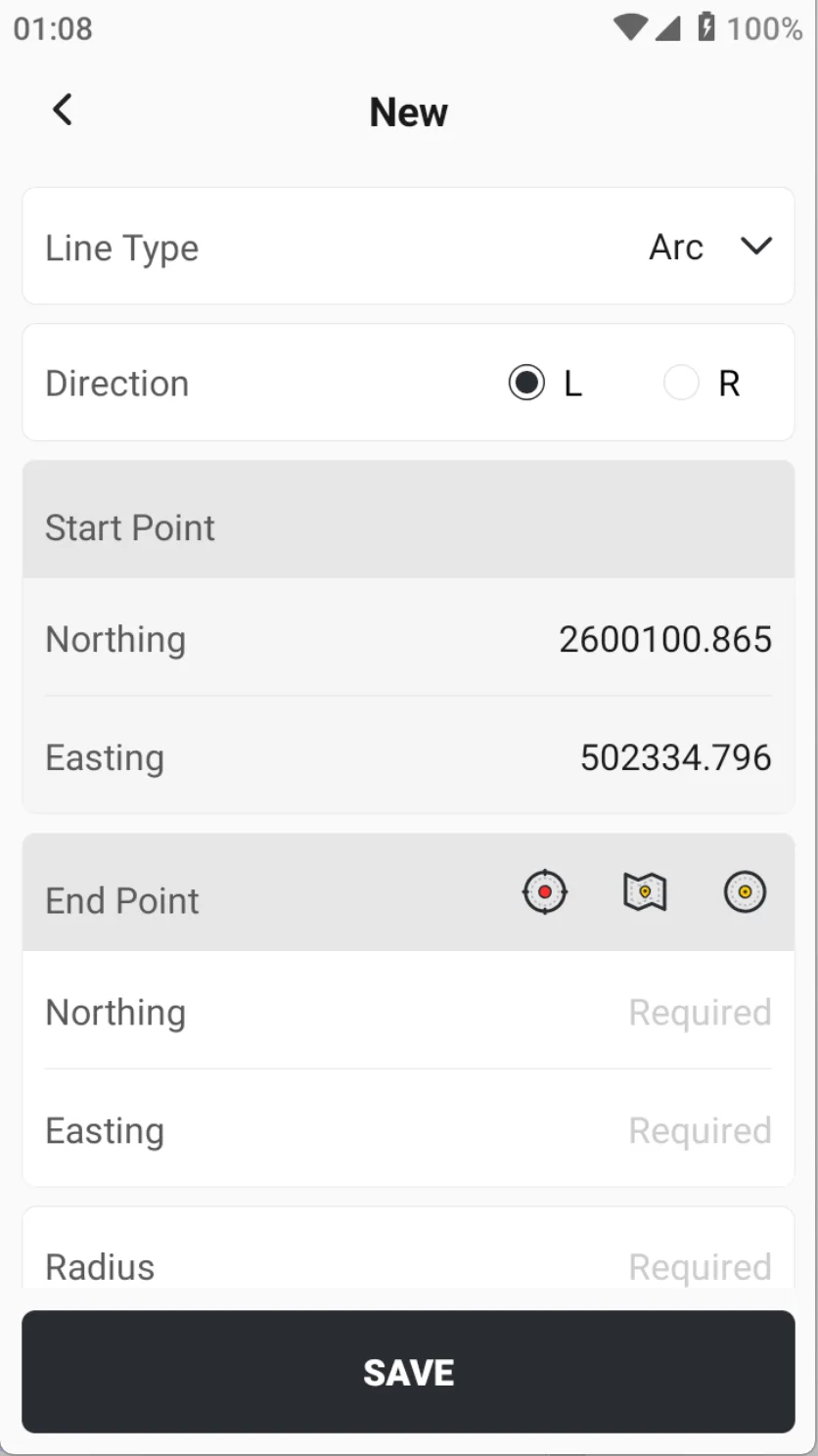
When only straight line and arc are defined, the coordinate method is the fastest way to create them. Among them, the arc is defined by two points + radius.
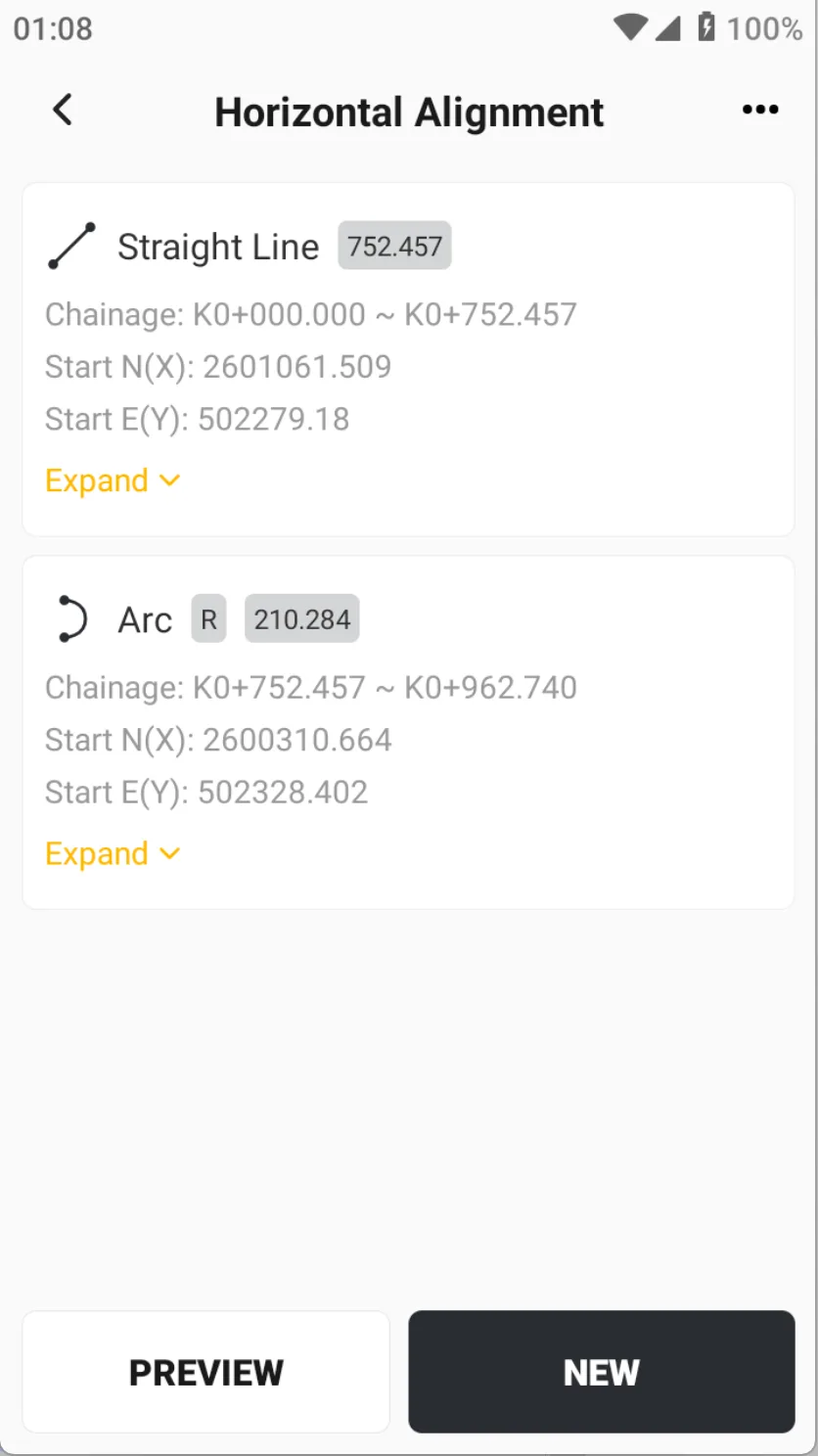 |  |  |
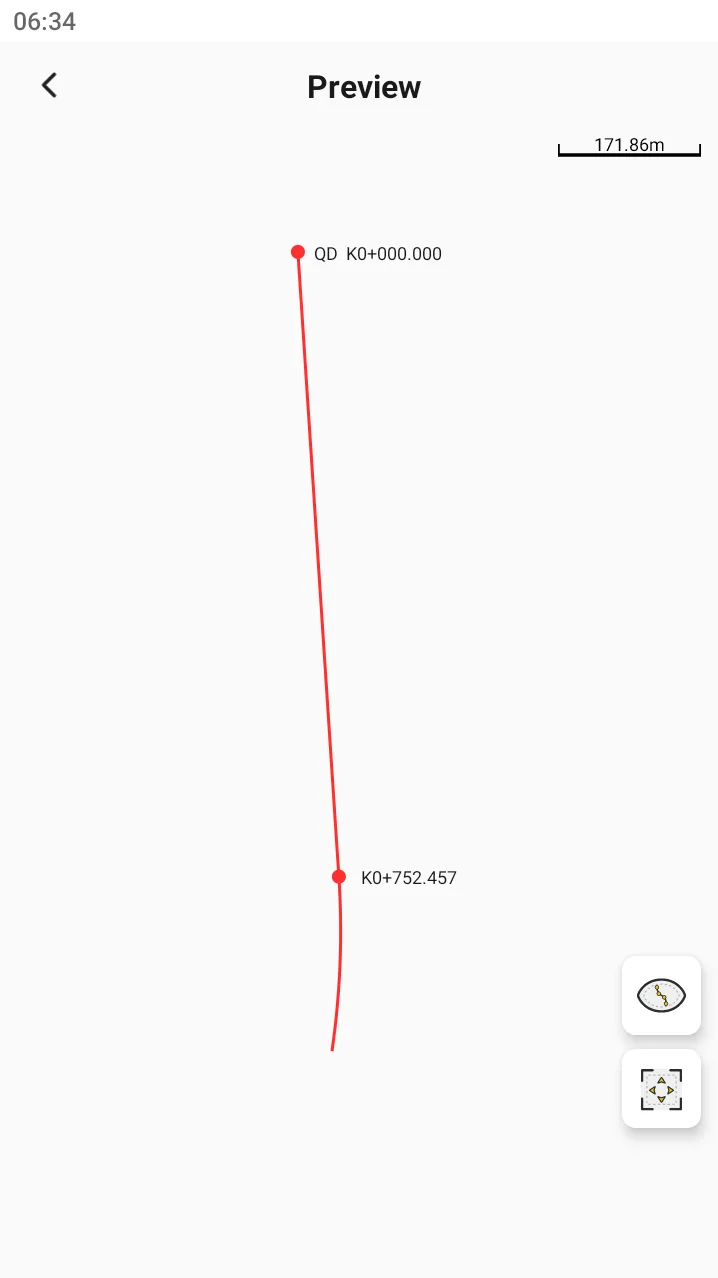
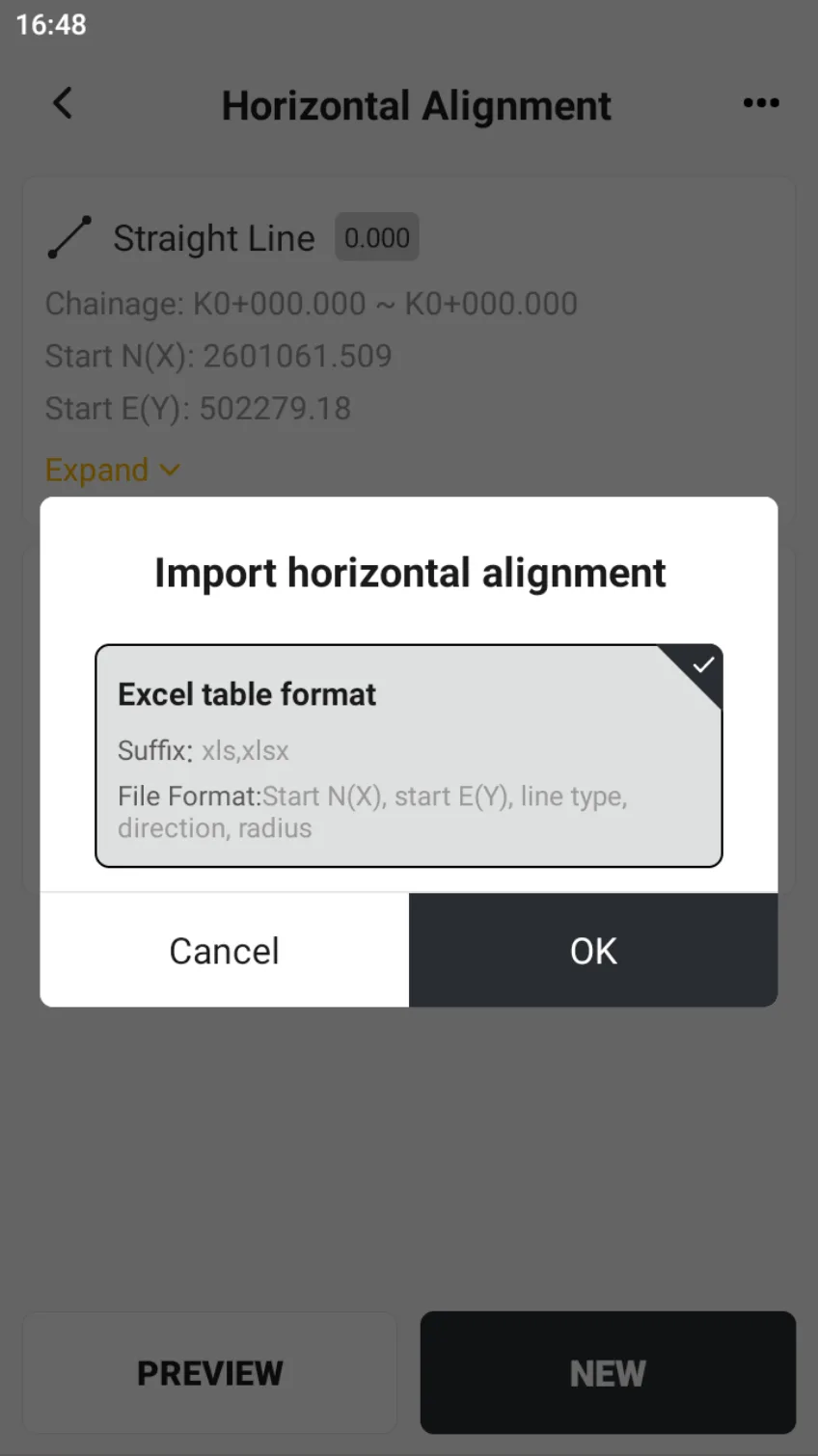
The main point station information during preview can be set to show/hide. Click [...] → [Import] in the upper right corner of the page to organize the table according to the prompt format and import it quickly.
 |  |
Congratulations, you've finished editing the road. Now go to [Survey] → [Stake Road] to get started.