
6.2 Rover
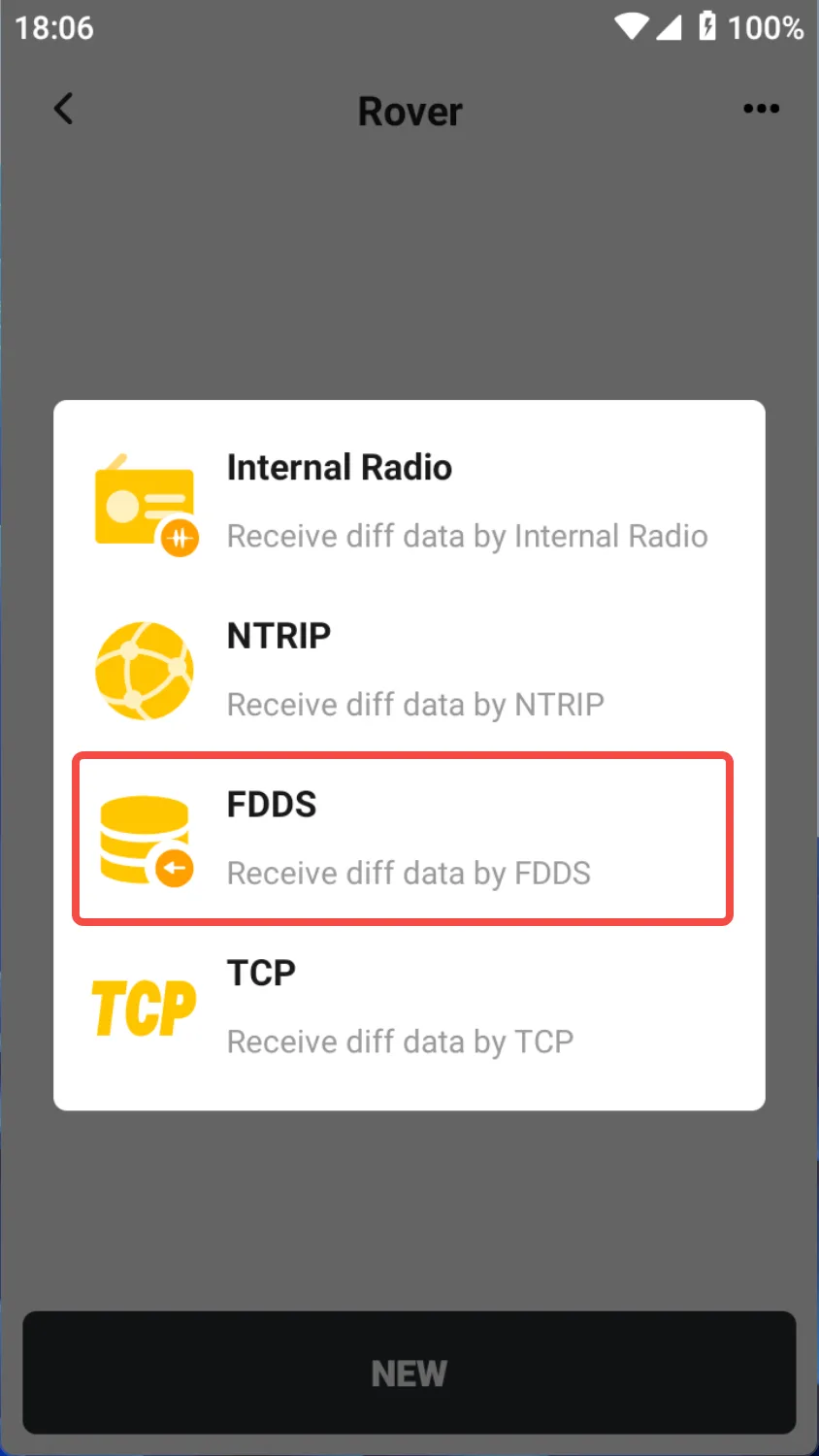
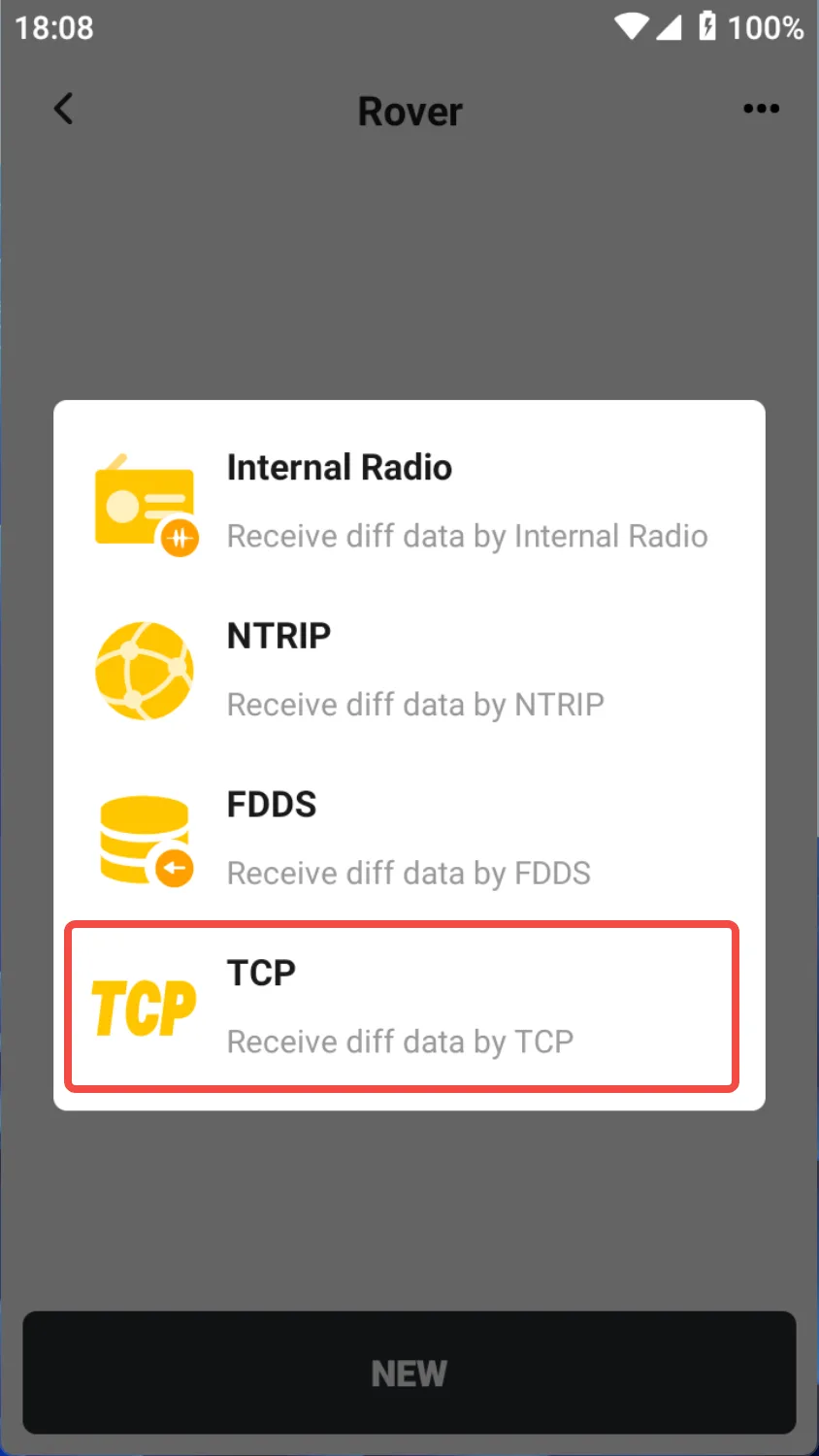
[Rover] operates in differential positioning mode and can obtain high-precision fixed positioning results by receiving differential correction data sent by the reference station in real time. The Trion Survey rover station supports multiple differential data reception methods.
| Mode | Description |
| Internal Radio | Receive raw observation data or RTCM correction data sent by the reference station in real time through radio signals, suitable for medium and short-distance engineering projects. |
| NTRIP | Receive correction data obtained from remote NTRIP servers in real time through the Internet, suitable for work environments with network coverage. |
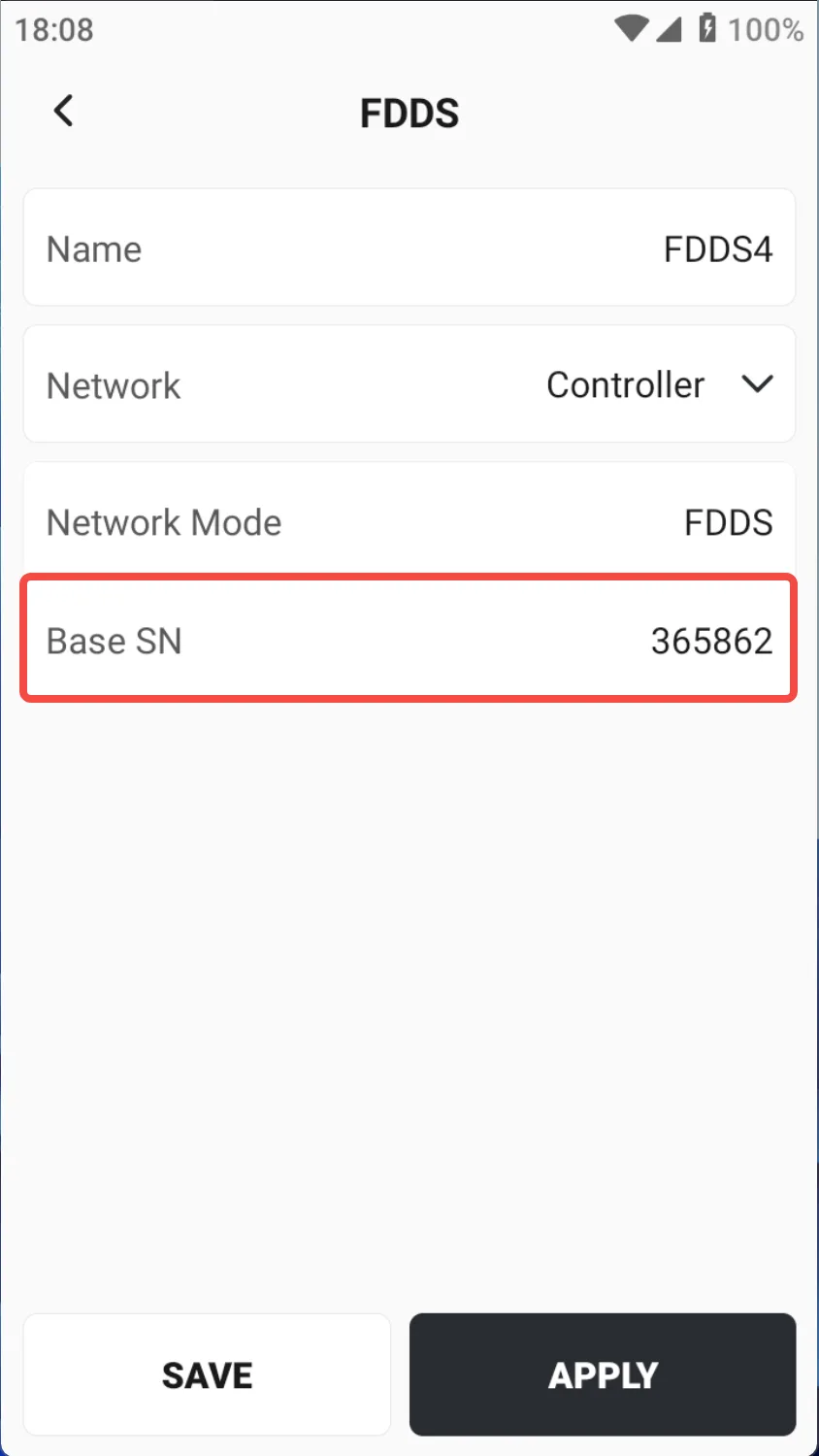
| FDDS | Receive network differential correction data sent by FJD Cloud Service through a quick connection with a 6-digit code, without the need for cumbersome server configuration. |
| TCP | Obtain correction data after establishing a one-to-one TCP connection with a local or remote server. |
6.2.1 Internal Radio
The receiver has two internal radios, 400M and 900M, which have different frequency ranges and configurations.
| Operating bands | Description |
| 400M | 410 MHz ~ 470 MHz |
| 900M | 840.5 MHz ~ 845MHz, 902 MHz ~ 928MHz |
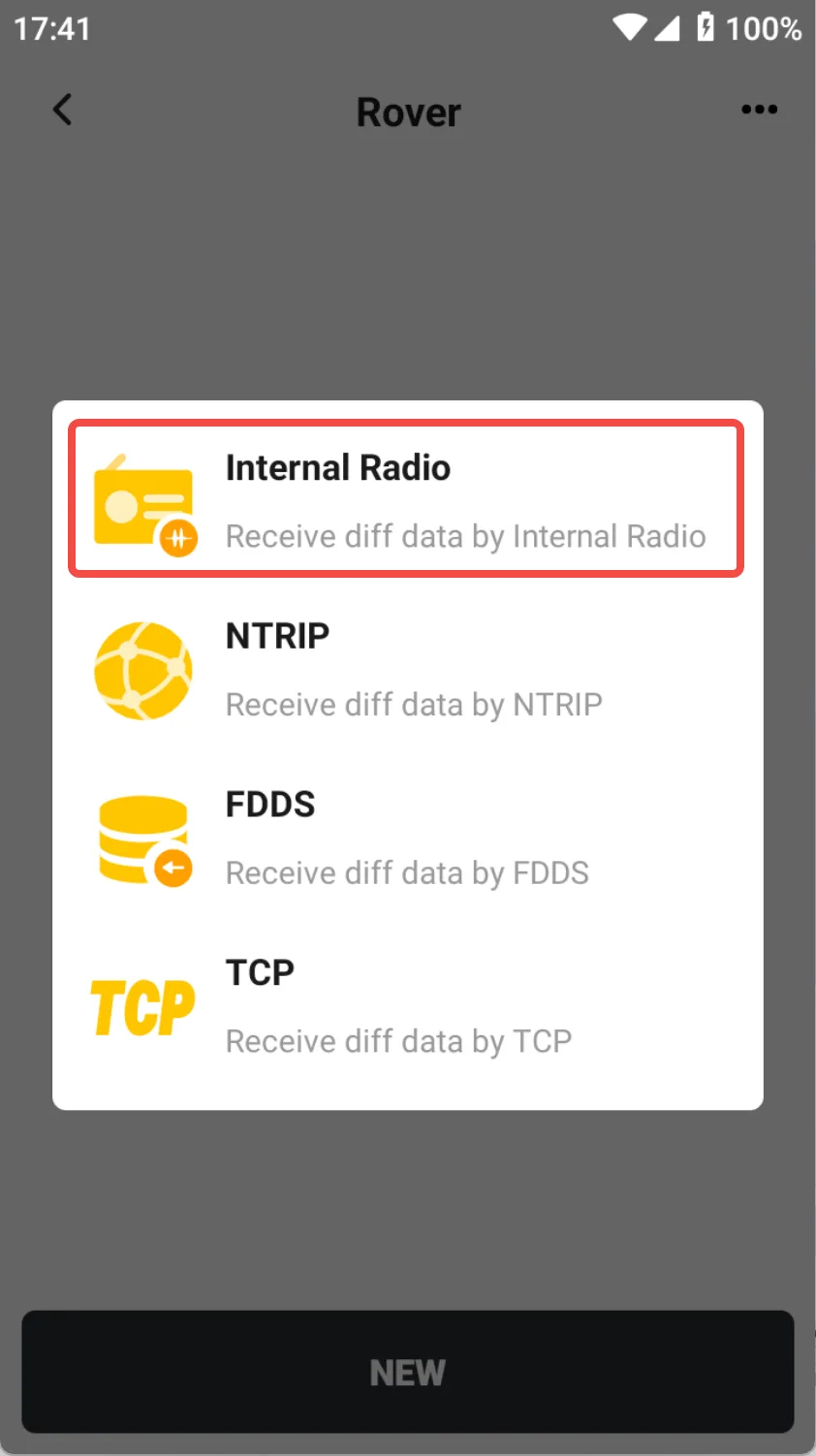
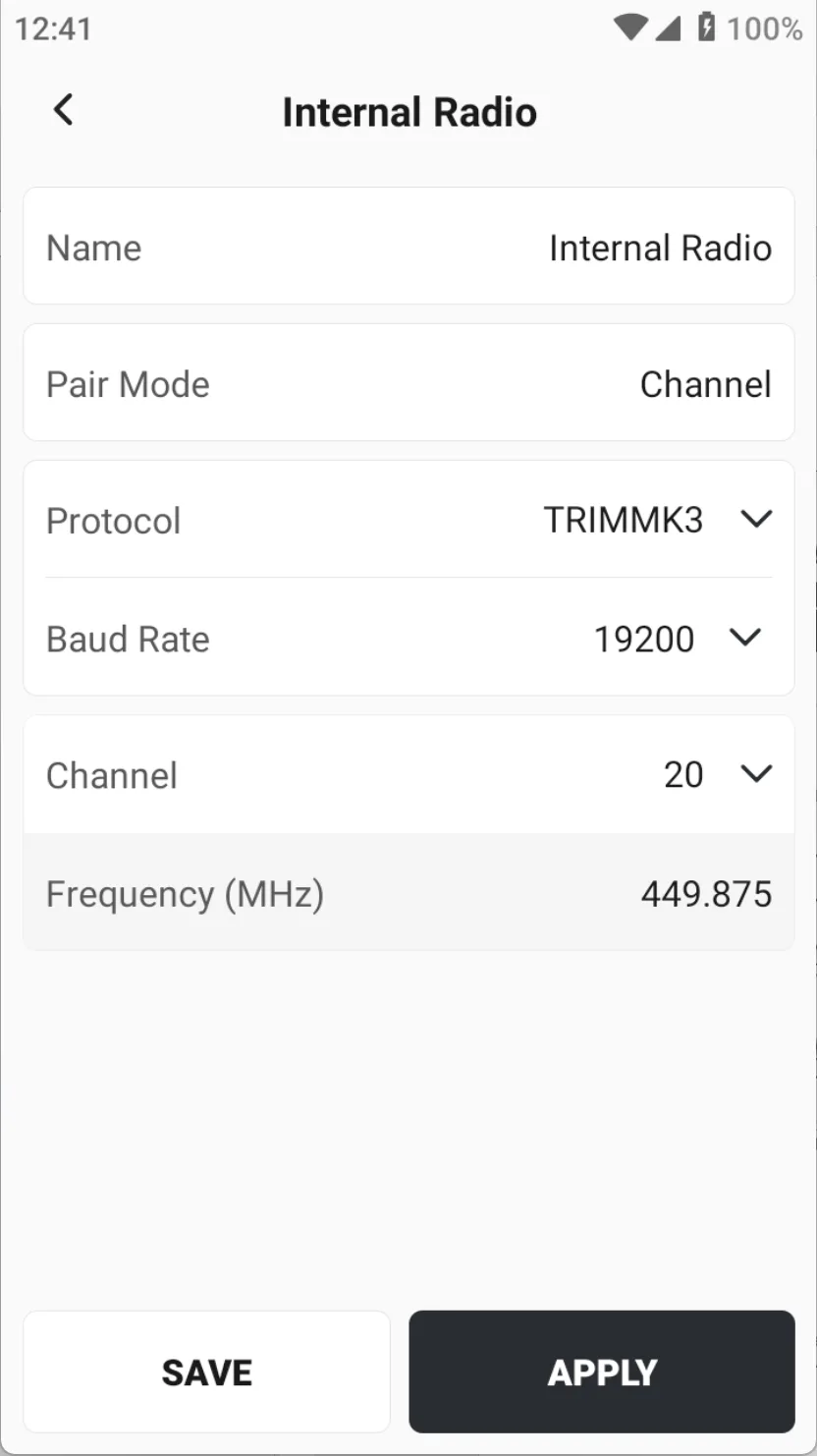
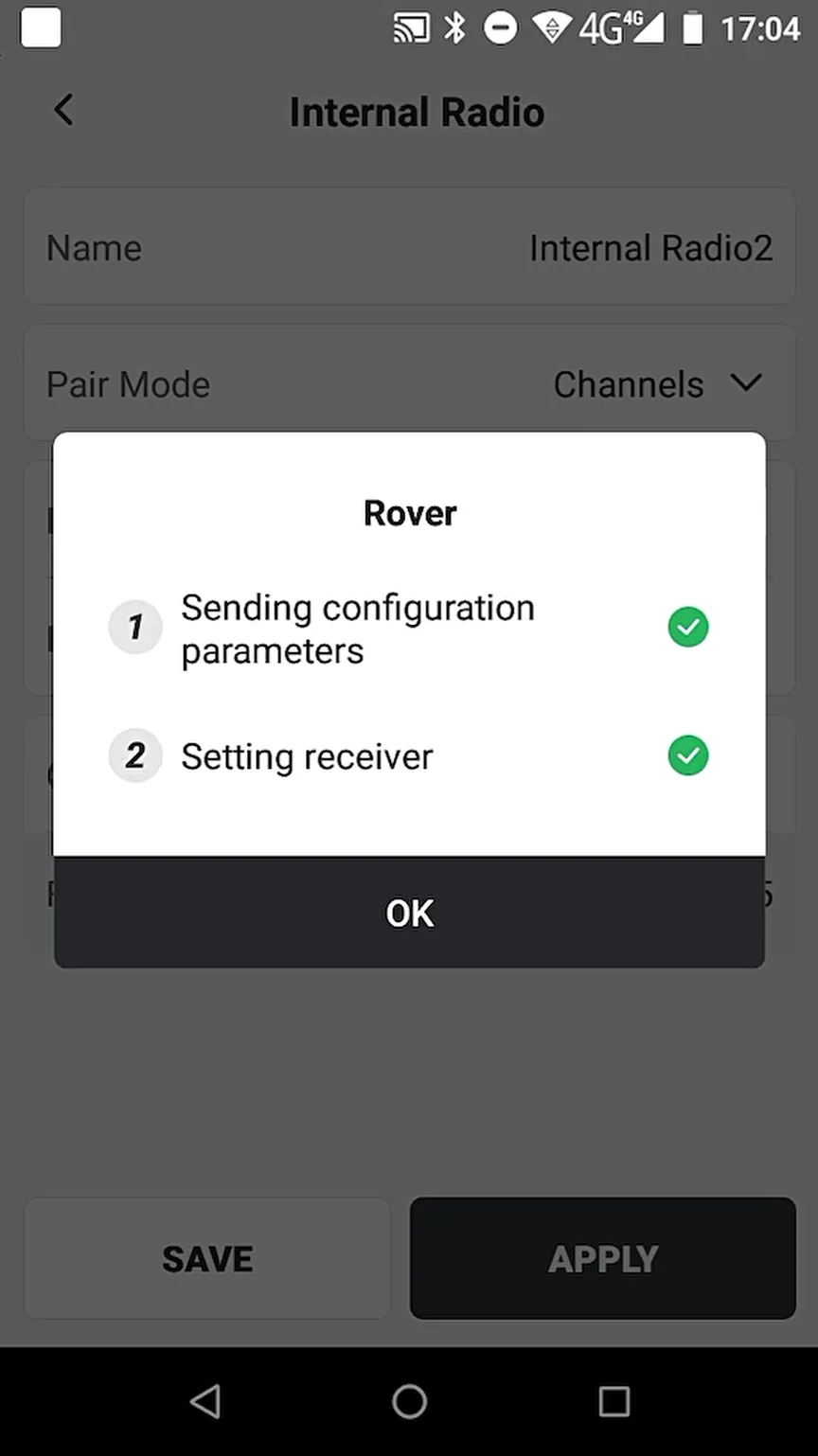
Click [NEW] button at the bottom, select [Internal Radio], and the configuration information of the 400M radio is as follows:
| Name | Description |
| Name | Enter a configuration name |
| Pair Mode | Channel |
| Protocol | Default TRIMMK3, optional TRIMTALK, TT450S, TRANSEOT, SATEL |
| Baud Rate | Different protocols can choose different baud rates |
| Channels | There are 25 defined frequency channels by default, and you can also customize the frequency. Note that the frequency range is 410 MHz ~ 470 MHz |
| Frequency (MHz) | Display the frequency value of the corresponding channel. |
 |  |  |
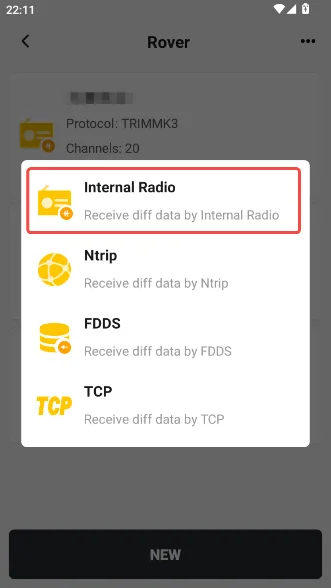
900M radio configuration information is as follows:
| Name | Description |
| Name | Enter a configuration name |
| Pair Mode | 900M radio can only select correlation code |
| Baud rate | Default 19200, optional 4800, 9600 and 19200 |
| Correlation Code | The format is BSA + 5 bit serial number, consistent with the base station setting |
 | 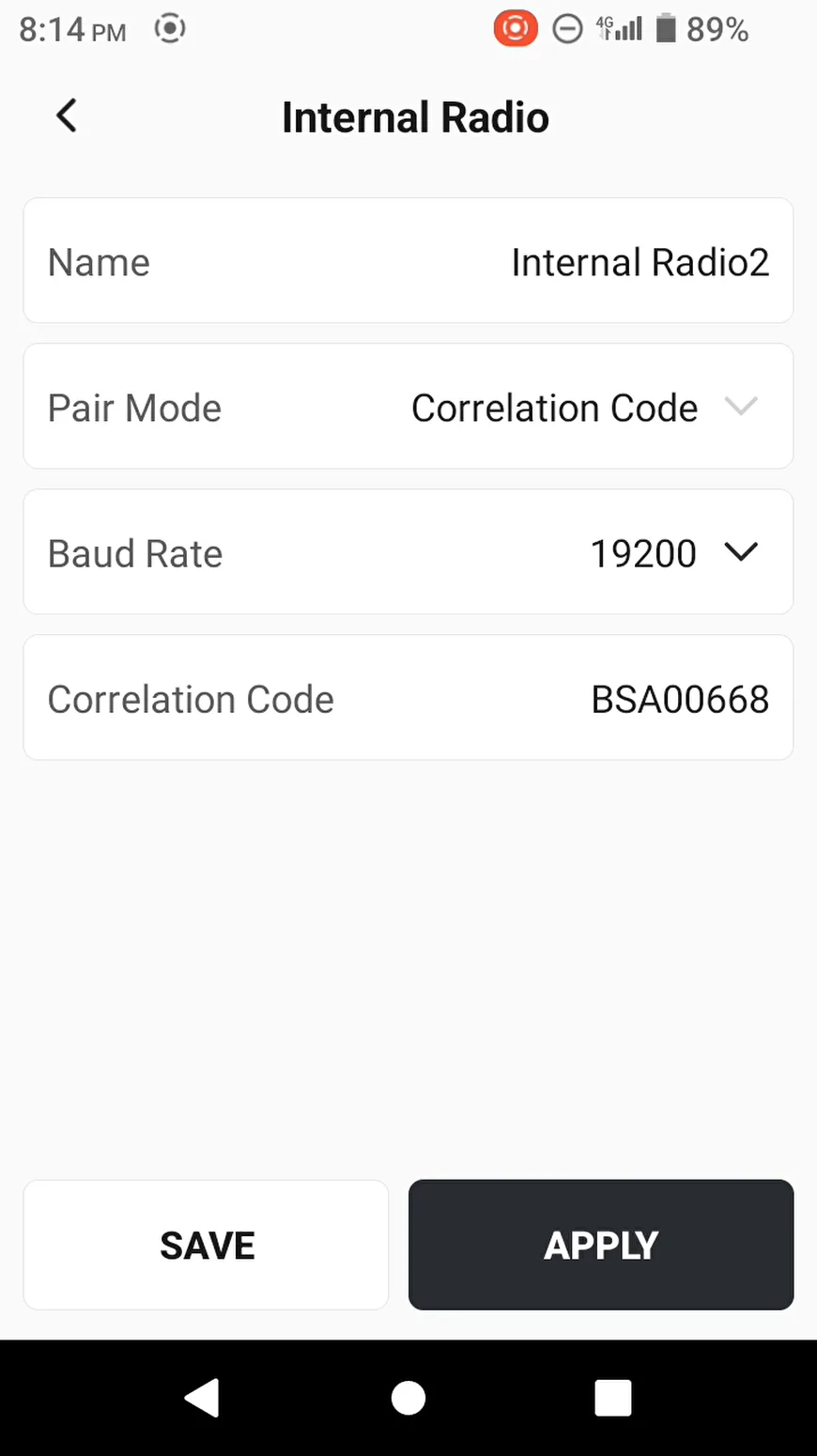 | 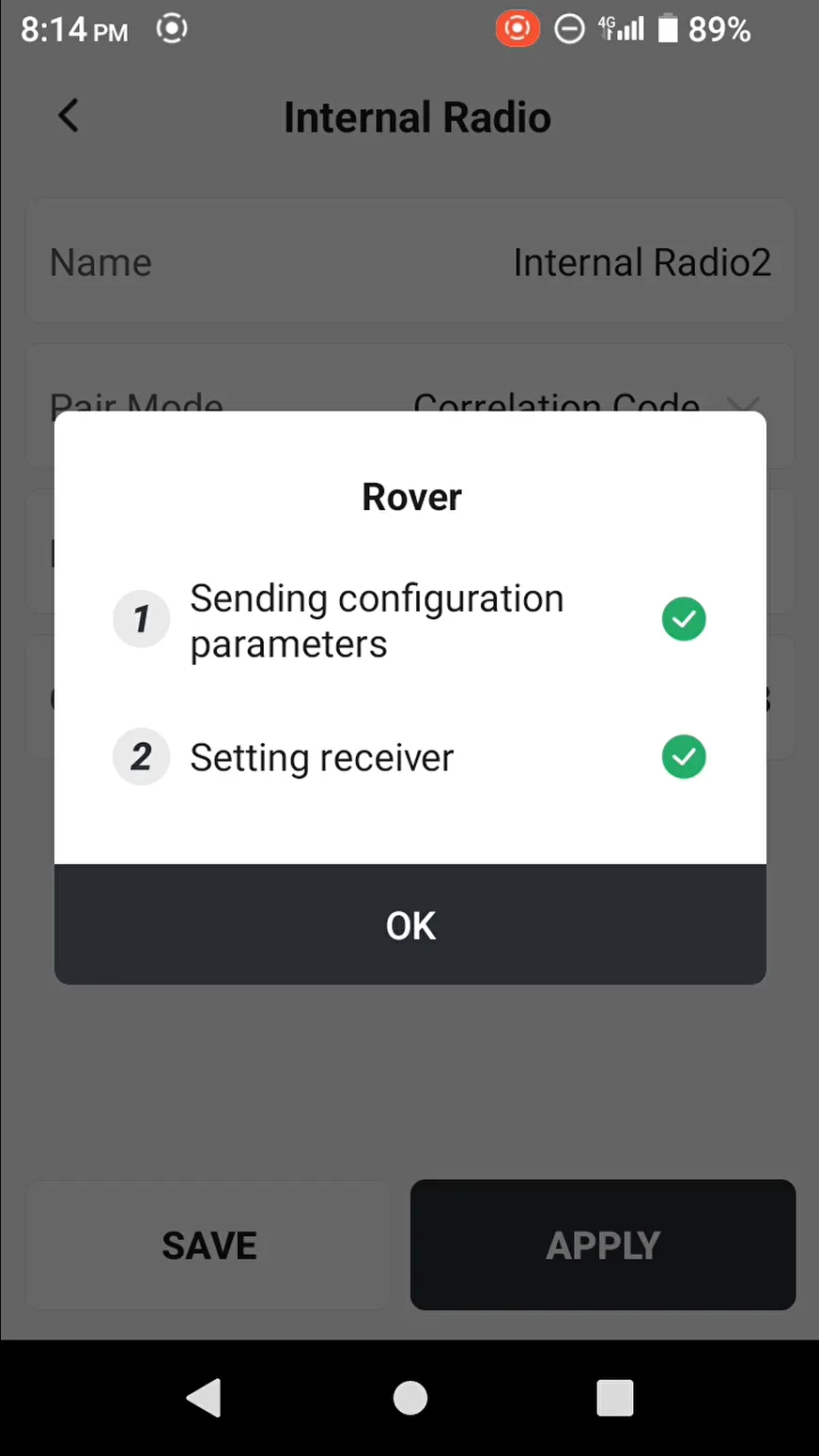 |
After completing the configuration, return to the main page. When using radio communication of the V1 series receiver, you can use the [RSSI] in the [Tools] to assist in checking the radio signal strength of the receiver.
Note: When the communication method is radio, an external whip antenna is required, and the antennas of 400M and 900M are different.
6.2.2 NTRIP
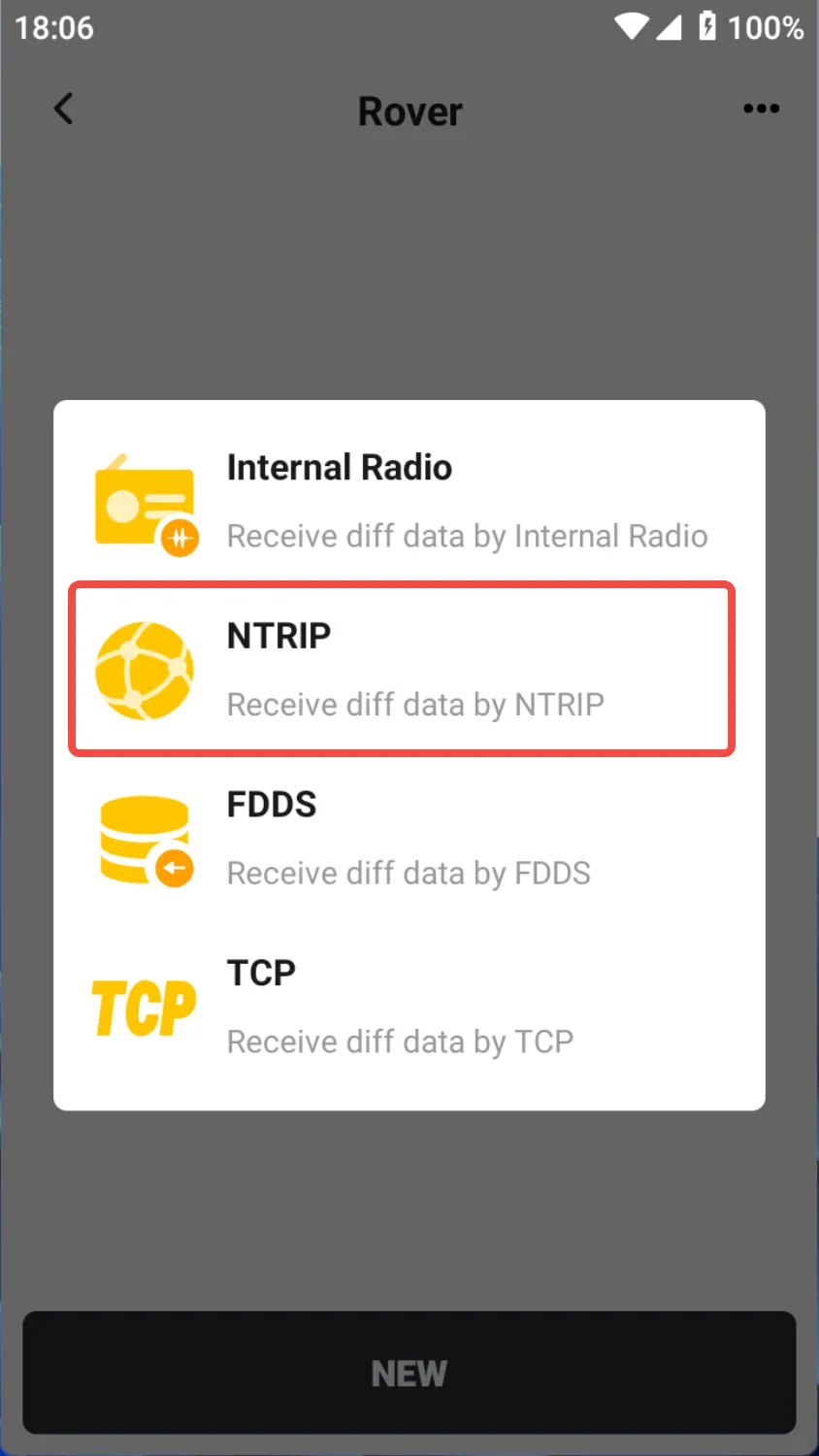
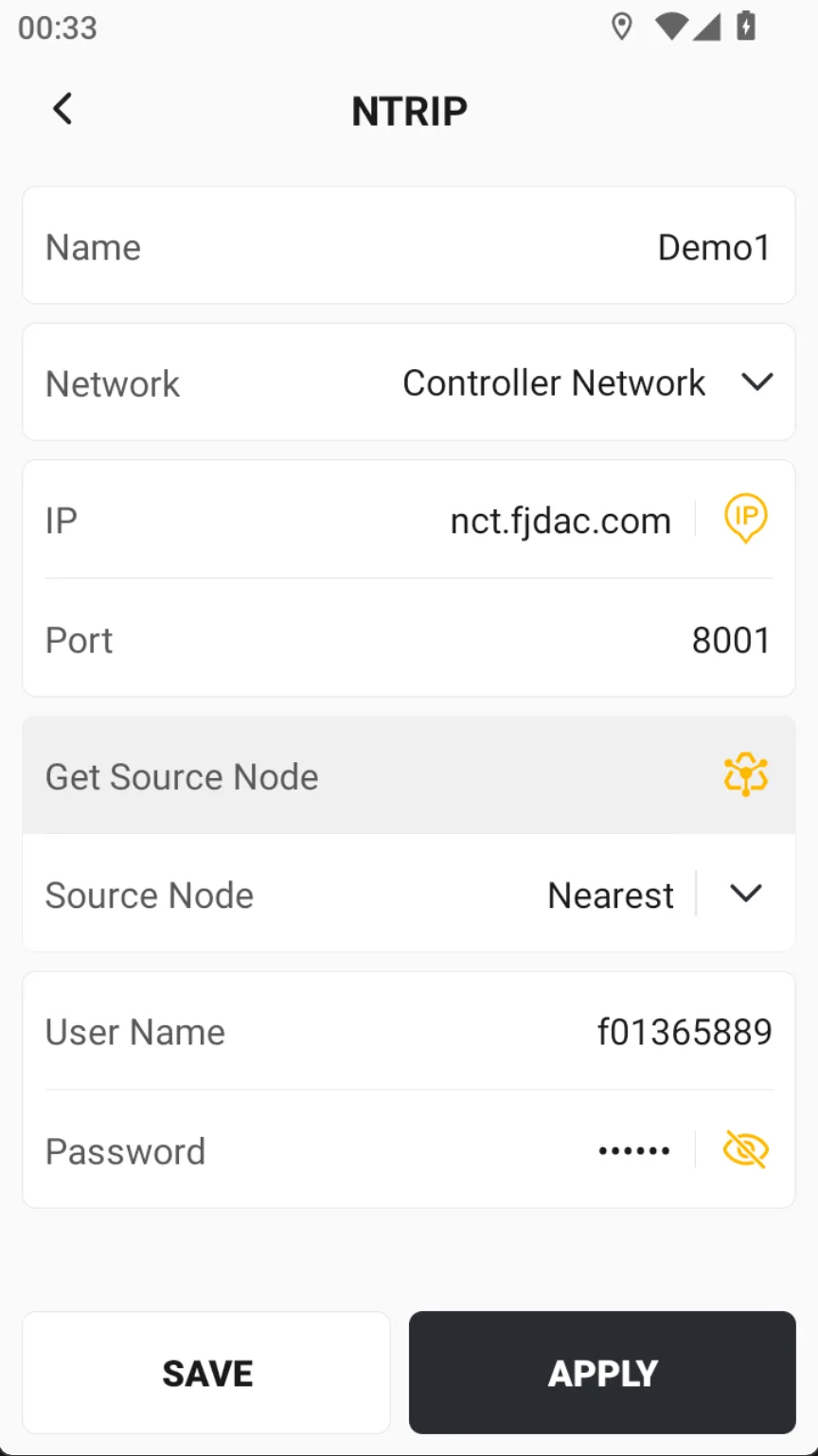
Click [NEW] button at the bottom, select [NTRIP], and the configuration information is as follows:
| Name | Description |
| Name | Enter a configuration name |
| Network | Default controller network, if the receiver supports internet access, optional receiver network |
| IP | Enter the IP address or dynamic domain name of the Ntrip server |
| Port | Enter the corresponding differential source port |
| Source Node | When the correct IP and port are entered, click the icon on the right to automatically get the source node, and then select the correct one from the pop-up list |
| Username | Username verification |
| Password | Password verification |
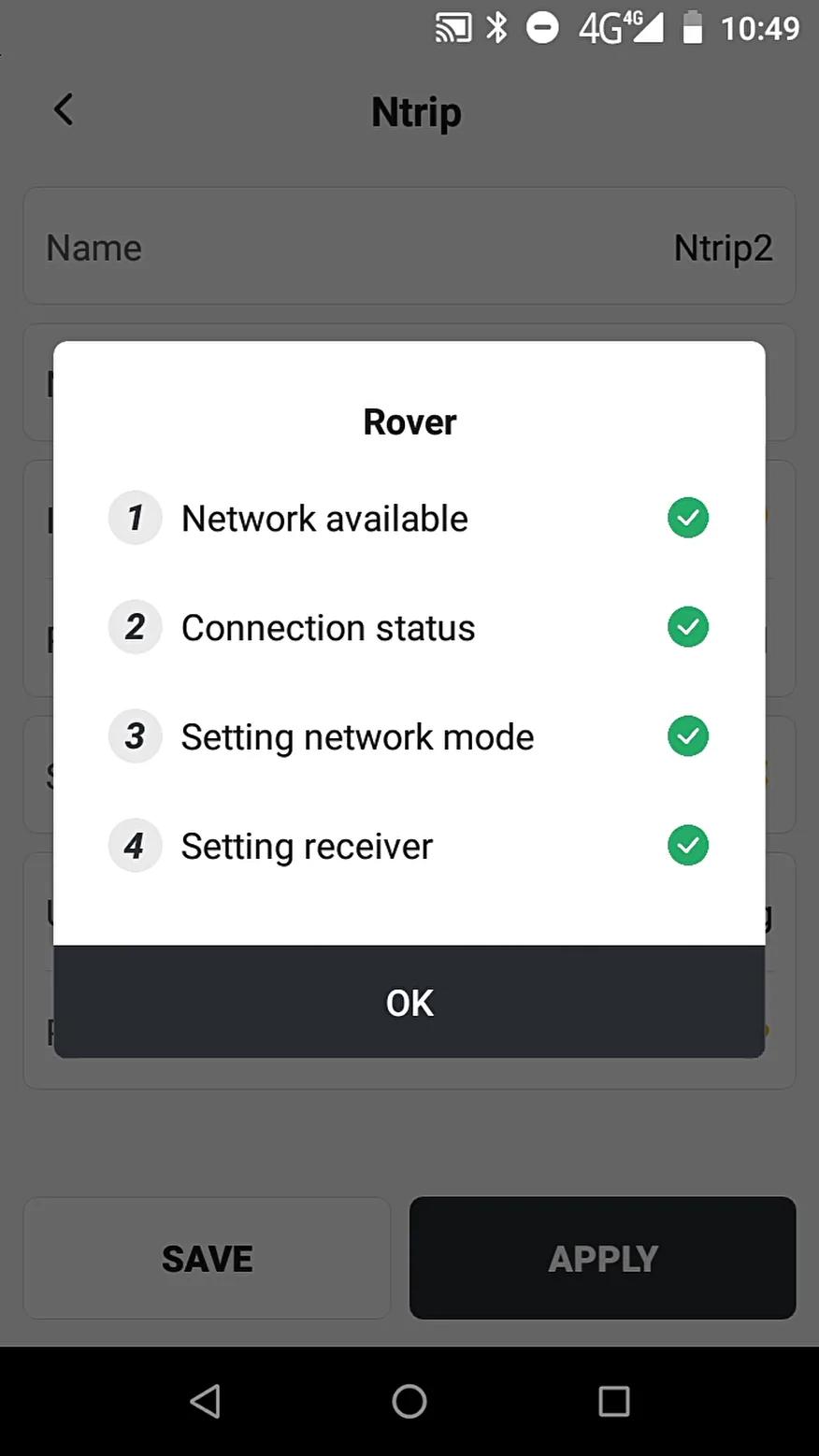
Click the bottom button [APPLY] and wait for the differential signal to be received.
 |  |  |
6.2.3 FDDS
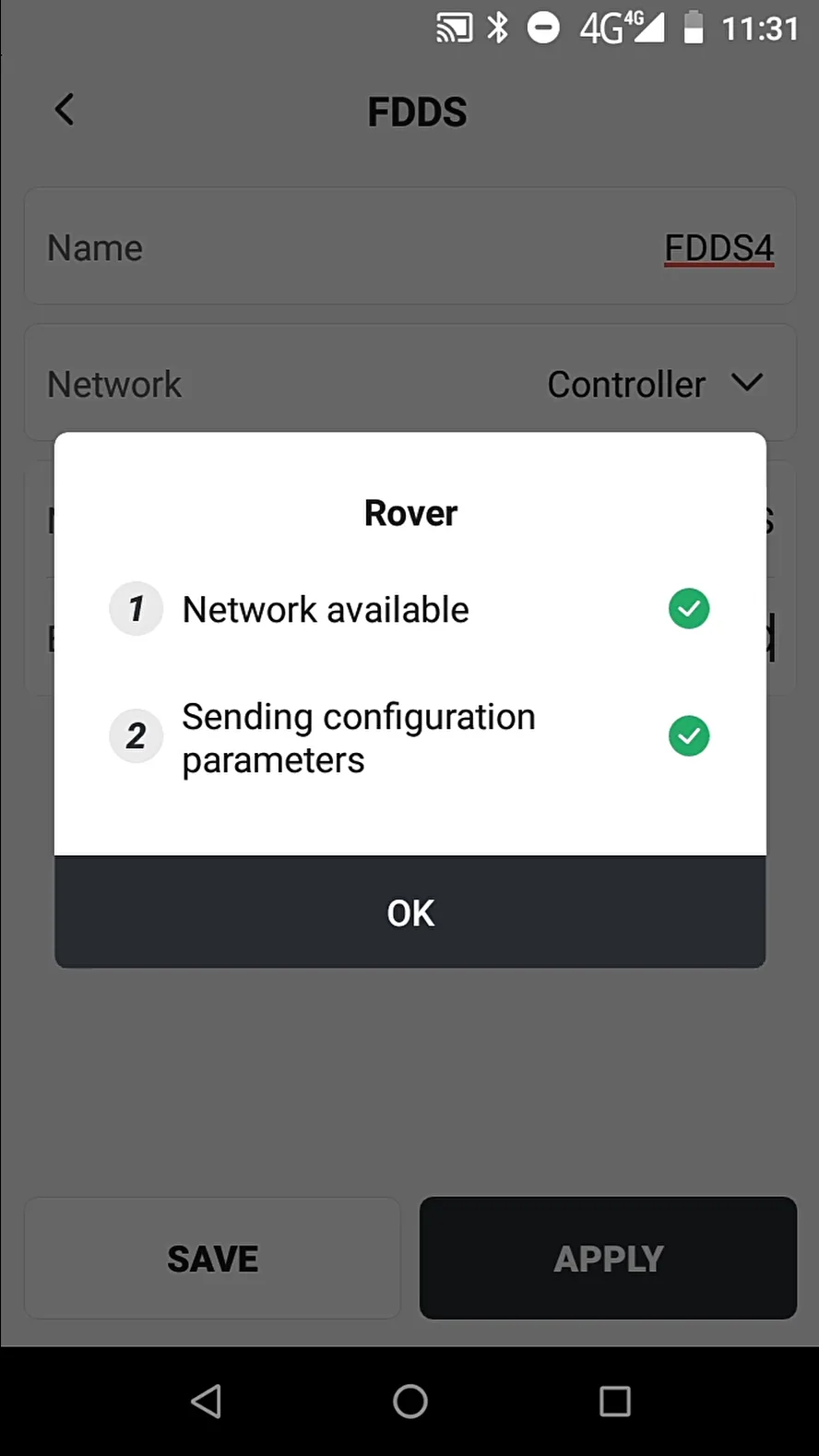
Trion Survey supports the base station sending differential data over the network. The rover station selects FDDS mode, inputs the corresponding six-digit base station short number, and receives the differential data to obtain a fixed solution.
 |  |  |
6.2.4 TCP
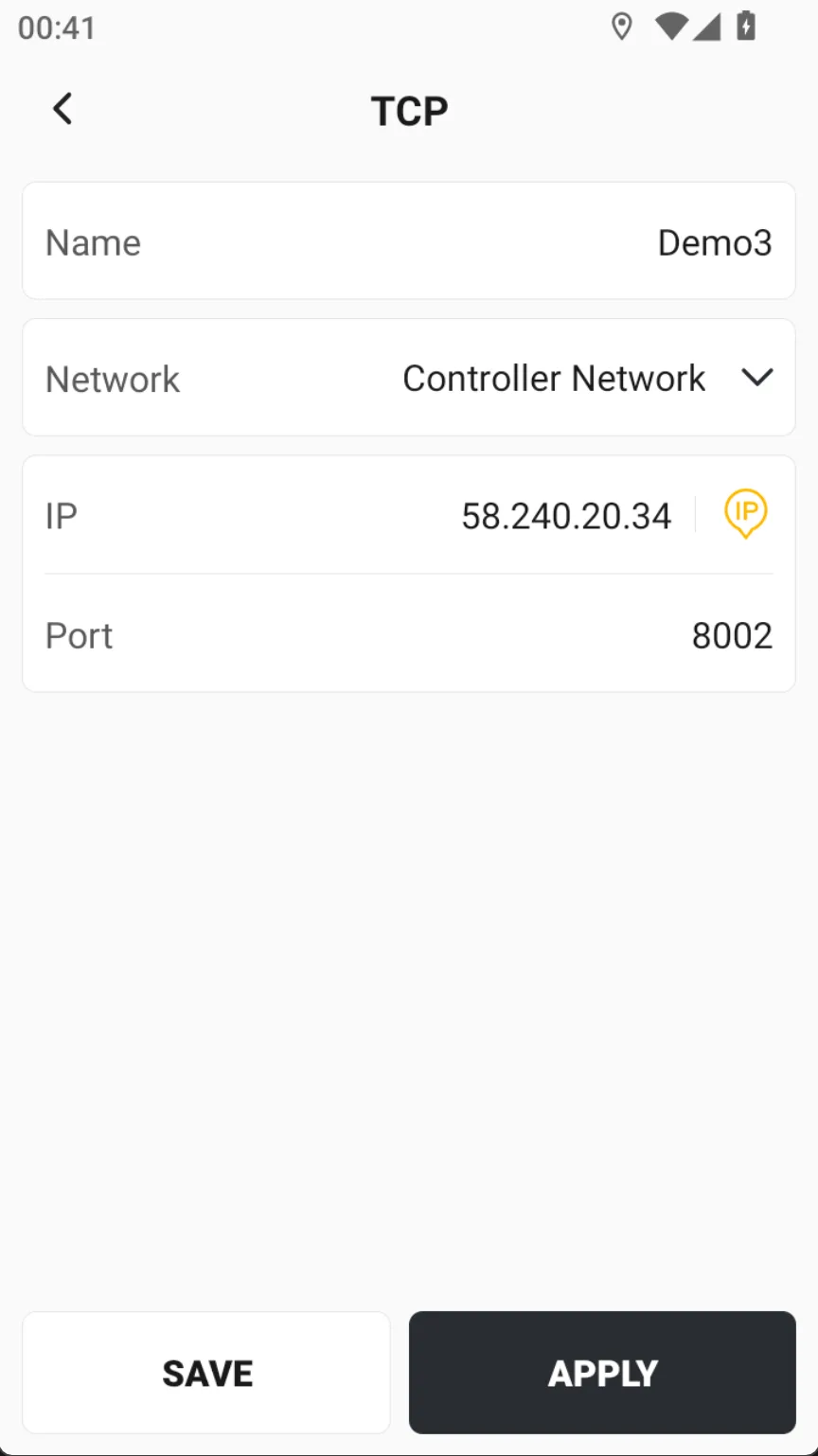
RTK rover stations support receiving differential data through TCP direct connection. TCP direct connection does not have identity verification, and receiving differential data is considered a successful connection, and the connection is one-to-one.
 |  |