
7.8 Base Shift
7.8.1 Feature Description
If the RTK base station is moved for any reason, the rover's measurements will be offset. You can either re-establish the coordinate system or use Base Shift to correct it — the latter being a method commonly used by surveyors.
Click on the main menu [Survey] → [Base Shift], select the measure point and the corresponding known point, then click [CALC] at the bottom to calculate the deviation of the base station. Click [APPLY] to complete the base shift operation.
Base Shift 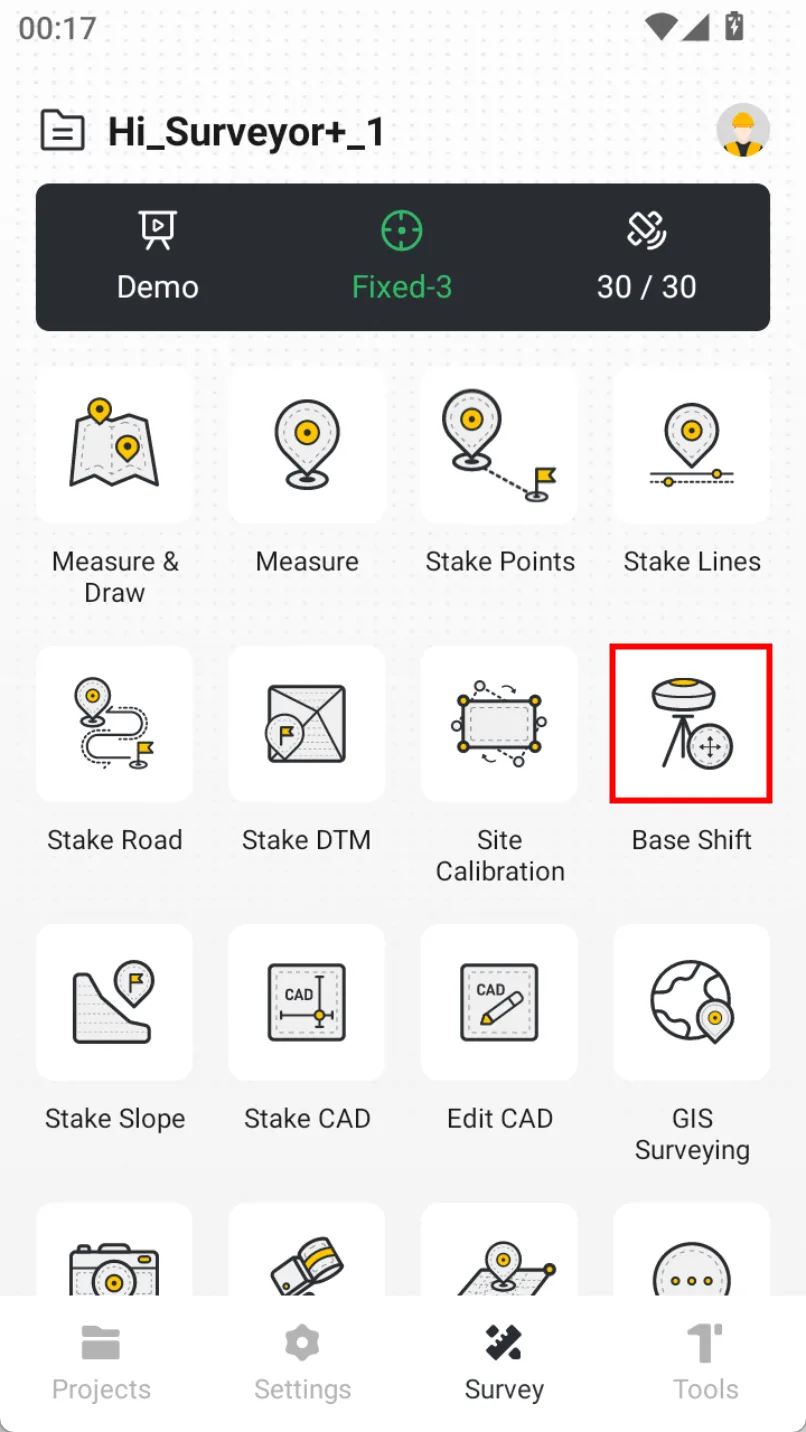 | Select Method 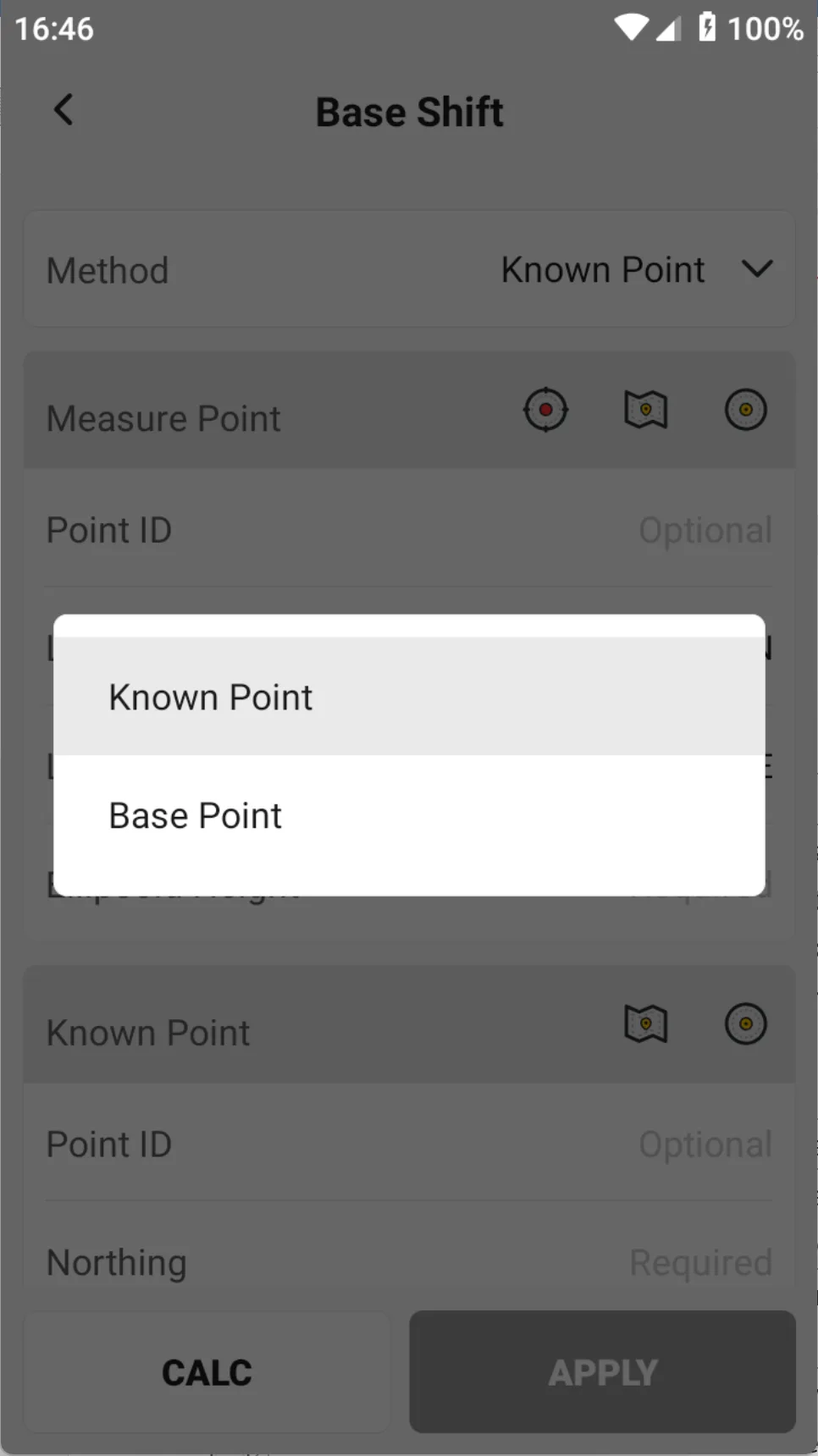 | Click CALC 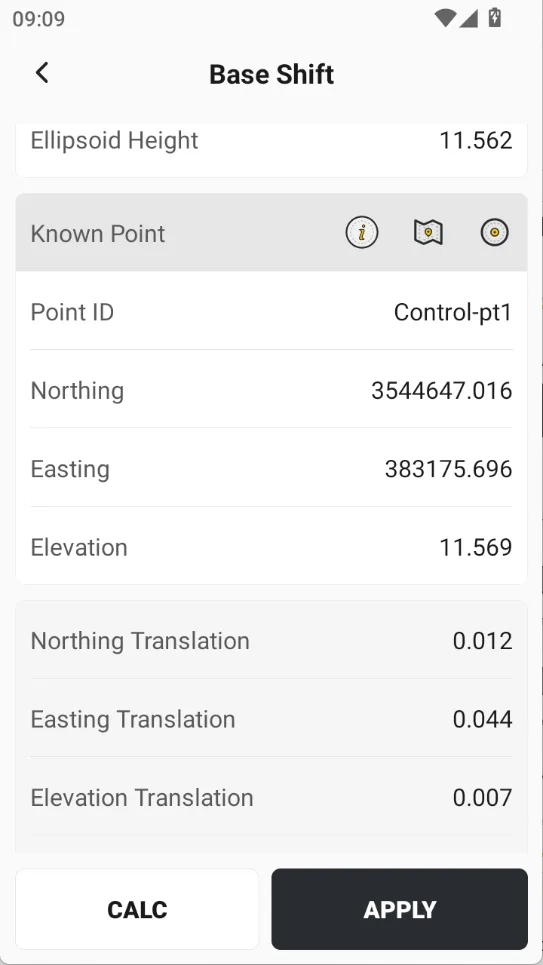 | Apply the Shift 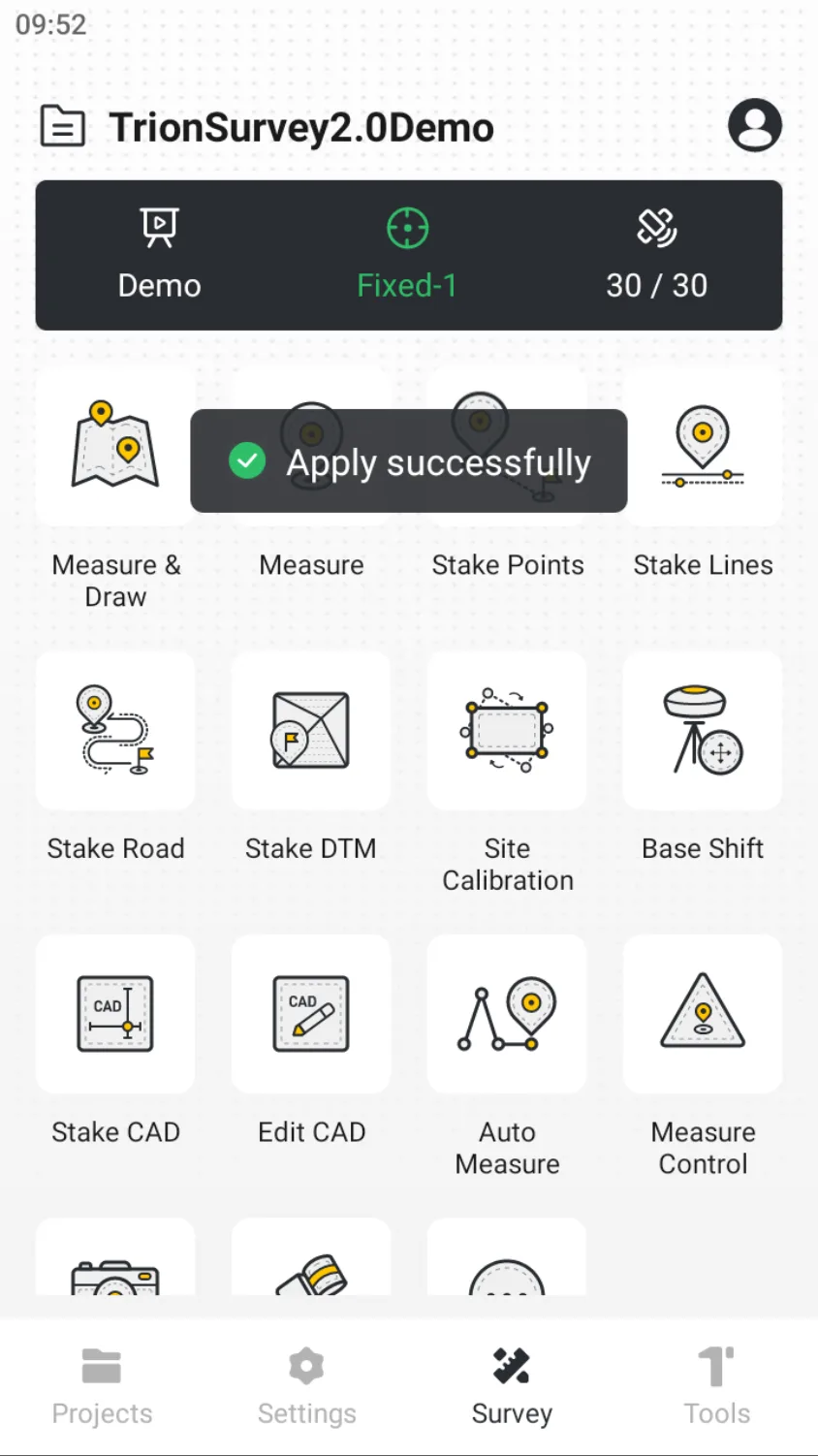 |
Note
- The base shift function is a temporary solution after the base station changes. It is not recommended to use it for a long time or rely too much on it. Each project should ensure the stability and reliability of the base station location as much as possible.
- There are two methods for Base Shift:
- Known Point. Select a measured point and its corresponding known (true) coordinates to calculate and apply. Historical measurement data remains unaffected.
- Base Point. Select a base station and its corresponding known (true) coordinates to calculate and apply. All measured points associated with this base will be updated accordingly.
- If the Site Calibration is performed after the Base Shift, the coordinates of all points in Points will be modified.
7.8.2 Video Tutorial