4 TPM Cloud Service
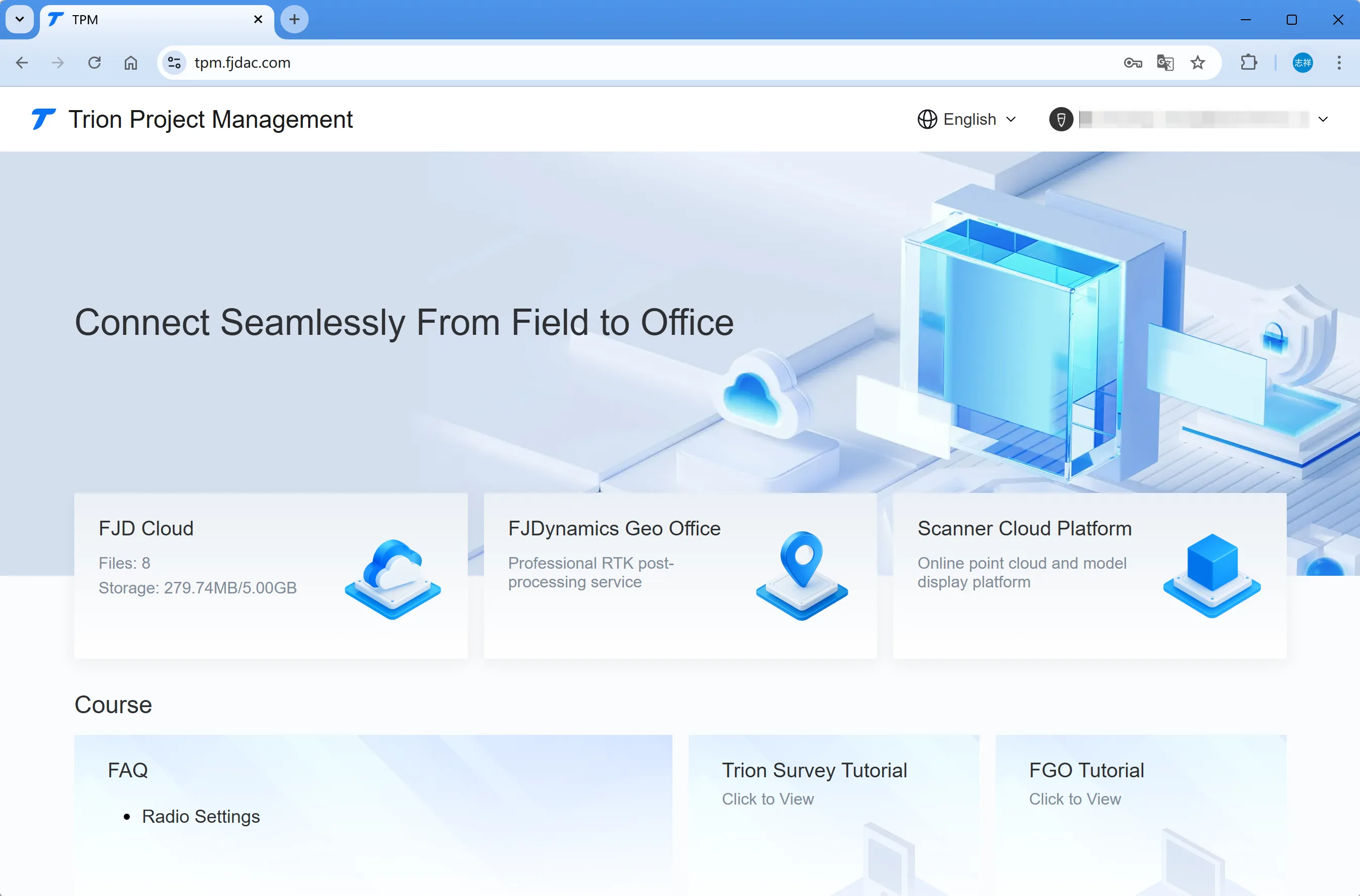
Trion Project Management (TPM) offers comprehensive spatial data application services that connect the right people to the right data at the right time. By sharing data in real time from end to end or end to cloud, TPM achieves seamless data collaboration from field to office, making it ideal for industries like surveying, agriculture, construction machinery, and new energy. With scientific data management, powerful data processing, and rich data visualization, TPM allows project stakeholders to see the big picture more precisely and efficiently, bringing everything together to deliver the best possible project results.
My Cloud Drive is one of TPM's important services, which provides uploading, downloading, and sharing of RTK project data.
4.1 Glossary
| Name | Description |
| Upload cloud drive | Upload the selected files in the APP to the specified cloud drive directory. |
| Cloud drive download | Select the file from the cloud drive directory and download it to the APP. |
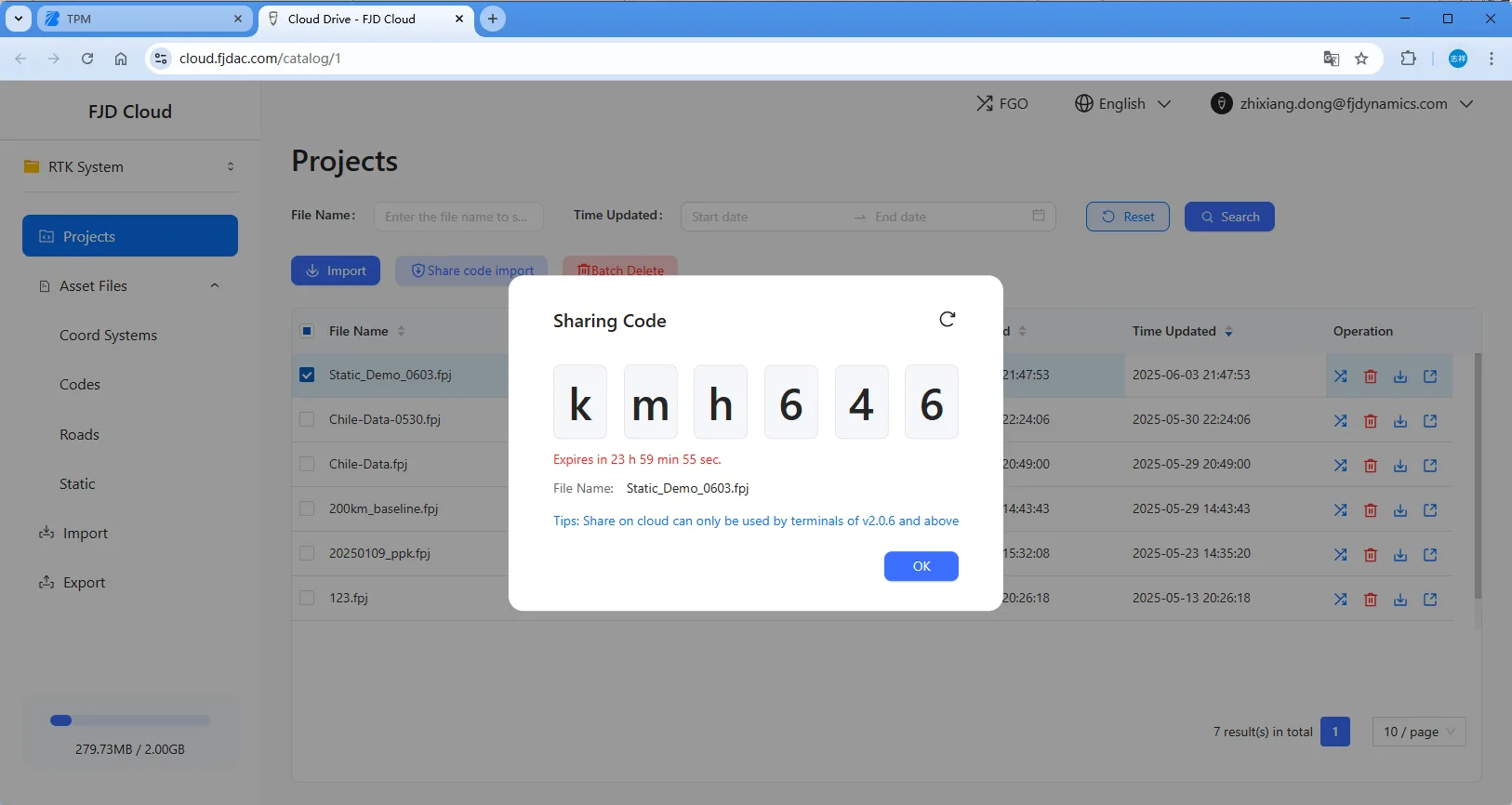
| Create a sharing code | After uploading the selected files in the APP, a digit extraction code is created, which other users can use to obtain files in Trion Survey. |
| Sharing code download | Directly download files shared by others by entering 6 characters combining letters and numbers. If it is a project, coord system, codes, or setting file, it will be automatically synchronized to the APP after downloading. |
| Email sharing | Send the exported file as an attachment to the specified email address using the company's default email address. |
4.2 Account login
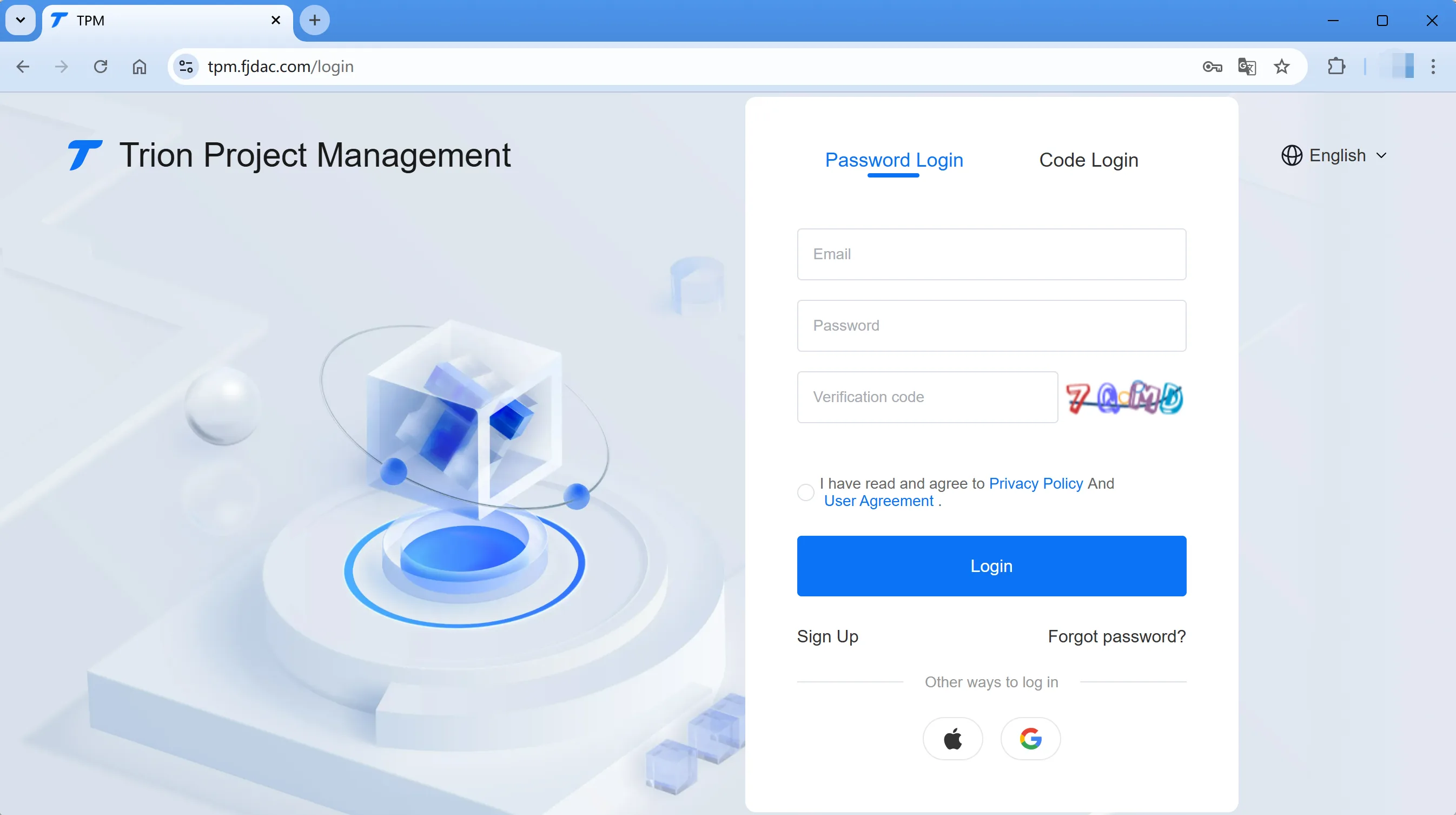
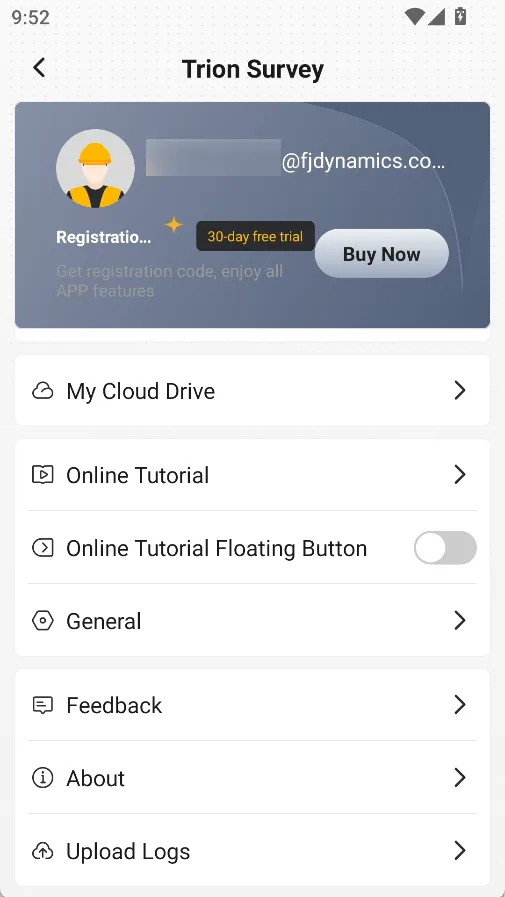
After successfully logging in to the account, you can see the storage directory for data management in [My Cloud Drive], with the web login address at the bottom of the directory.
Note: The login address may be adjusted as the product is upgraded. Please refer to the actual address displayed on the page.
 |  |  |
4.3 App operation
4.3.1 Cloud download
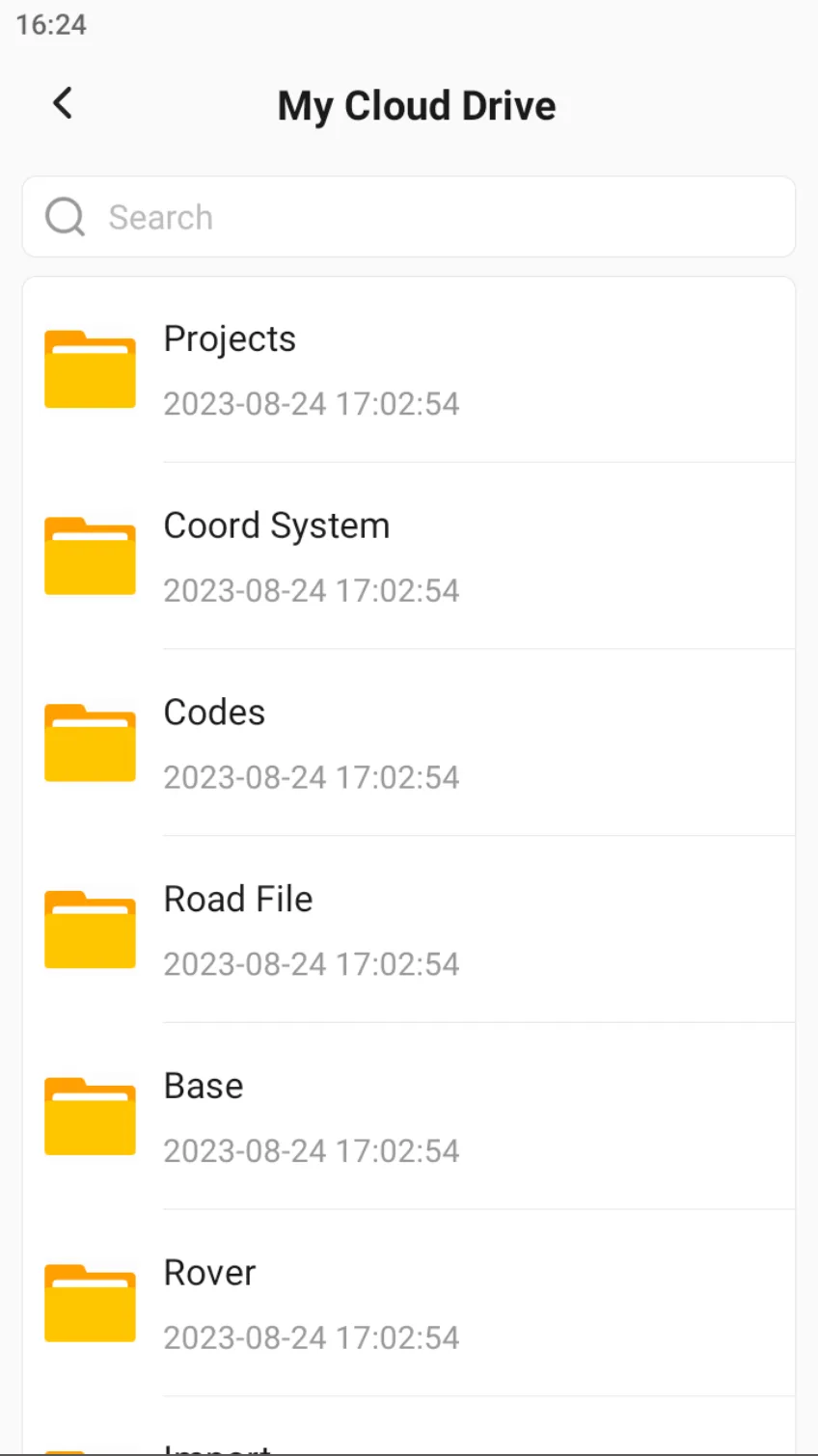
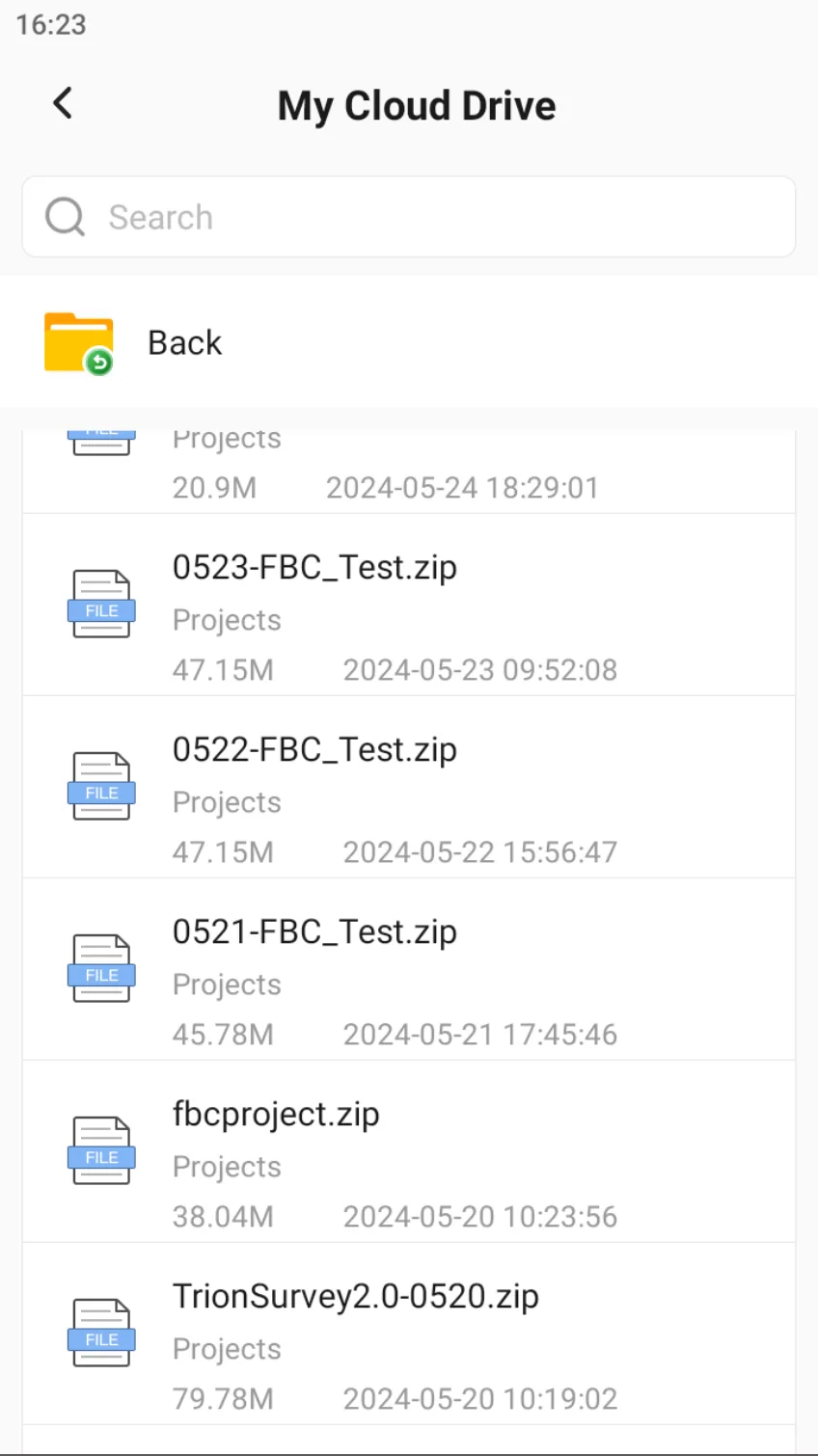
Click on the profile photo in the upper right corner of the main page, enter the personal center, click on [My Cloud Drive], you can see a total of 9 folders. Different files in the APP will be uploaded or shared to different folders. The corresponding file suffixes are as follows. The table may not be the latest, please refer to the actual supported format.
| Folder | File suffix |
| Projects | zip, fpj, jxl |
| Coord System | cds, dc, lok, xml |
| Codes | txt, csv, xlsx, xml, cde, fxl, fcl |
| Road File | roads, csv, xlsx, xls, txt, xml |
| Base | rcb |
| Rover | rcr |
| Import | txt,csv,xlsx,xls,sim,shp,shz,dat,dxf,sjw,xml,kml,dwg,lne,sfc,pdf,html,dne |
| Export | txt,csv,xlsx,xls,sim,shp,shz,dat,dxf,sjw,xml,kml,dwg,lne,sfc,pdf,html,dne |
| Static | gsd, rtcm, rtcm3, RINEX |
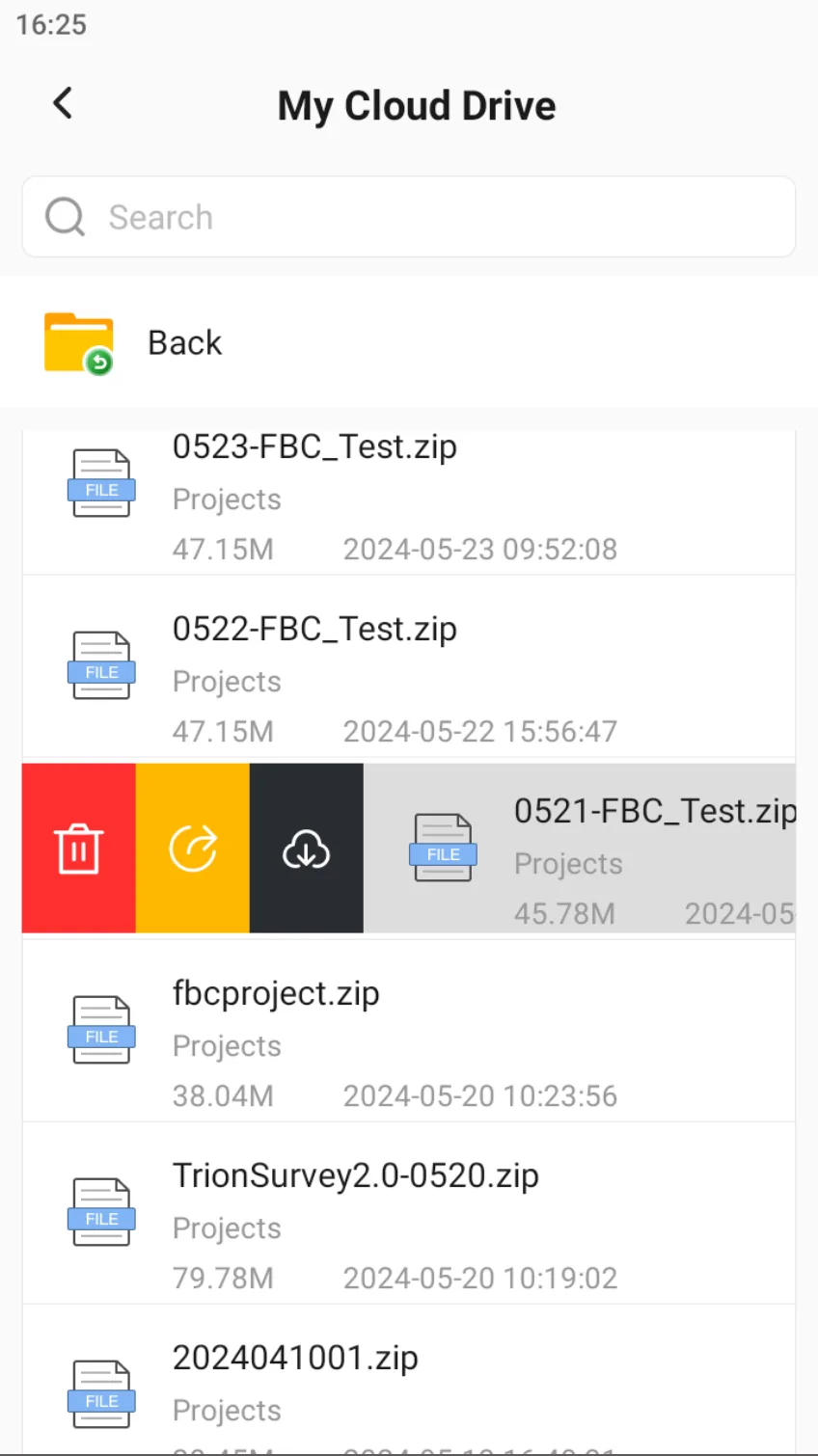
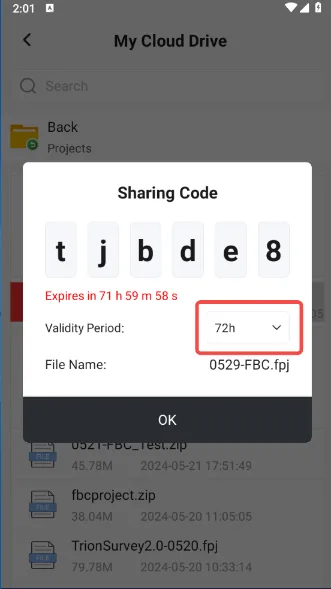
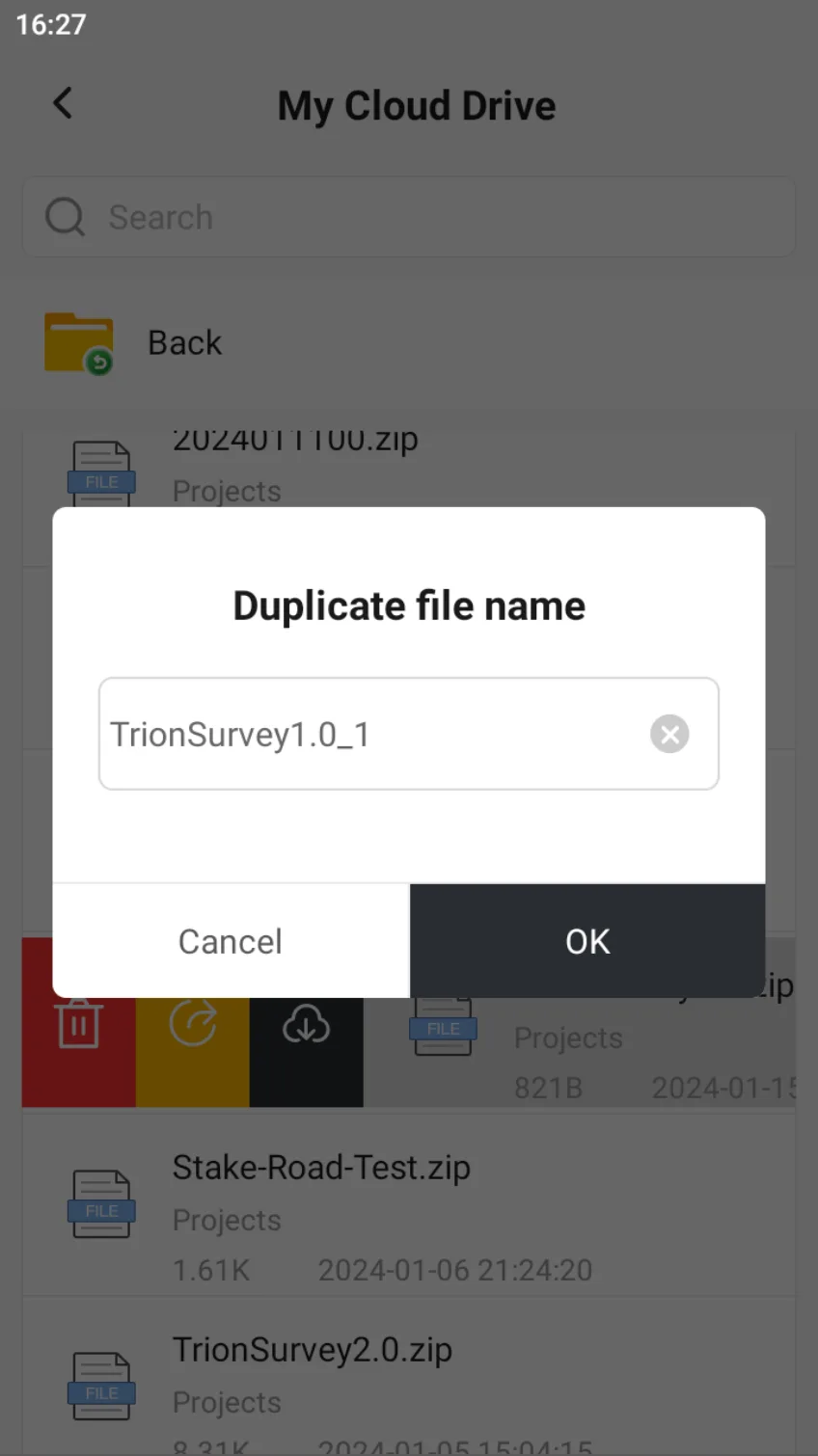
Click on a file, and you can choose to delete, create a sharing code, or download to local. Among them, the valid period of the share code can be selected as 30min, 2h, 24h, and 72h. If there is a file with the same name when downloading, it will prompt to rename.
 |  |  |
4.3.2 Upload to the cloud
Enter [Projects], [Coord System], [Codes] or other functional modules, there are generally two ways to achieve file uploading:
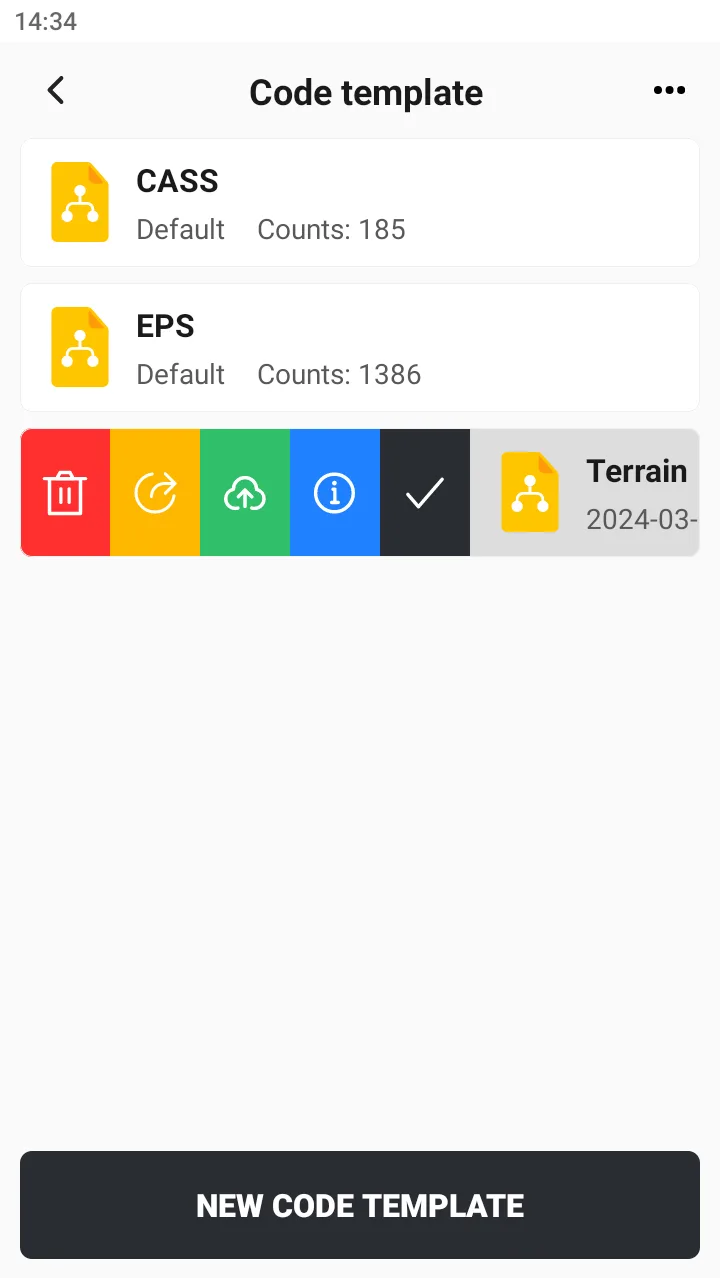
1. Click the project name and choose Upload or Share in the sidebar;
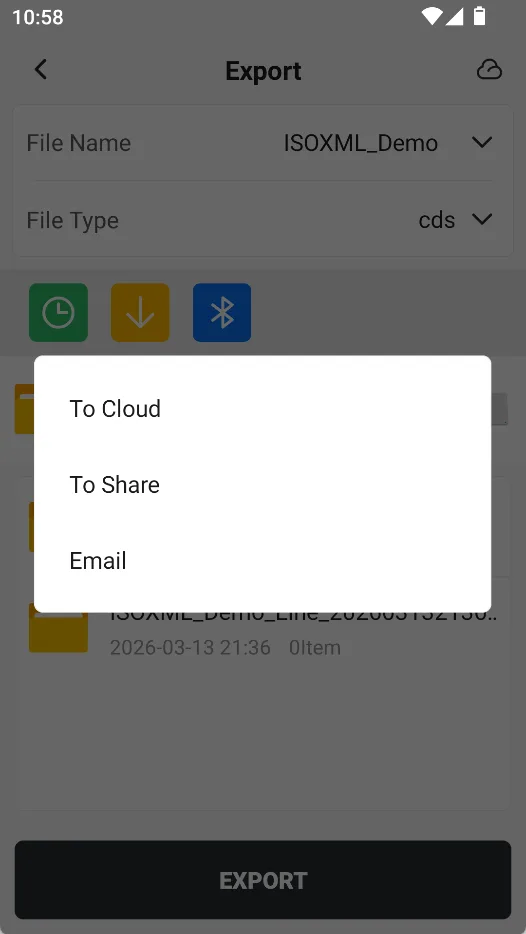
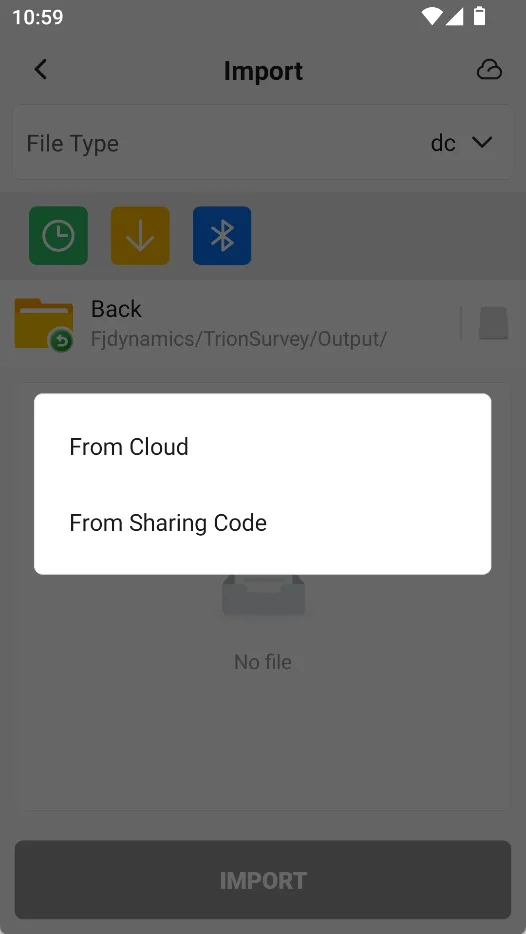
2. On the export path selection page, click the cloud icon in the upper right corner. Similarly, the cloud icon can also be selected when importing.
 |  |  |
4.3.3 Email sharing
Trion Survey supports sending exported files as attachments to recipients via email. Click the [Cloud Service] icon in the upper right corner of the export page, and click [Email] to open the email writing page.
📌 Note: 1. Keep your controller connected to the internet. 2. Trion Survey requires login. 3. The current recipient can only fill in one email address. 4. The sender and email body cannot be edited. 5. Attachments should not exceed 20MB. | 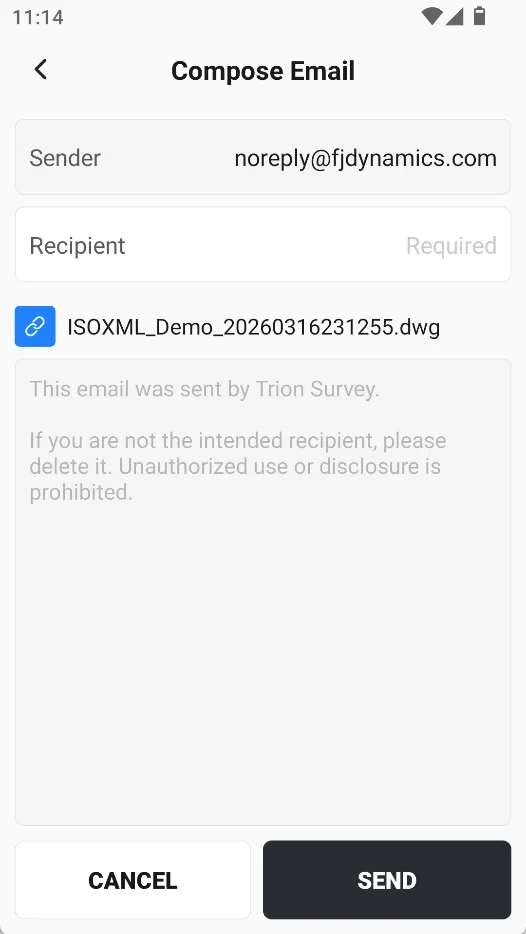 |
4.4 Web side operation
The App side can manage uploaded/downloaded files in [My Cloud Drive], and the Web also provides a Cloud Service management page. You can see the login address of the Survey Cloud Service platform at the bottom of the [Login/Sign Up] or [My Cloud Drive] page. You can directly enter it in the browser to open the login page.
Note: The login address may be adjusted as the product is upgraded. Please refer to the actual address displayed on the page.
In the future, we will provide more practical functions on the web.